Phone Cases
Chargers and Cables
Gaming
Gadgets
Tablet and iPad Cases
Your Account
Language
Business
Phone Data
Contact Us
4.4 Google Shopping Rating Over 2 million customers since 2013 $3.99 Worldwide Delivery Free delivery order over $30+

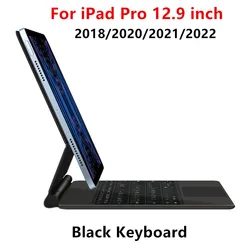
iPad Case with Detachable Bluetooth Keyboard and Mouse Combo - Russian (Black)

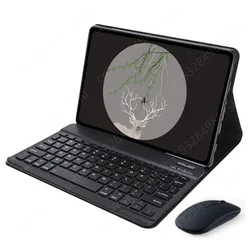
iPad Case with Detachable Bluetooth Keyboard and Mouse Combo

🎯 Product Overview:
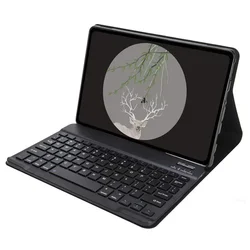
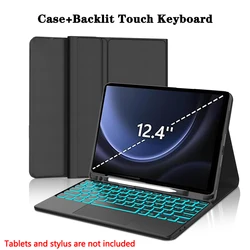
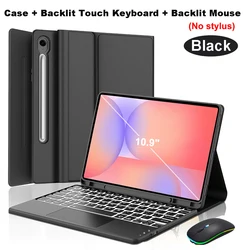
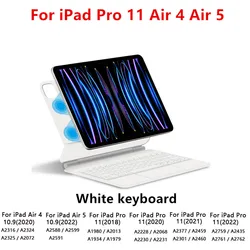
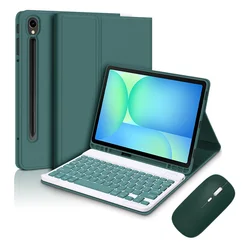
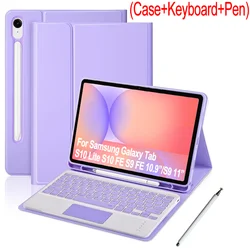
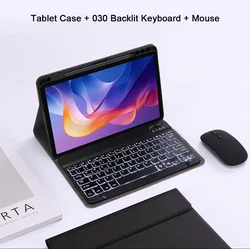
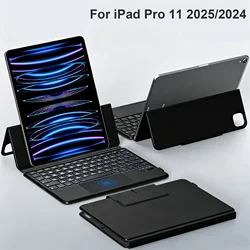
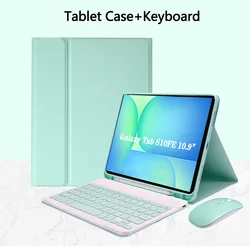
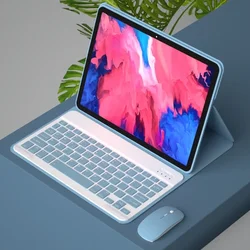
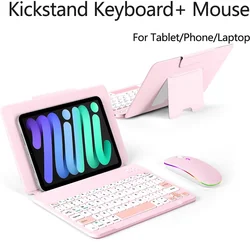
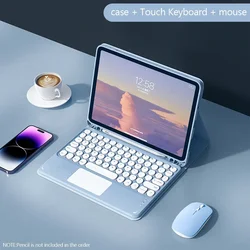
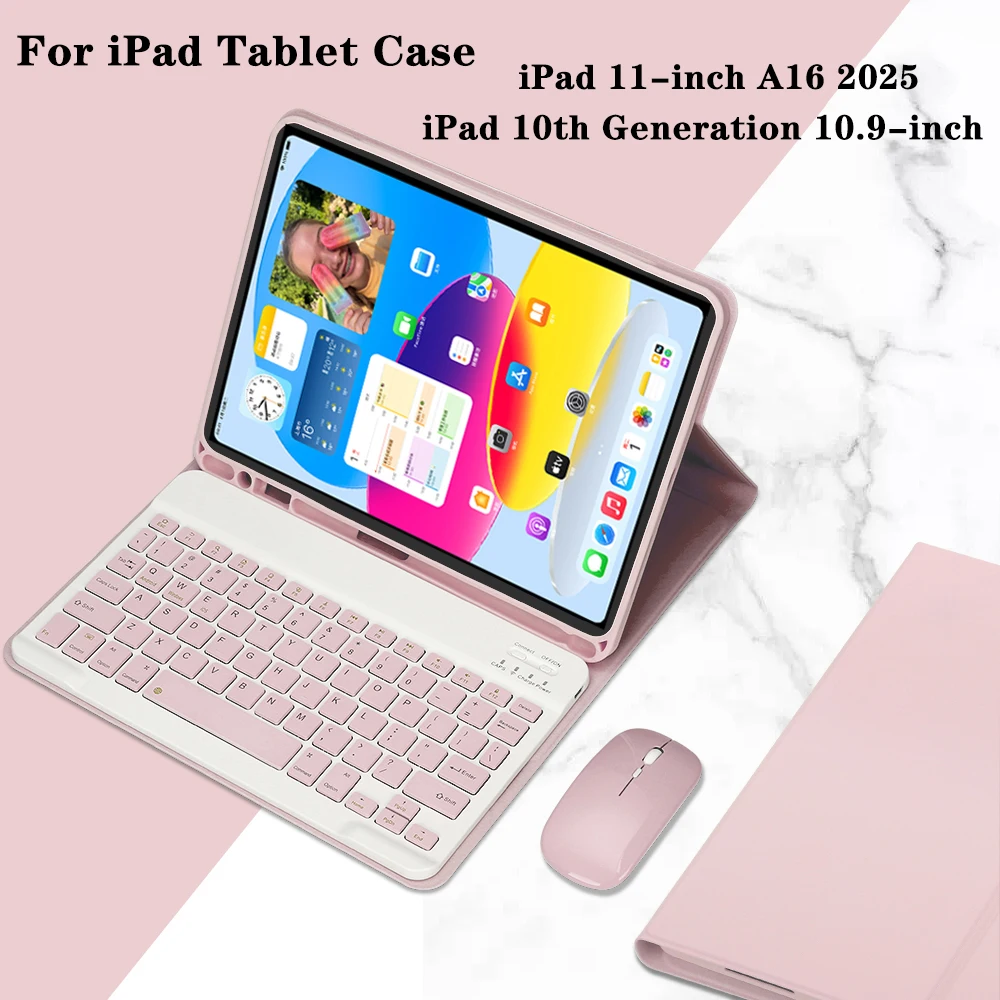
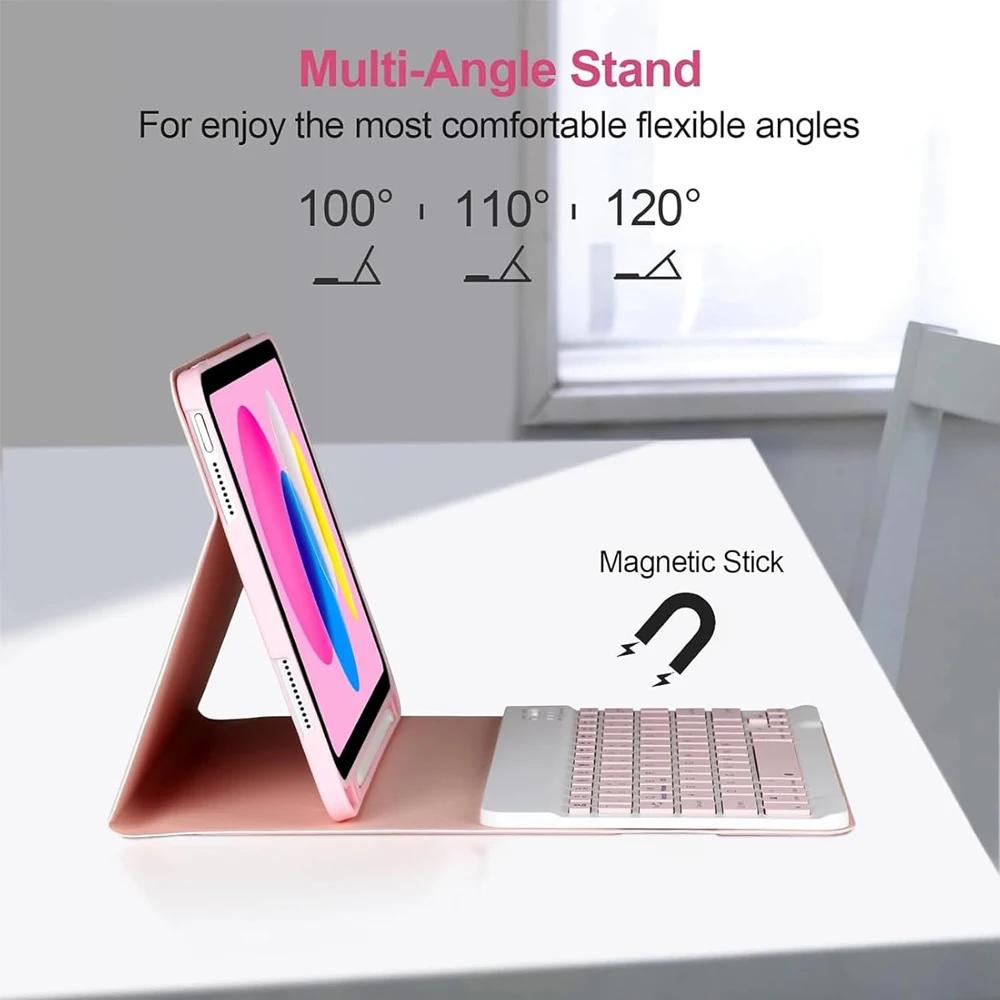
The iPad 10th Generation 10.9 Inch Case with Keyboard is a versatile accessory designed to enhance your tablet experience. It features a detachable Bluetooth keyboard and mouse, providing the functionality of a laptop while maintaining the portability of your iPad. This case is tailored specifically for the iPad 10th Generation (2022 Model: A2696/A2757/A2777/A3162) and the iPad 11-inch A16 (2025 Model: A3355/A3356/A3354), ensuring a perfect fit and optimal performance.

🧰 Compatibility:
Before making a purchase, please confirm that your iPad model aligns with the listed compatibility. You can find your model number on the back of your device or by navigating to "Settings" > "About" on your iPad. This will help you select the correct case for your device.

🧈 Quick Setup Guide:
Getting started with your keyboard and mouse is simple. First, connect your mouse by switching it to the "Bluetooth" mode and locating it in your device's Bluetooth settings. For the keyboard, turn it on, press "Connect," and find it in the Bluetooth list. Remember to pair the mouse before the keyboard for a smooth setup process.

🔵 Connecting the Keyboard and Mouse:

  • Mouse Setup: Toggle the mouse to the Bluetooth setting, then find and select it from the Bluetooth connections available.
  • Keyboard Setup: Switch the keyboard to "ON," press "Connect," and select the keyboard from your device’s Bluetooth list.

💥 Frequently Asked Questions:

  • First-time Mouse Connection: When pairing the mouse for the first time, hold down the left button, right button, and scroll wheel together for 3-5 seconds.
  • Scroll Direction Differences: Be mindful that the scroll direction may vary between USB and Bluetooth connections, impacting your user experience.
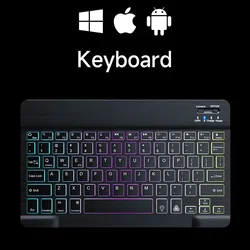
  • System Switching: You can easily switch between Android, Windows, and iOS systems using the function keys: Fn + Q for Android, Fn + W for Windows, and Fn + E for iOS.
  • Keyboard Layout Issues: If the keyboard letters appear jumbled, adjust the settings to ensure the device's keyboard language is set to English, disconnect, and reconnect the keyboard.
  • Multiple Language Input Configurations: For those using different languages, you can add new keyboards through your device’s language and input settings.
  • Adjusting Mouse Scroll Settings: To modify the scroll direction for your mouse, navigate to "General" > "Trackpad & Mouse" on your device and disable "Natural Scrolling."

🧩 This iPad case not only protects your device but also transforms your tablet into a powerful, easy-to-use workstation. Enjoy the freedom of a wireless setup while ensuring your iPad remains sleek and safeguarded.

$40.99 In Stock
Quantity:
Colour: Black Size: Russian
Compatible with Russian

FREE DELIVERY
Delivery Monday, 12th October - Wednesday, 14th October

$7.00 On time delivery guarantee

If this item arrives after the delivery date given at checkout, you will be emailed a $7.00 credit voucher to use on your next order

Why choose SDTEK?
Over 2 million customers since 2013
4.4 Google Shopping Rating
Great Trustpilot Rating
Fast delivery worldwide
14 Day, easy returns
24 Hour customer services
Buying for your business?
Bulk discounts available on this product
See our quantity discounts and business pricing

Other cases for Russian

View all Russian cases >>