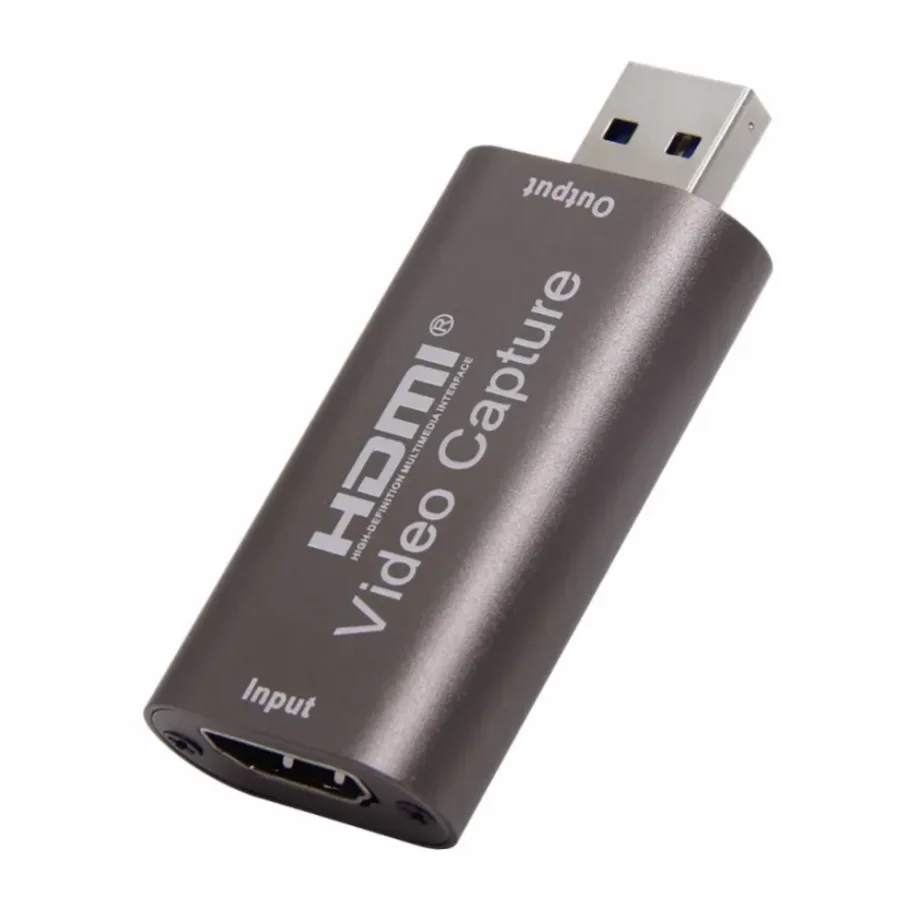
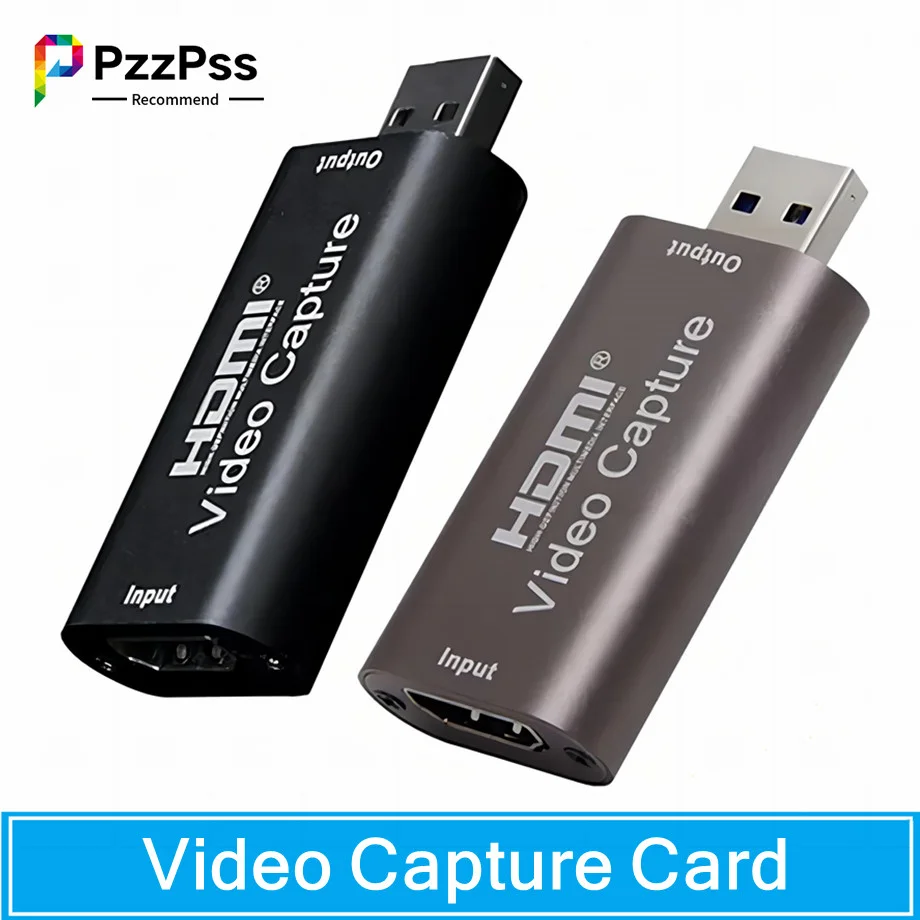
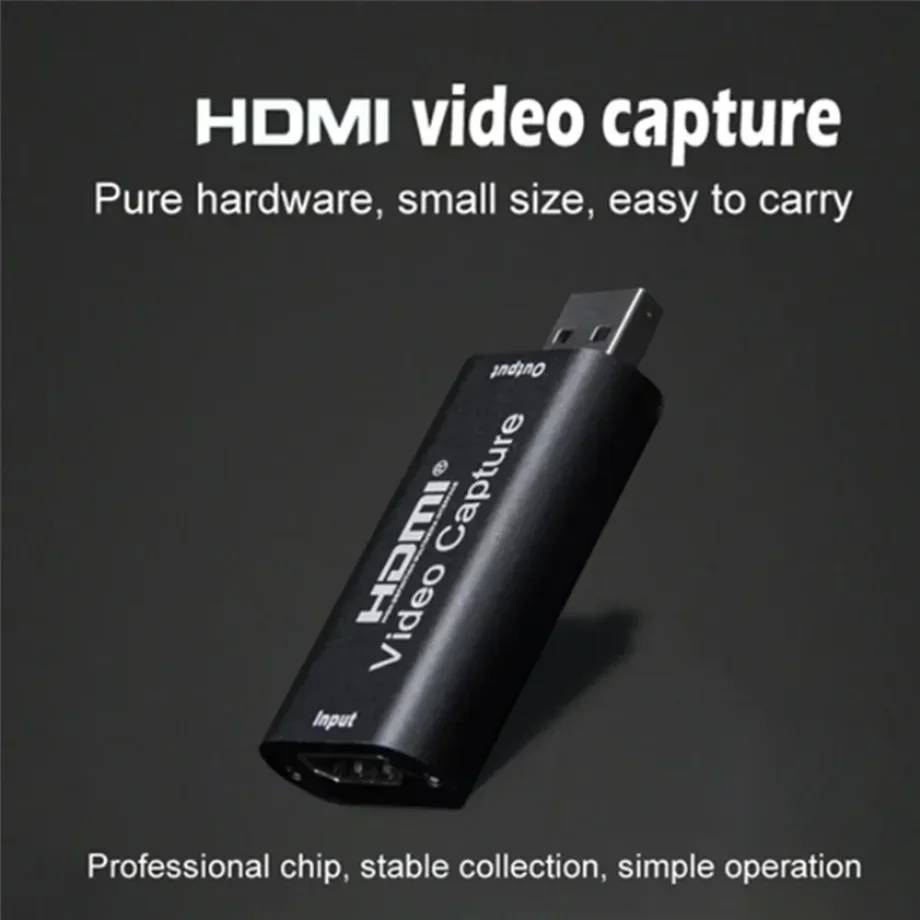
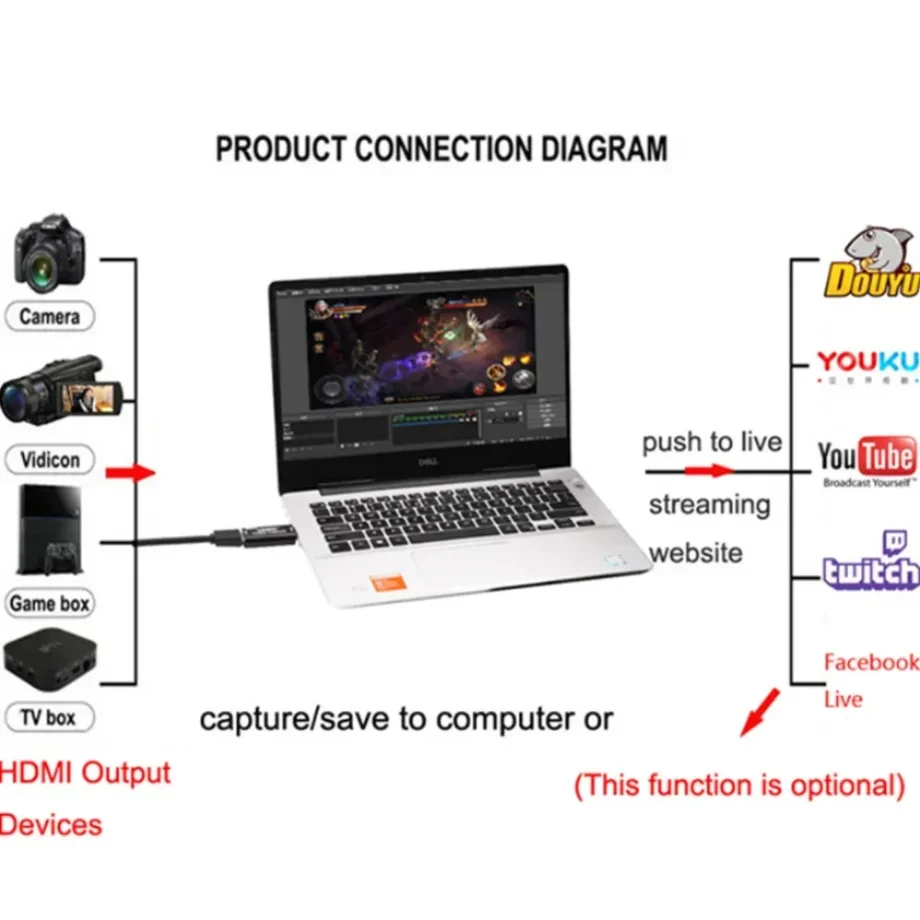
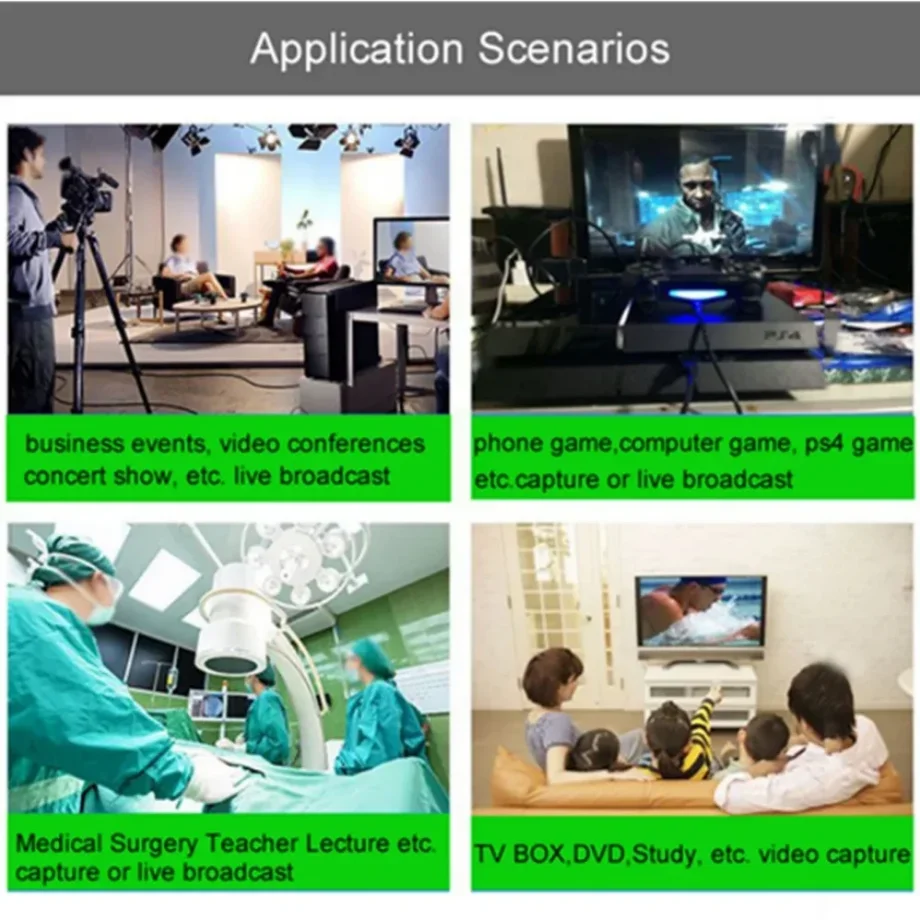
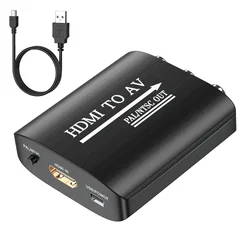
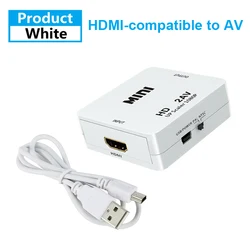
📦 Introducing the 4K USB 3.0 Video Capture Card, a powerful and versatile tool designed for capturing HDMI-compatible video and audio in high definition. This compact device is ideal for a variety of applications, including game streaming, teaching recordings, medical imaging, and much more. With the ability to transmit high-quality audio and video signals directly to computers and smartphones, users can easily preview and store their recordings with exceptional clarity.
🔧 Key Features:
- Supports input resolution of up to 3840×2160 at 30Hz, ensuring outstanding quality for your recordings.
- Offers output resolution of 1920×1080 at 30Hz, maintaining sharp visuals during playback.
- Compatible with 8, 10, and 12-bit deep color for enhanced color depth and vibrancy.
- Utilizes AWG26 HDMI-compatible standard cable, allowing for an impressive input distance of up to 15 meters for resolutions 1080P and below.
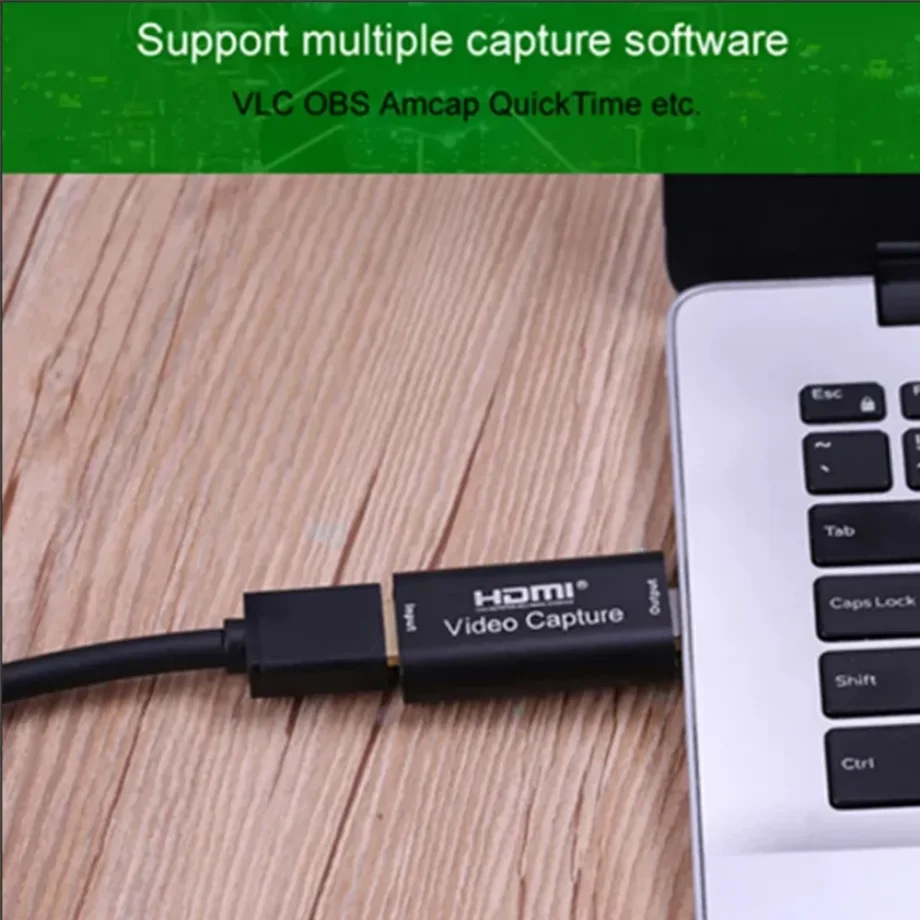
- Compatible with various acquisition software such as VLC, OBS, Amcap, and others, providing flexibility in usage.
- Designed to work seamlessly across Windows, Android, and MacOS platforms.
- Complies with USB Video and UVC standards, making it a reliable choice for video capture.
- Supports USB audio UAC standard, ensuring high-quality audio capture.
- Compact and portable design that operates without the need for an external power supply, making it easy to transport.
📦 Technical Specifications:
- Maximum HDMI-compatible input resolution: 3840×2160 at 30Hz
- Video output format options: YUV, JPEG
- Maximum output resolution: 1920×1080 at 30Hz
- Supported audio format: L-PCM
- Input cable distance: ≤15m using AWG26 HDMI-compatible standard cable
- Max working current: 0.4A/5VDC
- Operating temperature range: -10 to +55℃
- Compact dimensions: 64 x 28 x 13 mm
📦 System Requirements:
- CPU: For PC, Intel i5-3400 or above; For notebooks, Intel i7-3537U 2.0GHz or above
- Graphics card: For PC, NVIDIA GT630 or above; For notebooks, NVIDIA GT735M or above
- RAM: Minimum of 4G RAM
📦 Package Includes:
- 1 x Video Capture Card
- 1 x User Manual
Connection and Operation:
🧰 Setting up your video capture device is straightforward:
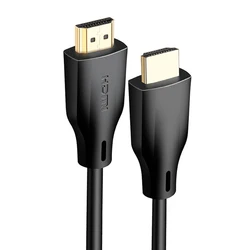
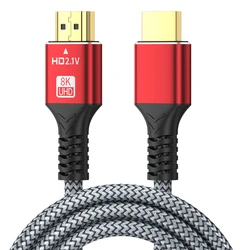
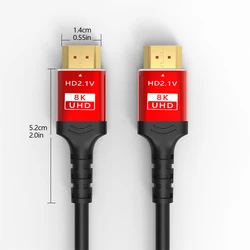
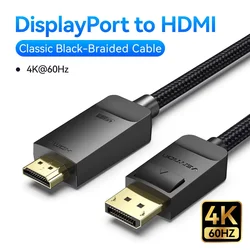
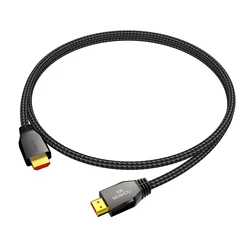
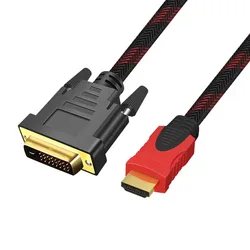
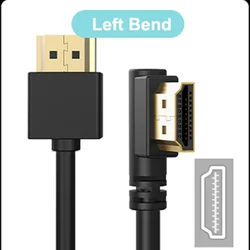
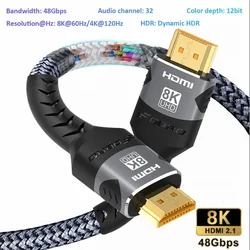
- Connect the UHD signal source to the HDMI-compatible input of the capture card using an HDMI cable.
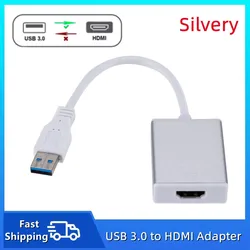
- Connect the USB port of the capture card to your computer using a USB cable.
- To operate with software like OBS, simply open the application, choose "Video Capture Device" and set your desired image size, then select "Studio Mode" to begin recording.
⚡ Enhance your video recording and streaming experience today with the 4K USB 3.0 Video Capture Card, designed for professionals and enthusiasts alike!