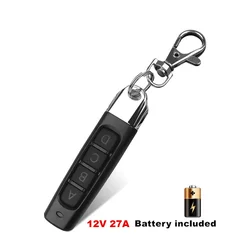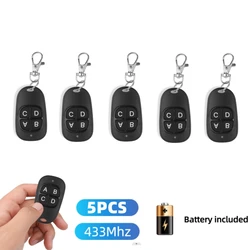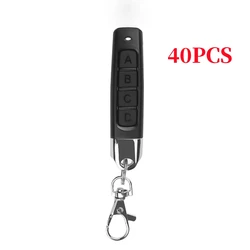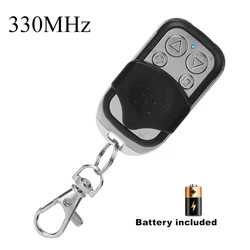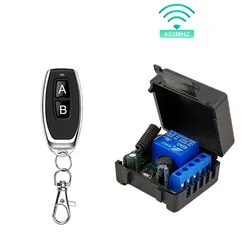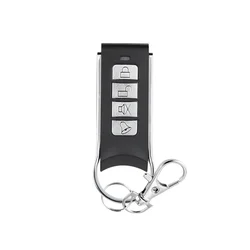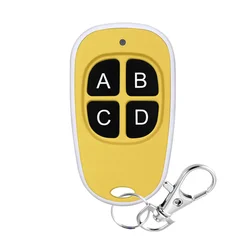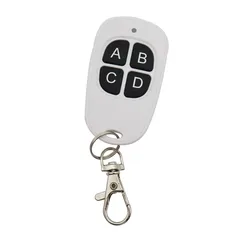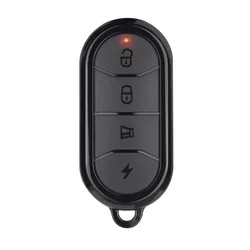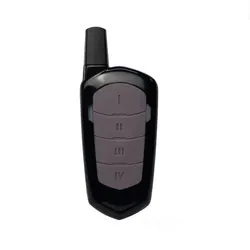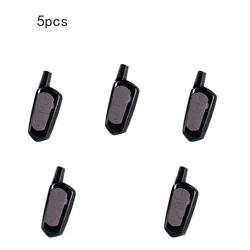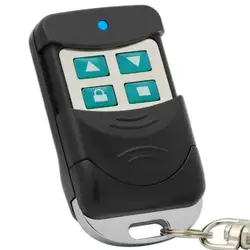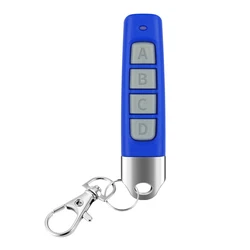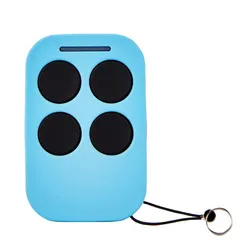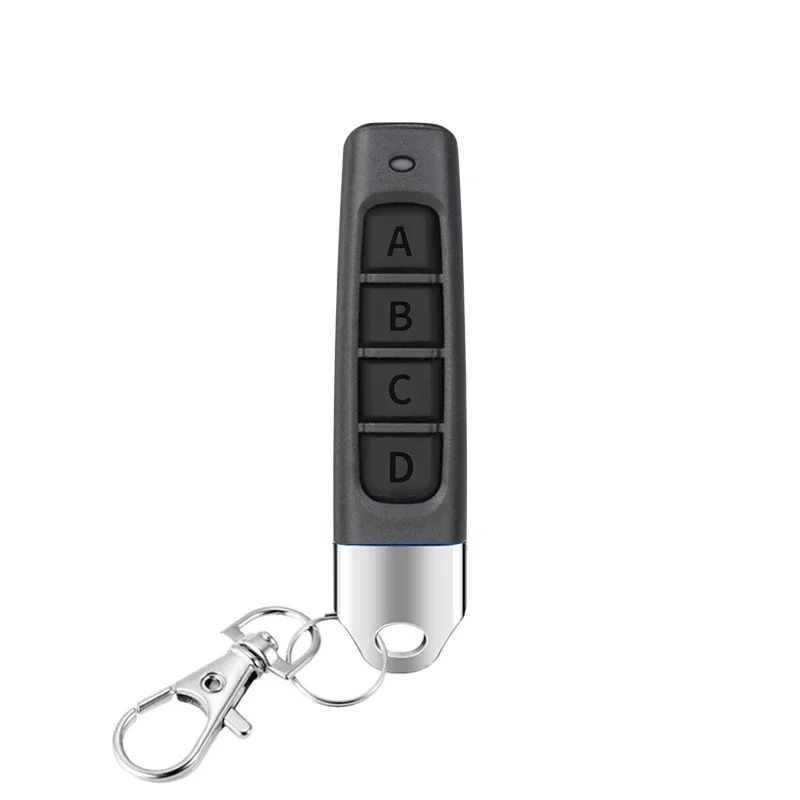
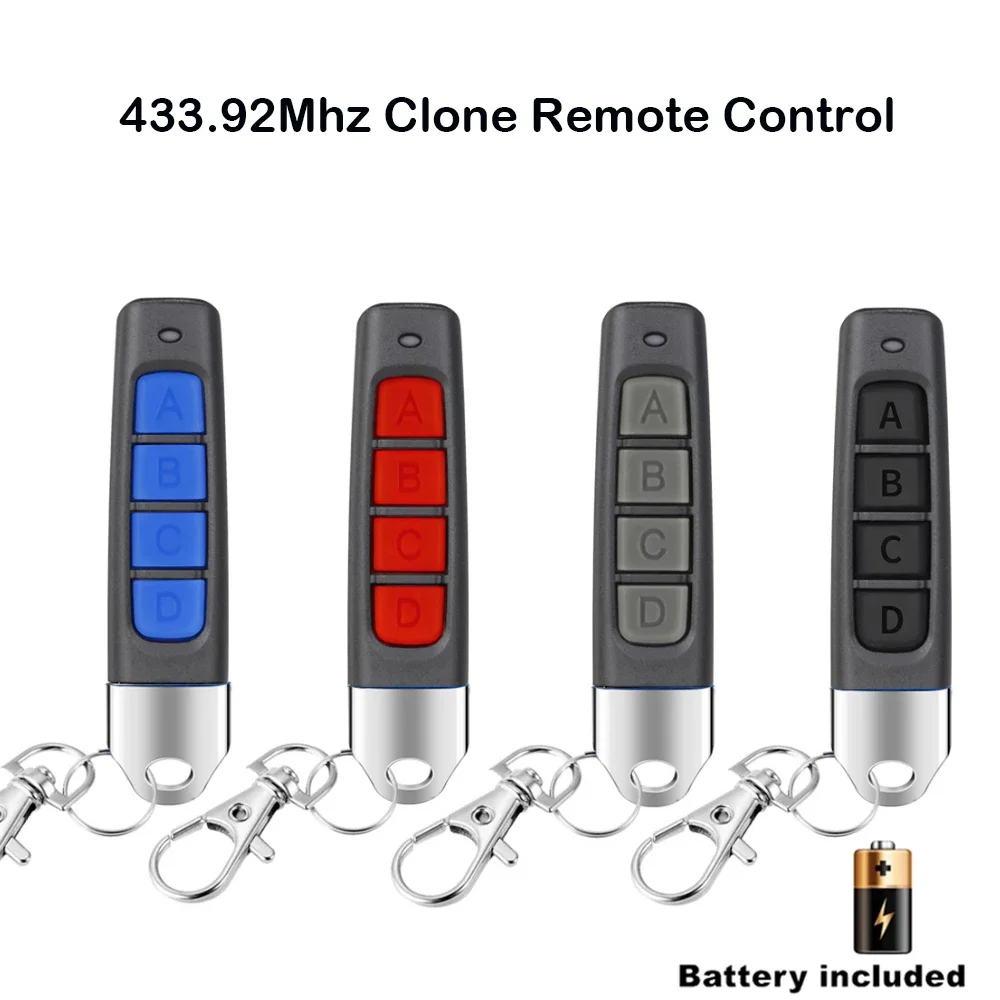
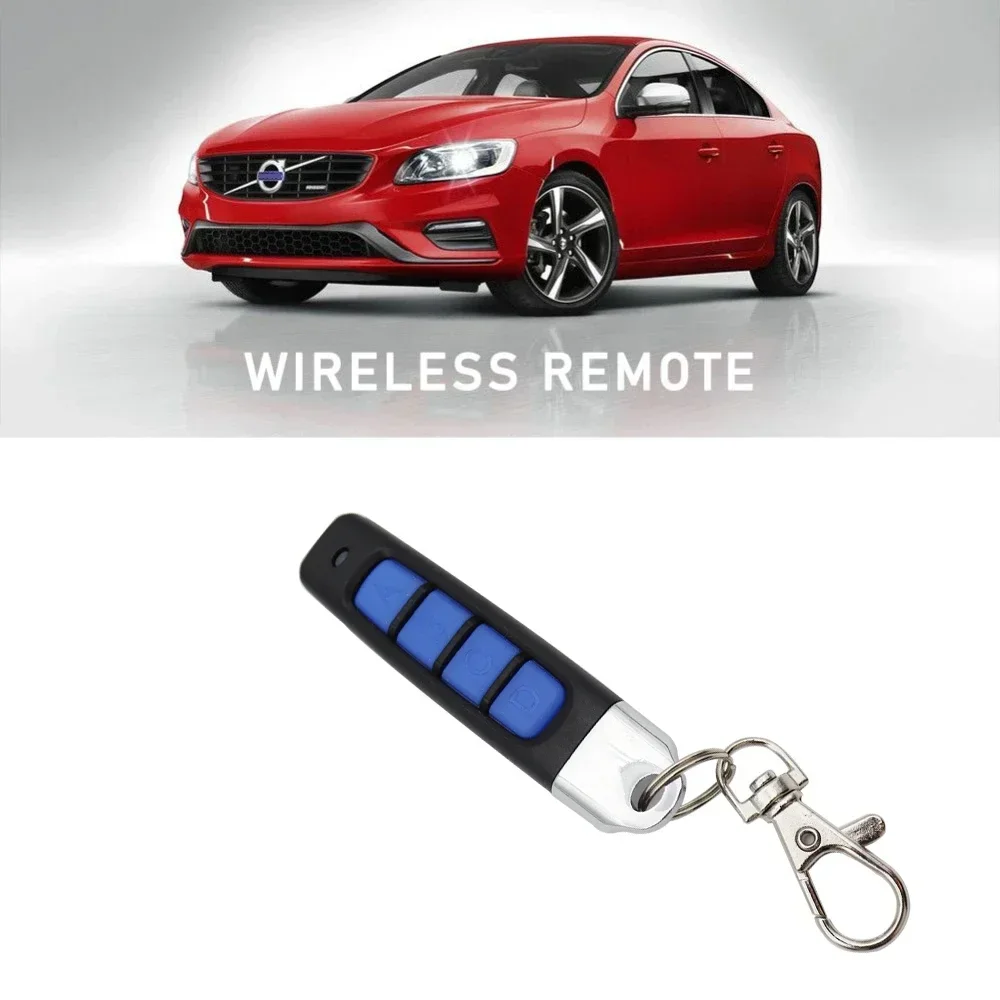
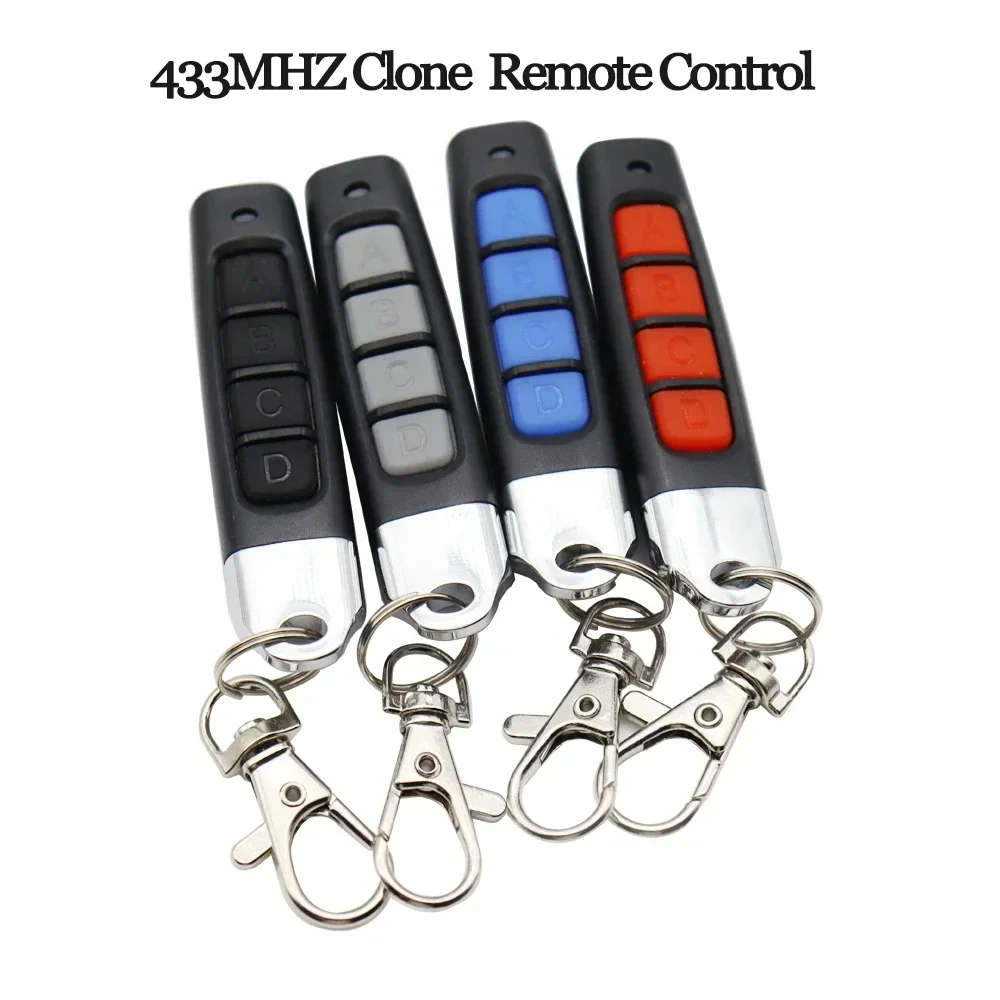
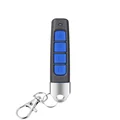
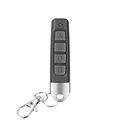
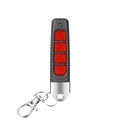
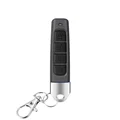
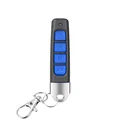
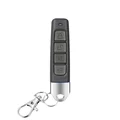
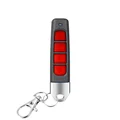
433MHz Remote Control - 4 Channel Garage Gate Door Opener Remote Control Duplicator
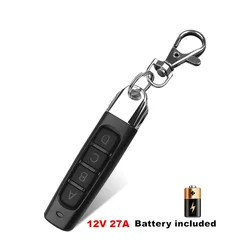
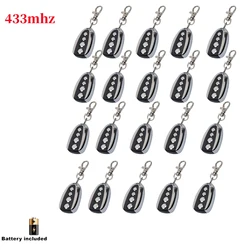
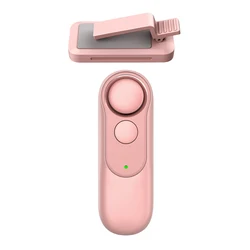
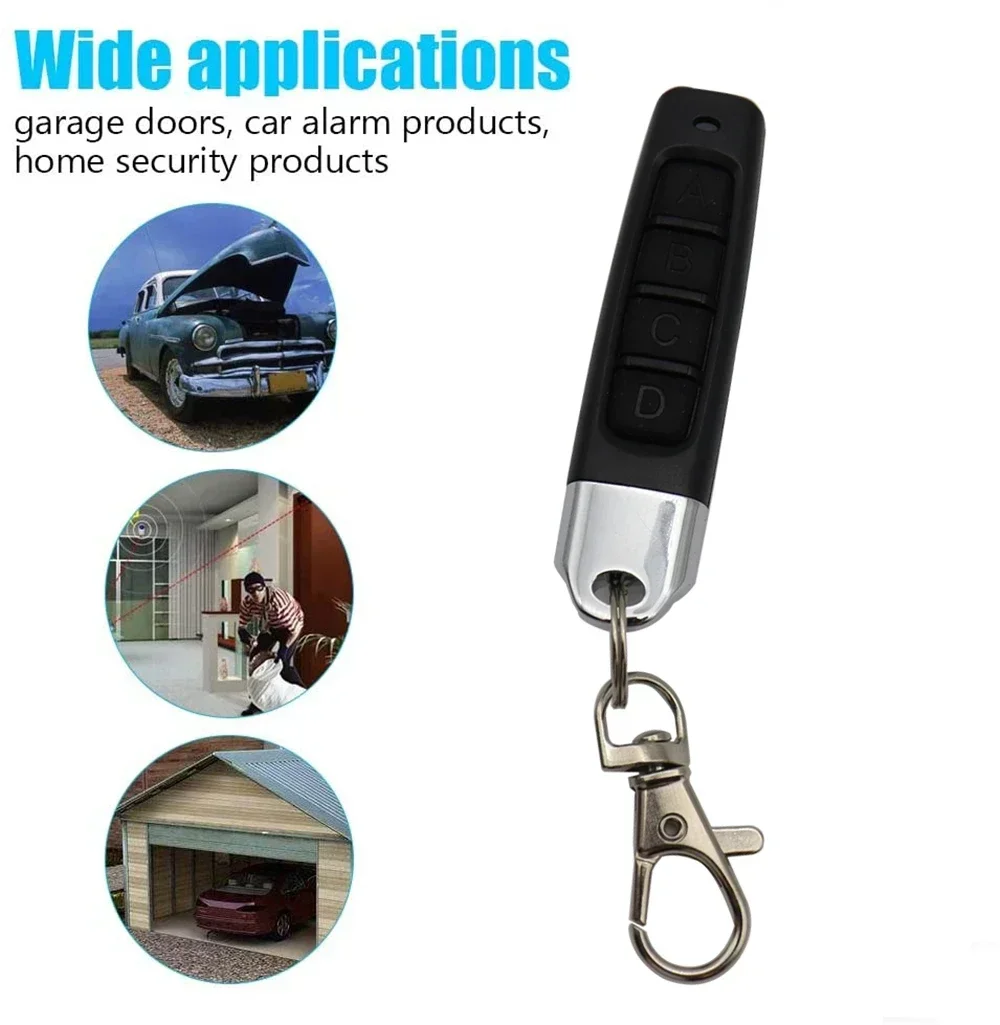
📦 This versatile 433MHz remote control is designed to easily duplicate existing remote control codes for a variety of applications including garage doors, electric gates, and alarm systems. Its compact design makes it convenient to carry, providing a reliable solution for remote access without the hassle of multiple devices.
Cloning Compatibility: The remote control is equipped to clone chip types such as 2260 (PT2260, SC2260, LX2260, HX2260), 2262 (PT2262, SC2262, LX2262, HS2262, HX2262), PT2264, PT2240 (LX2240), 1527 (EV1527, HS1527, HX1527), FP527, CS5211, SMC918, SMC926, AX5026, AX5326-3, AX5326-4, HT600, HT680, HT6207, HT6010, HT6012, HT6013, HT6014, HT12D, HT46F49E, PIC16F629, PIC16F630, and more. While different manufacturers may use varying prefixes, the key is that the digital segment of the chip remains the same.
⚡ Important Note: Please be aware that cloning rolling code remotes is not recommended due to inherent uncertainties. It may not be possible to ascertain whether the original remote utilizes encryption, which complicates the cloning process.
Detailed Use Instructions:
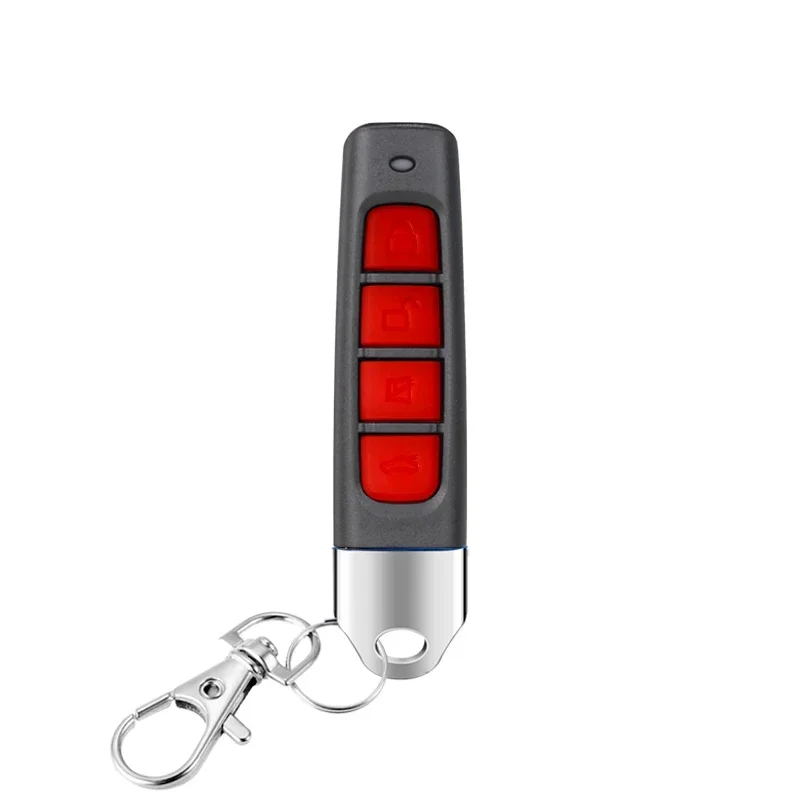
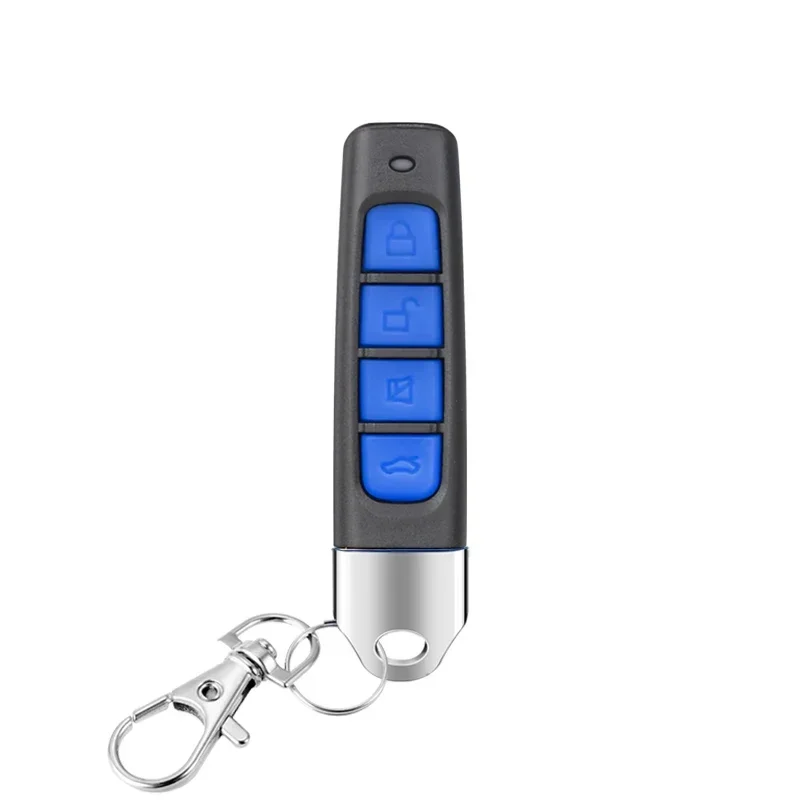
🔍 1. Clearing the Code: To clear the existing codes, simultaneously press and hold both the unlock and lock buttons. When the LED indicator flashes rapidly three times within approximately two seconds, release one button while continuing to hold the other. Quickly tap the released button three times until the LED flashes rapidly again. Once done, release both buttons, then press any button on the remote to finalize the clearing process. If the LED remains on after this step, repeat the process until the code is successfully cleared.
🔘 2. Copying a Code: Hold the original remote in one hand and the cloning remote in the other, keeping them as close together as possible. Simultaneously press the first button on both remotes. After about two seconds, the LED will flash twice rapidly. Hold on until the LED keeps flashing, then release the buttons. Press the button you wish to copy on the cloned remote. A steady glow from the LED indicates a successful copy. Repeat this process for the additional buttons as needed.
🔍 3. Restoring Codes: If you accidentally clear a copied code, restore it by simultaneously pressing the bottom two buttons on the cloned remote. The LED will flash quickly, then release and press any key. A continuous LED light means the code has been restored successfully.
🔍 4. Troubleshooting Key Functionality: If some keys work while others do not, follow these steps: clear the code again, recopy only the problematic keys, and then do another clear followed by a restore. This method replaces any keys that failed to copy while retaining the successful ones. Repeat as necessary until all keys function correctly.
🧩 Safety Precautions:
🧩 1. Ensure that the original remote control functions correctly, utilizes the same chip type, and operates at the same frequency prior to cloning.
2. This remote can copy fixed codes and certain learning chips, so check compatibility with the listed chip types before attempting to clone.
3. Be aware that two-way, rolling code, and single-chip encrypted remotes cannot be duplicated, including models like HCS200, HCS201, HCS300, and HCS301.
🔍 4. Always confirm that any existing codes on the original remote have been cleared successfully prior to cloning.
💍 5. Confirm that both remotes are adequately powered and wish to maintain an optimal copying distance for best results, ensuring complete signal transfer.
Specifications:
📶 Package Includes:
If this item arrives after the delivery date given at checkout, you will be emailed a $7.00 credit voucher to use on your next order