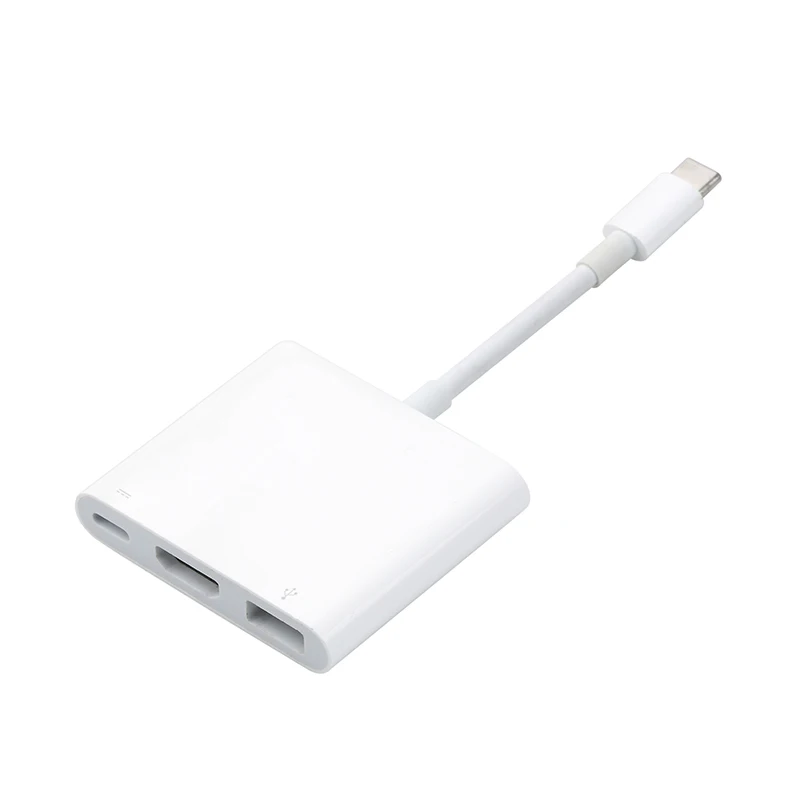
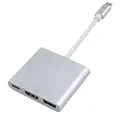
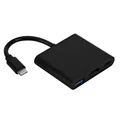
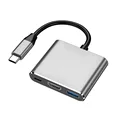
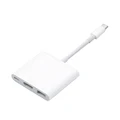
3-in-1 USB Hub: USB-C to HDMI Splitter Hub
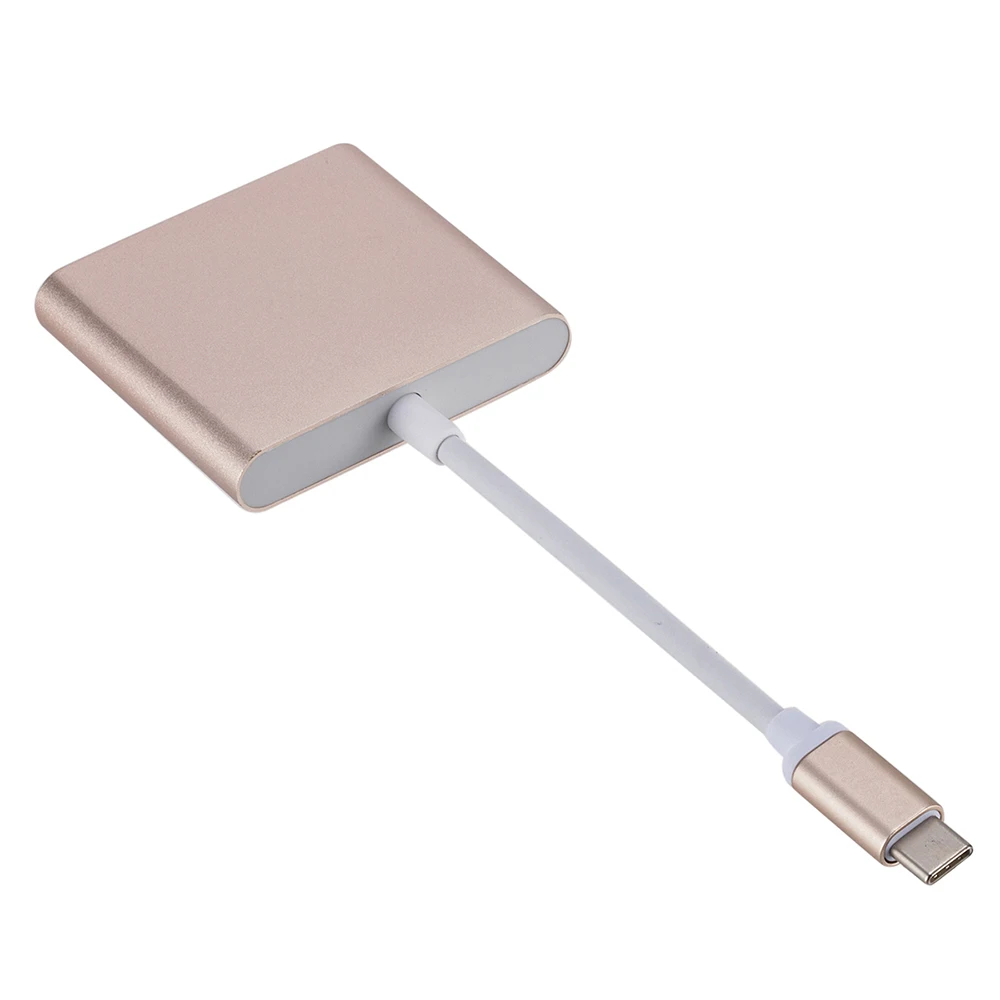
⚡ Experience unparalleled versatility with our 3-in-1 USB Hub, designed to bridge the gap between your devices and external displays. This innovative docking station is ideal for users of MacBook Air, MacBook Pro, Samsung smartphones, and many other devices featuring USB-C ports.
Seamless Connectivity:
Connecting your devices has never been easier. Simply follow these straightforward steps:
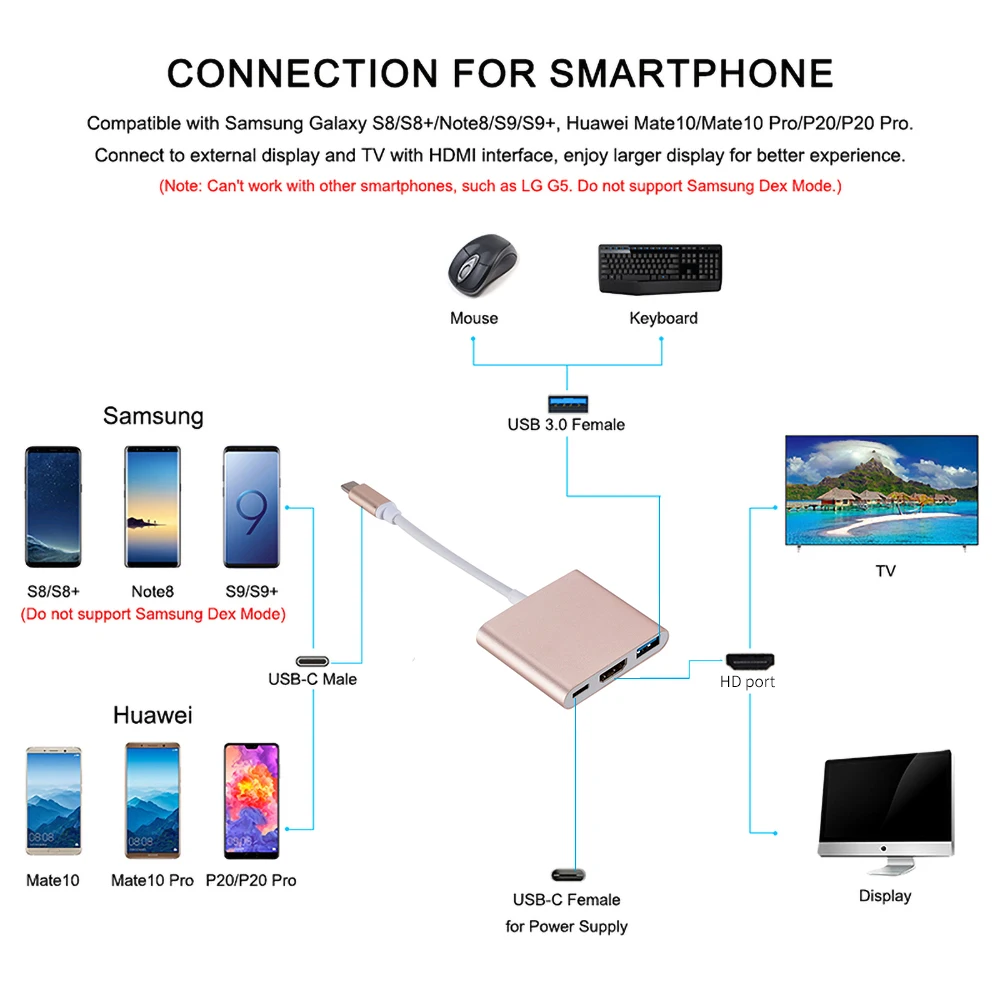
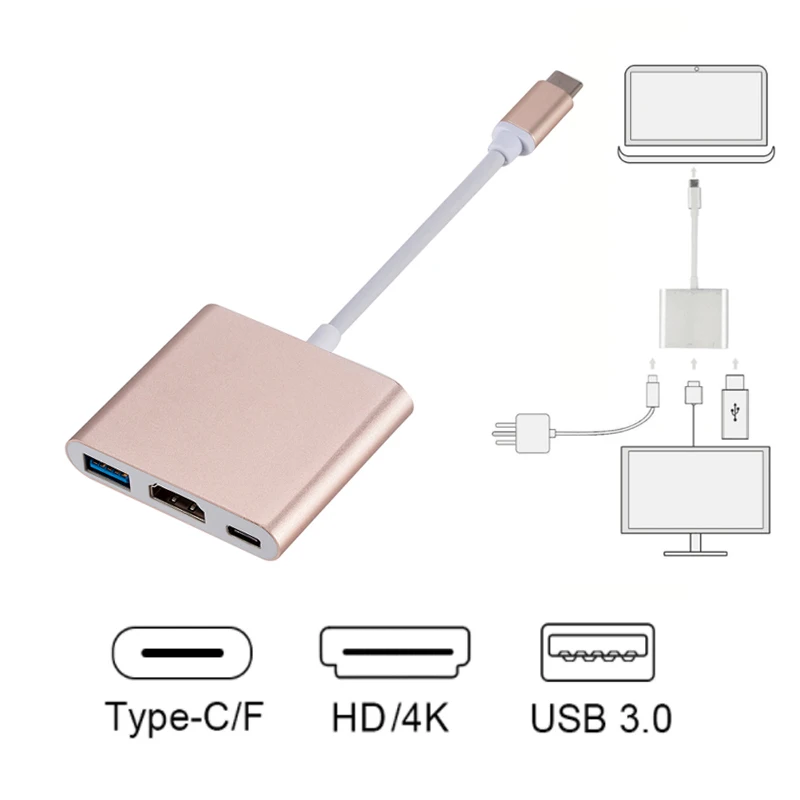
Step 1: Plug the Type-C female adapter into a reliable DC 5V power supply.
⚡ Step 2: Attach the USB Type-C connector from the adapter to any compatible device that supports USB-C HDMI output.
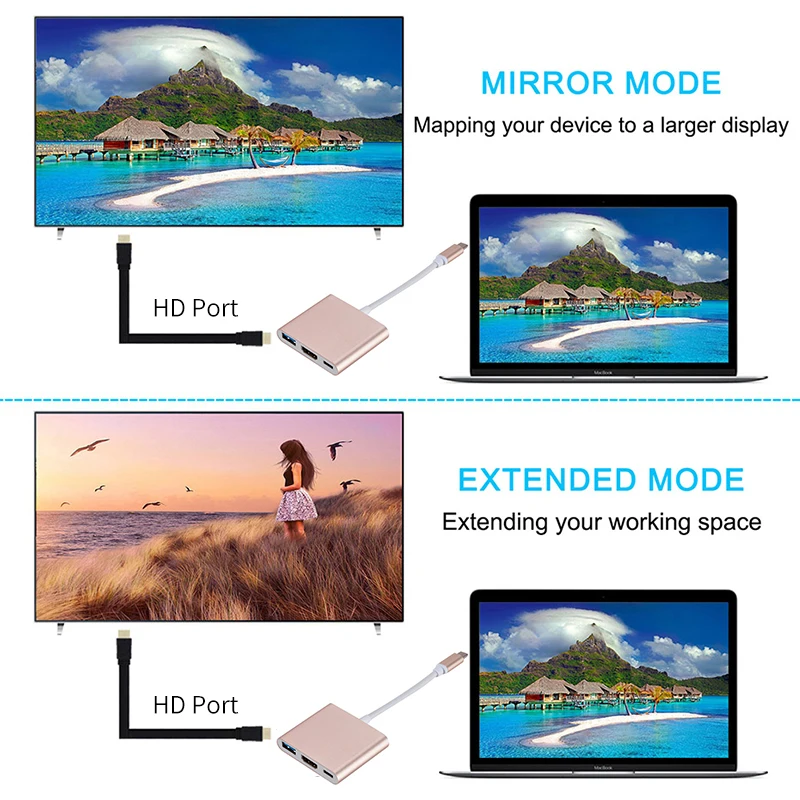
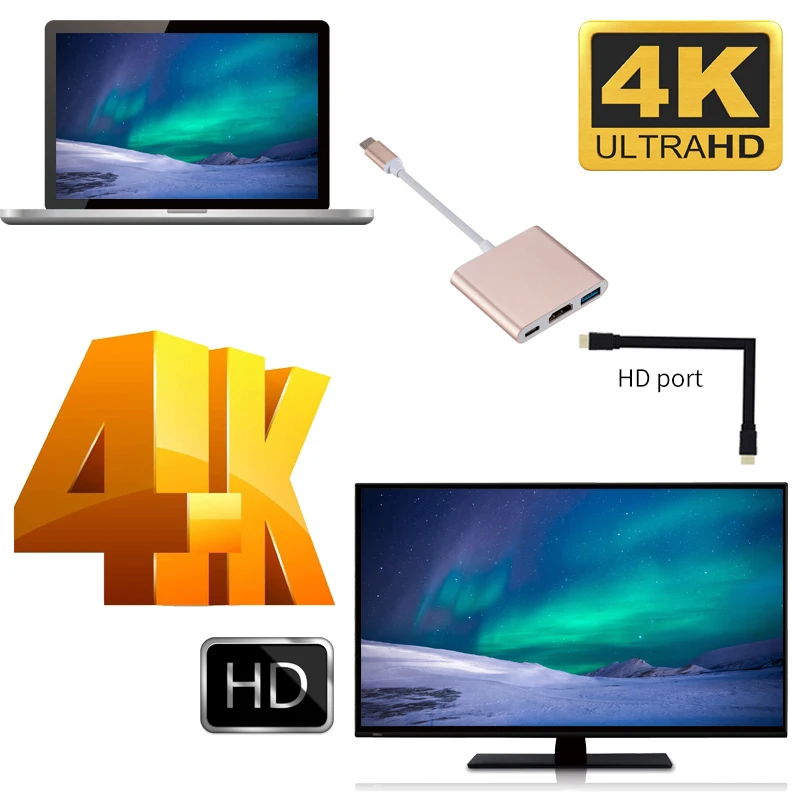
Step 3: Utilize a standard HDMI cable to link the adapter's HDMI output to your HDTV or HDMI-enabled display for an expanded viewing experience.
🧩 Versatile Functionality:
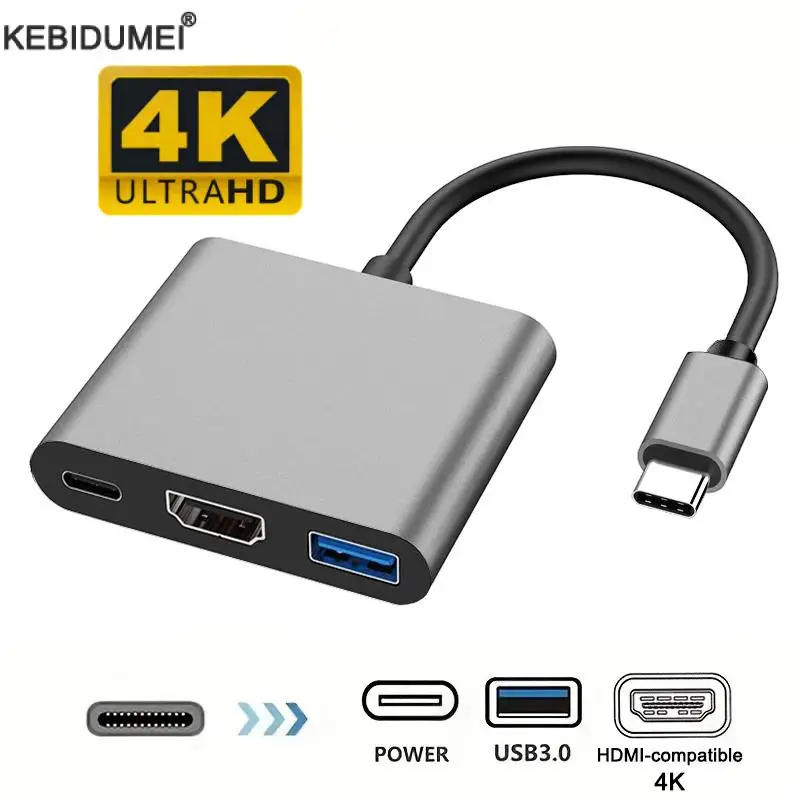
⚡ This USB-C 3.0 to HDMI adapter hub is not just a simple connector; it's a multifunctional docking station that allows for high-definition video and data transfer. With support for video resolutions up to 4K UHD (3840x2160) at 30Hz and backward compatibility with 1080P at 60Hz, you can enjoy incredibly sharp image quality for all your visual content.
⚡ The USB 3.0 port delivers lightning-fast transfer speeds of up to 5Gbps, making it perfect for connecting your keyboard, mouse, or external flash drives. This ensures seamless data synchronization and charging for smartphones and other devices.
⚡ The USB-C port is another essential feature, allowing you to charge your laptop efficiently through its Type-C female interface. With an automatic power adaptation range from 5W to 60W, it supports high-speed charging, catering to various device needs.
Wide Compatibility:
Our 3-in-1 USB Hub is compatible with a broad range of devices, including:
🪶 Whether you're presenting data in a professional setting, enjoying your favorite movies, or gaming on a larger screen, this USB Hub is the perfect companion for your USB-C enabled devices.
If this item arrives after the delivery date given at checkout, you will be emailed a $7.00 credit voucher to use on your next order