Phone Cases
Chargers and Cables
Gaming
Gadgets
Tablet and iPad Cases
Your Account
Language
Business
Phone Data
Contact Us
4.4 Google Shopping Rating Over 2 million customers since 2013 $3.99 Worldwide Delivery Free delivery order over $30+

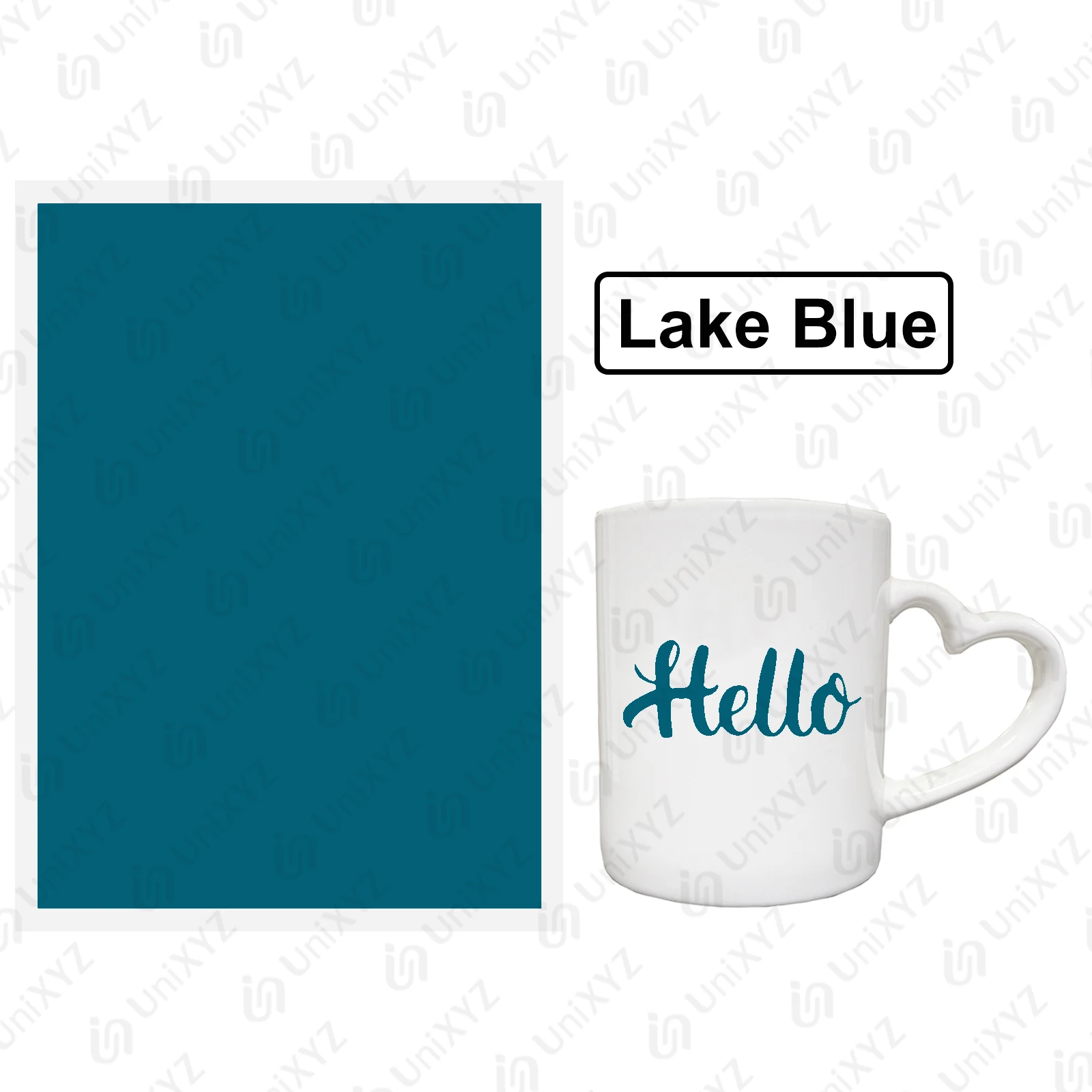
Vibrant 12-Color Laser Marking Paper for Engraving and Cutting on Ceramics, Glass, and Stone (1x Lake Blue)

Vibrant 12-Color Laser Marking Paper for Engraving and Cutting on Ceramics, Glass, and Stone
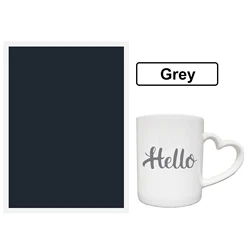
Colour: 1x Lake Blue
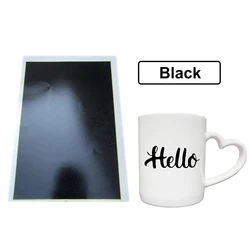
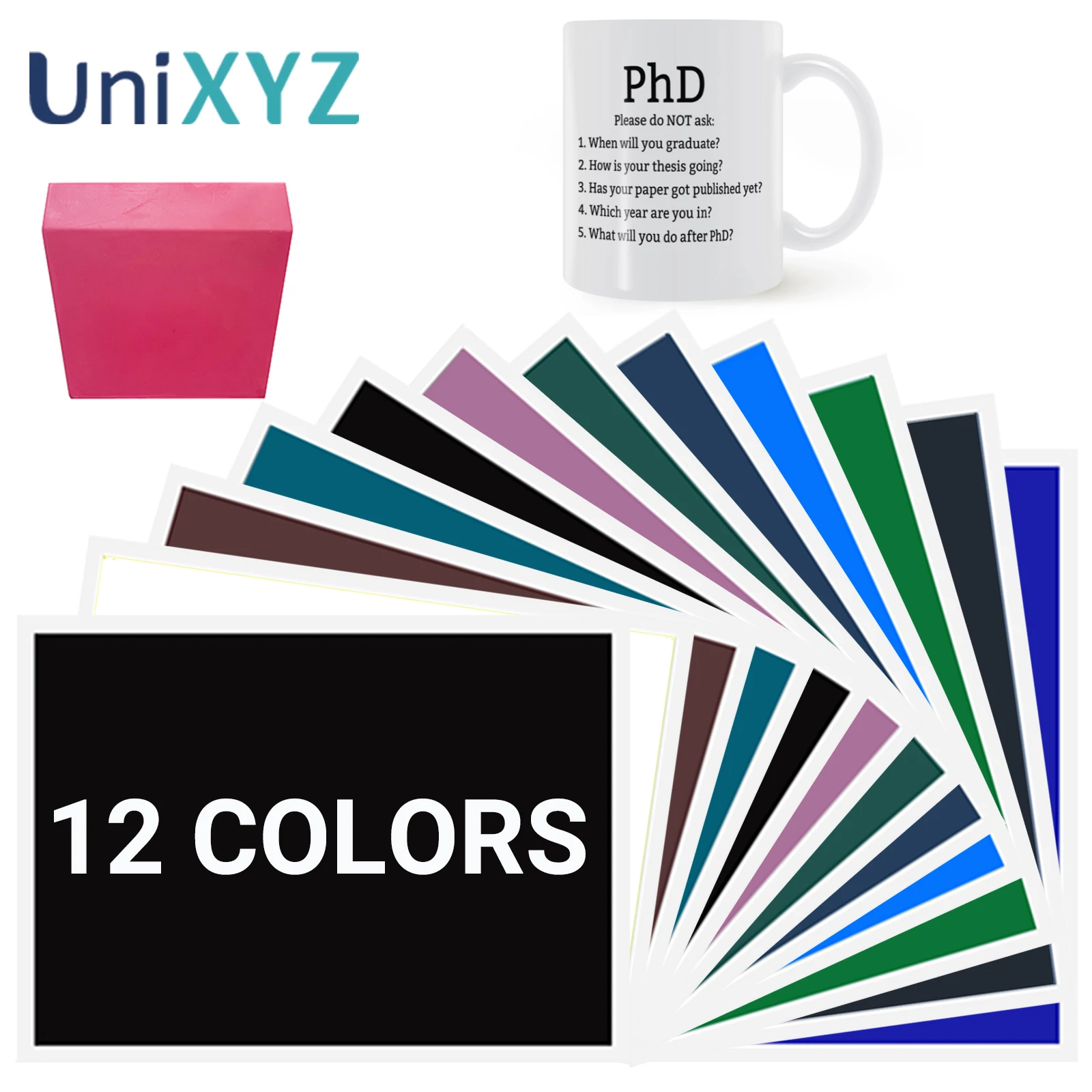
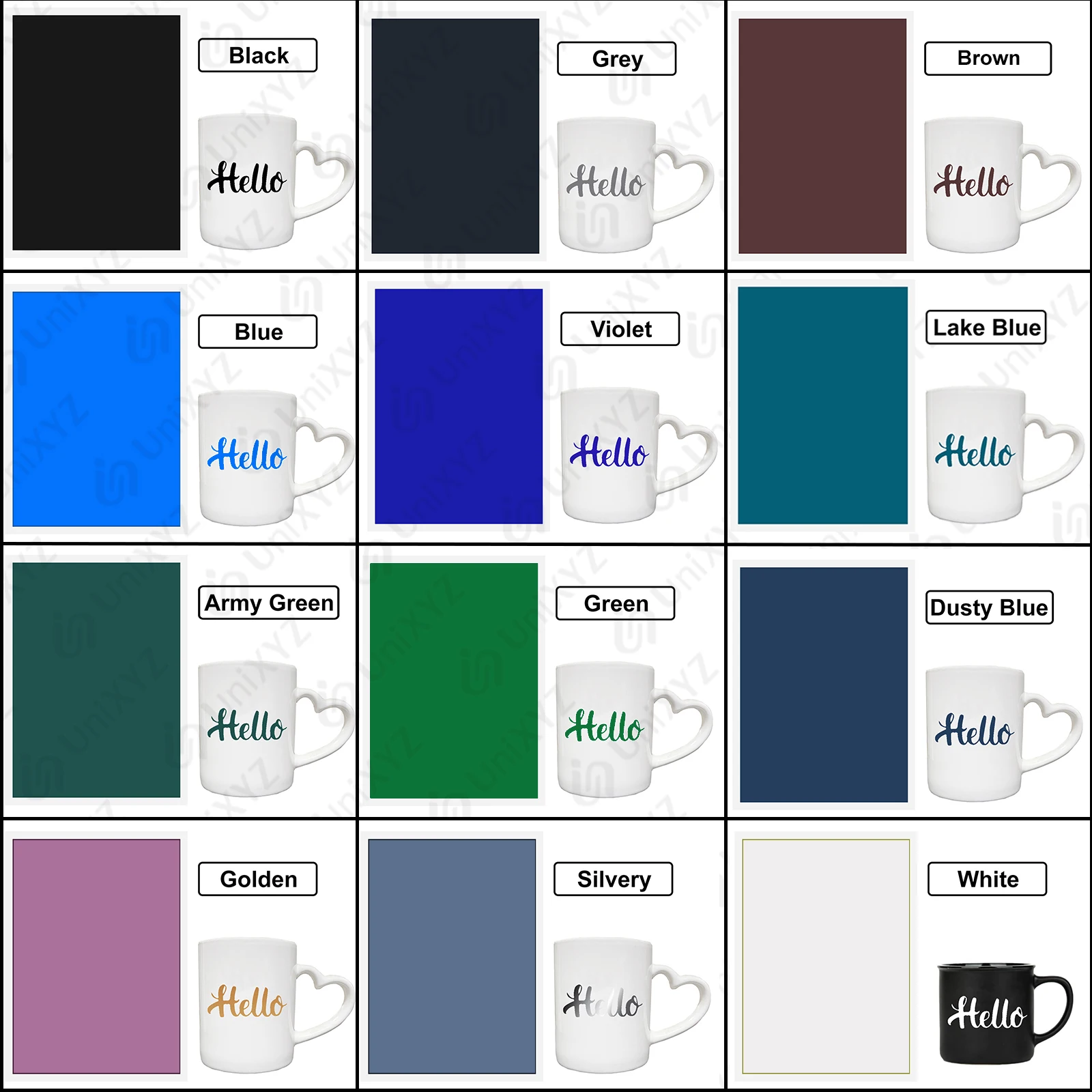
12 Full Colors 1x Army Green 1x Black 1x Blue 1x Brown 1x Dusty Blue 1x Golden 1x Green 1x Grey 1x Lake Blue 1x Rubber Scraper 1x Silver 1x Violet 1x White 35x15mm Black 1PC 40x12mm Black 1PC 5 Popular Colors

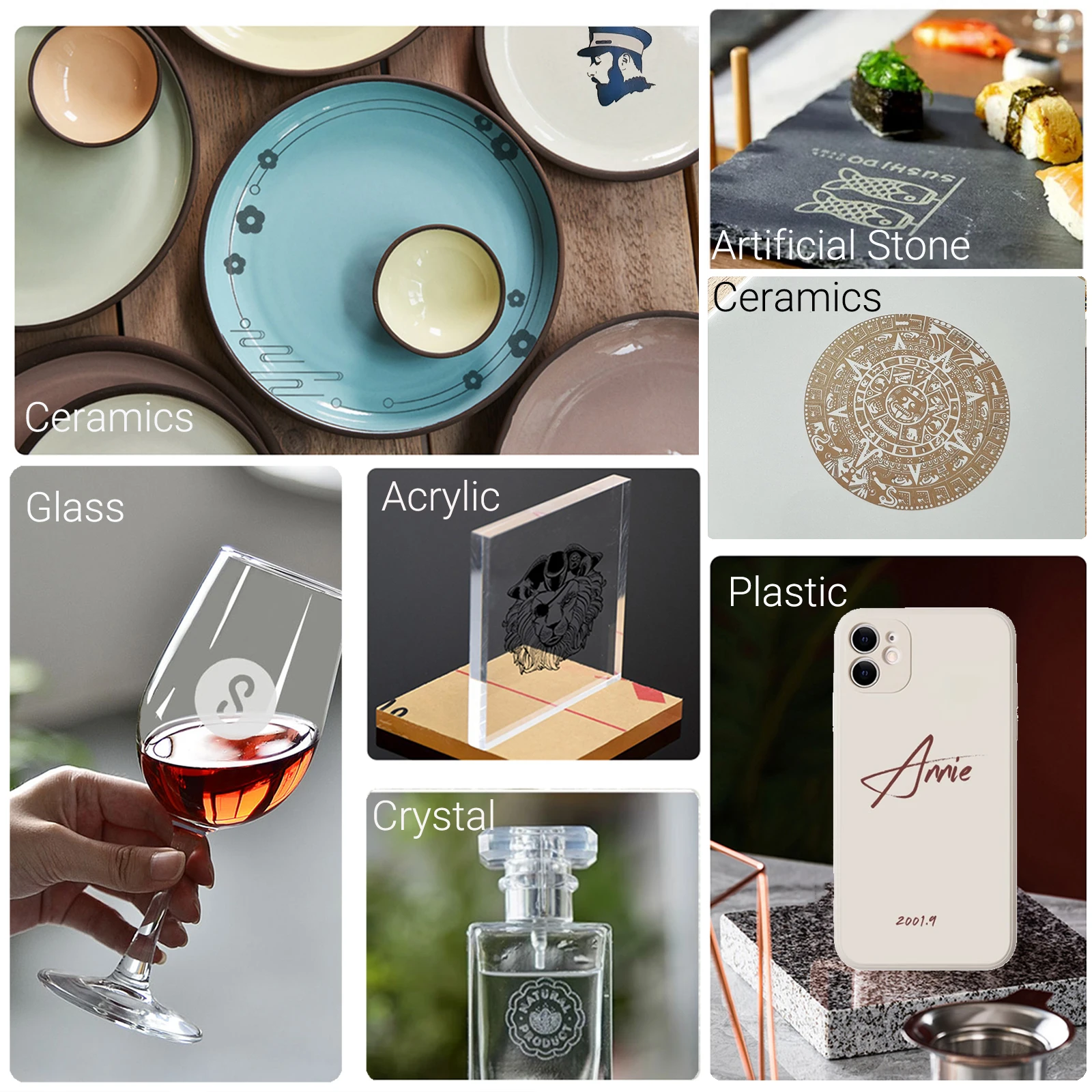
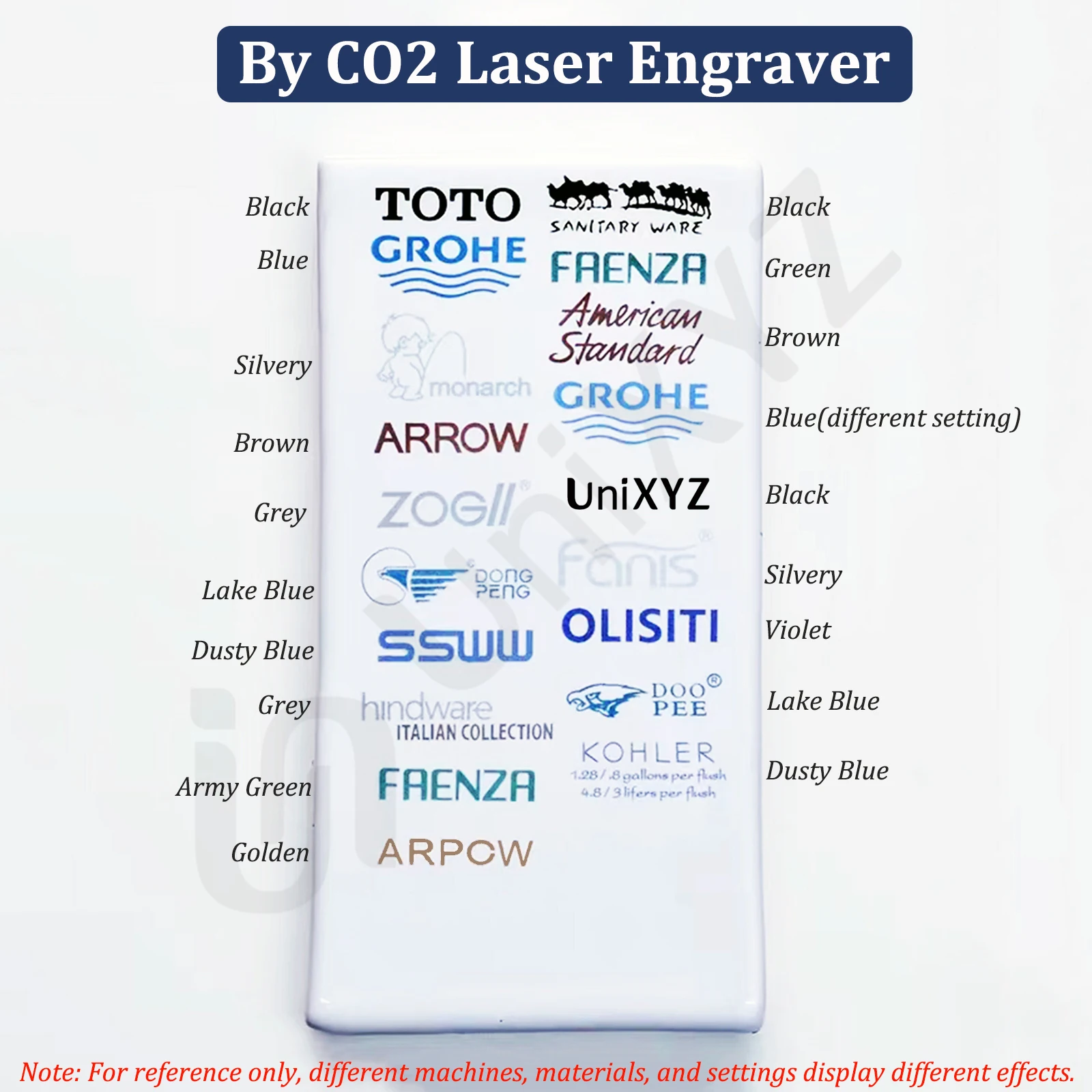
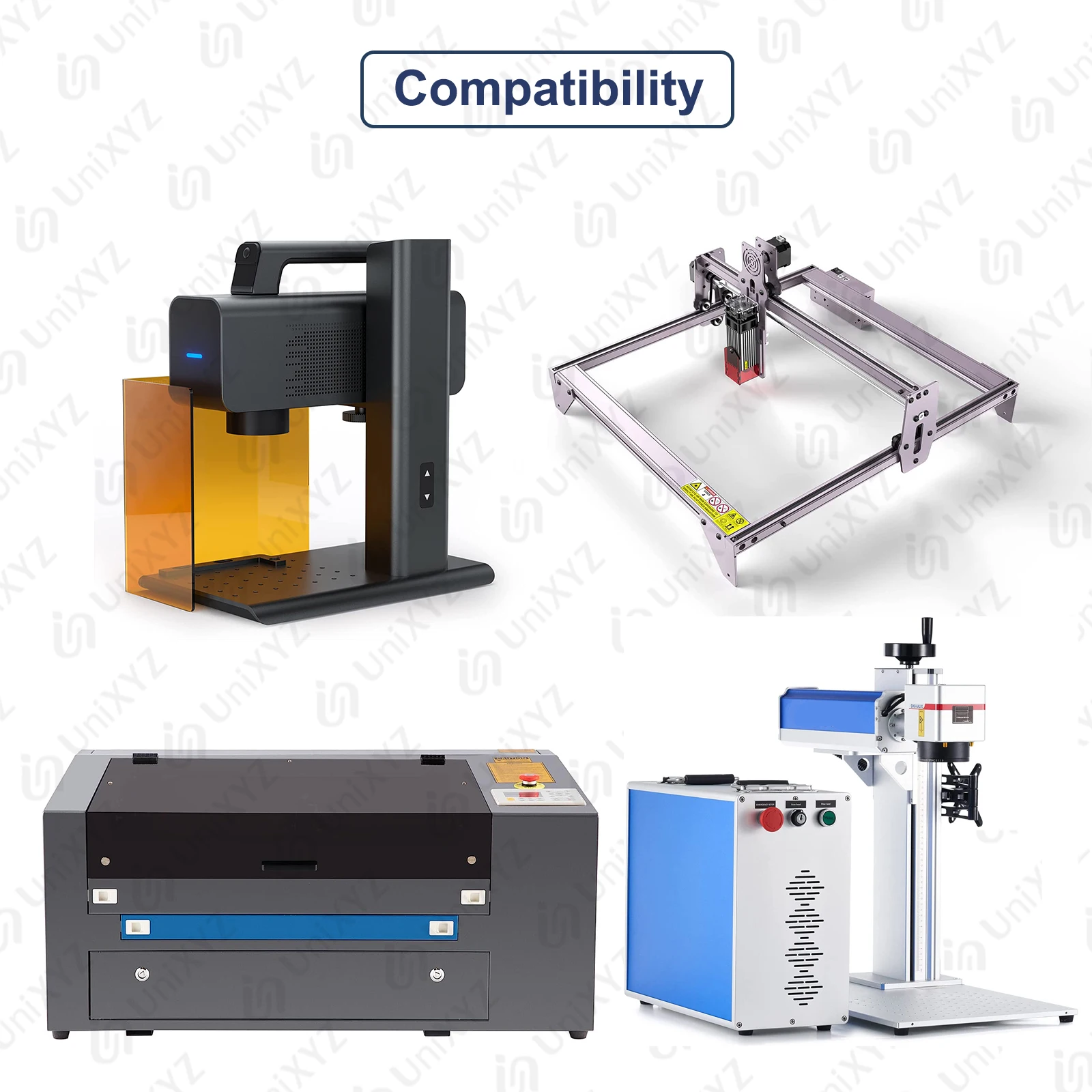
πŸͺž Introducing 12 Colors Laser Engraver Marking Paper: Elevate your engraving projects with our vibrant range of laser marking paper, specifically designed for use with CO2, fiber, and UV laser engraving and cutting machines. This versatile tool is perfect for creating stunning designs on a variety of materials, including ceramics, glass, stone, and tiles.

πŸ”© Important Note: Please be aware that this marking paper cannot be utilized on metal surfaces such as aluminum, stainless steel, or iron.

🌟 Coloring Effects: The final coloring effect achieved depends on various factors, including your specific laser engraving machine and its parameter settings. Each engraving machine has unique requirements, so users may need to experiment with parameters to obtain optimal results. If you're new to laser engraving, we recommend starting with black paper, as it delivers easier coloring outcomes.

⚑ Understanding Paper Colors: It's important to note that some colors may shift during the engraving process, resulting in a noticeable difference from the original hue. We indicate the true color on the back of each sheet for reference, and we encourage users to rely on this marked color for guidance.

πŸ’₯ Quality Assurance: Our colored engraved papers are carefully packaged to ensure they arrive in great condition. However, due to the nature of international shipping, slight creases or air lines may occur. Rest assured, these minor imperfections do not compromise the overall quality and will not impact your engraving process.

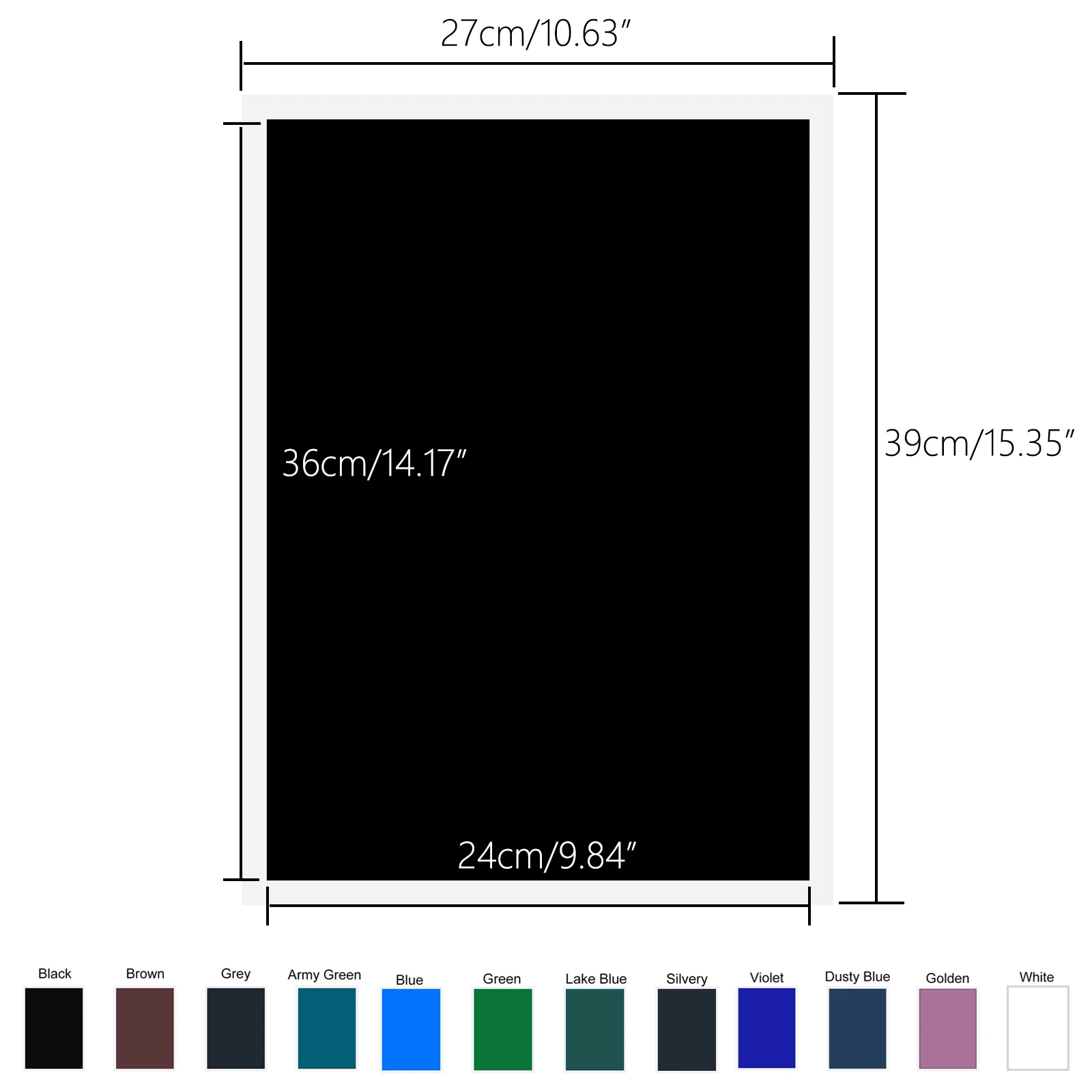
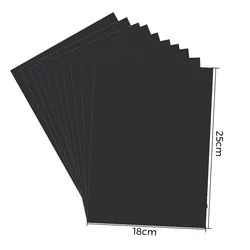
🧩 Custom Sizing Options: Our marking paper comes in generous sizes that can easily be cut to suit your specific engraving needs. The backing paper measures 39cm x 27cm (15.35" x 10.63"), while the colored paper dimensions are 36cm x 24cm (14.17" x 9.84"). Additionally, we offer pre-cut smaller sizes for your convenience:

  • 24mm x 24mm - 150pcs
  • 35mm x 15mm - 100pcs
  • 40mm x 12mm - 100pcs

Please note that due to manual cutting, there may be slight burrs on the edges of the background paper. This does not affect usability.

How to Use the Laser Engraver Marking Paper:

  1. Distinguish the Front Side: Ensure the colored side is facing upward when applying the paper.
  2. Cutting Color Paper: Trim the paper to the required size for your engraving design.
  3. Soaking Color Paper: Immerse the cut color paper in water for 1-2 minutes, then peel it from the backing.
  4. Stick on the Object: Position the paper with the color side up and use a scraper to eliminate air bubbles and creases. A rubber scraper is recommended for this step.
  5. Prepare to Engrave: Place your object on the engraving machine and choose the desired engraving pattern, ensuring it is properly aligned.
  6. Start Engraving: Launch the engraving process and patiently await its completion.
  7. Post-Engraving Soak: Soak the engraved piece in water for 5 minutes to aid in the removal of excess colored paper.
  8. Remove Excess Color Paper: Carefully take out your item and gently peel away the excess paper.
  9. Product Display: Customize and display your uniquely engraved products as desired.

🌟 Soft Rubber Scraper: Our silicone rubber scraper is an essential companion for your laser engraving projects, perfectly suited for flat and curved surfaces. It effectively aids in bubble and crease removal, enhancing overall results.

$11.99 In Stock
Quantity:
Colour: 1x Lake Blue

Delivery Thursday, 15th October - Saturday, 17th October
$7.00 On time delivery guarantee

If this item arrives after the delivery date given at checkout, you will be emailed a $7.00 credit voucher to use on your next order
Why choose SDTEK?
Over 2 million customers since 2013
4.4 Google Shopping Rating
Great Trustpilot Rating
Fast delivery worldwide
14 Day, easy returns
24 Hour customer services
Buying for your business?
Bulk discounts available on this product
See our quantity discounts and business pricing

Related items