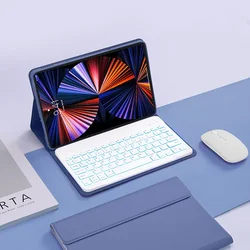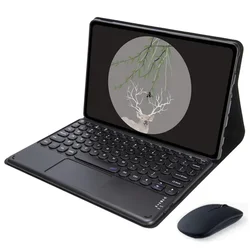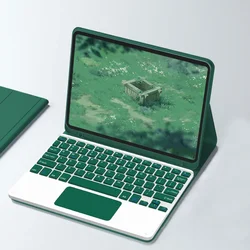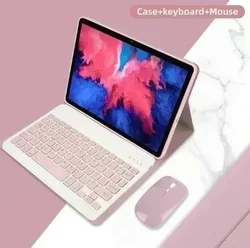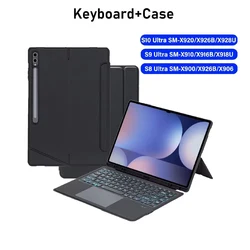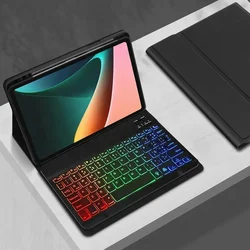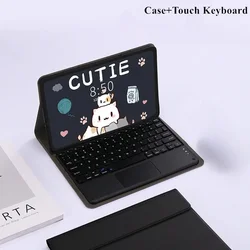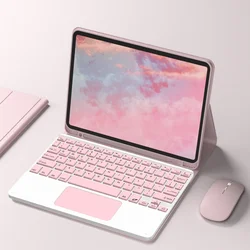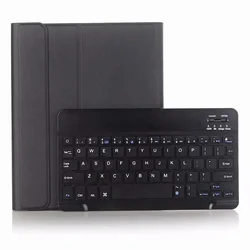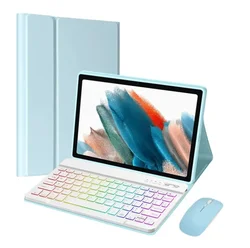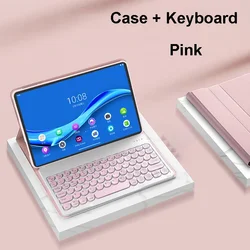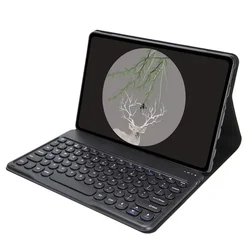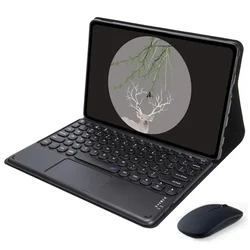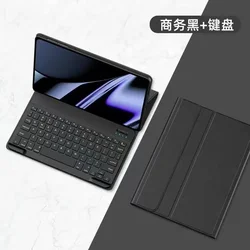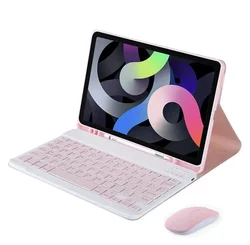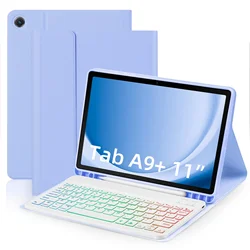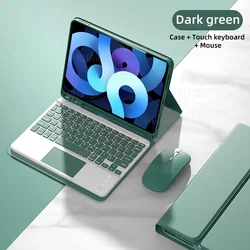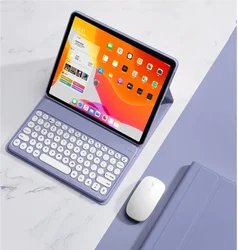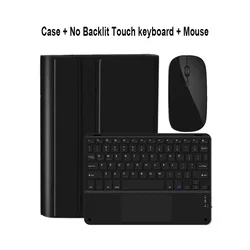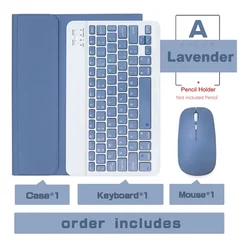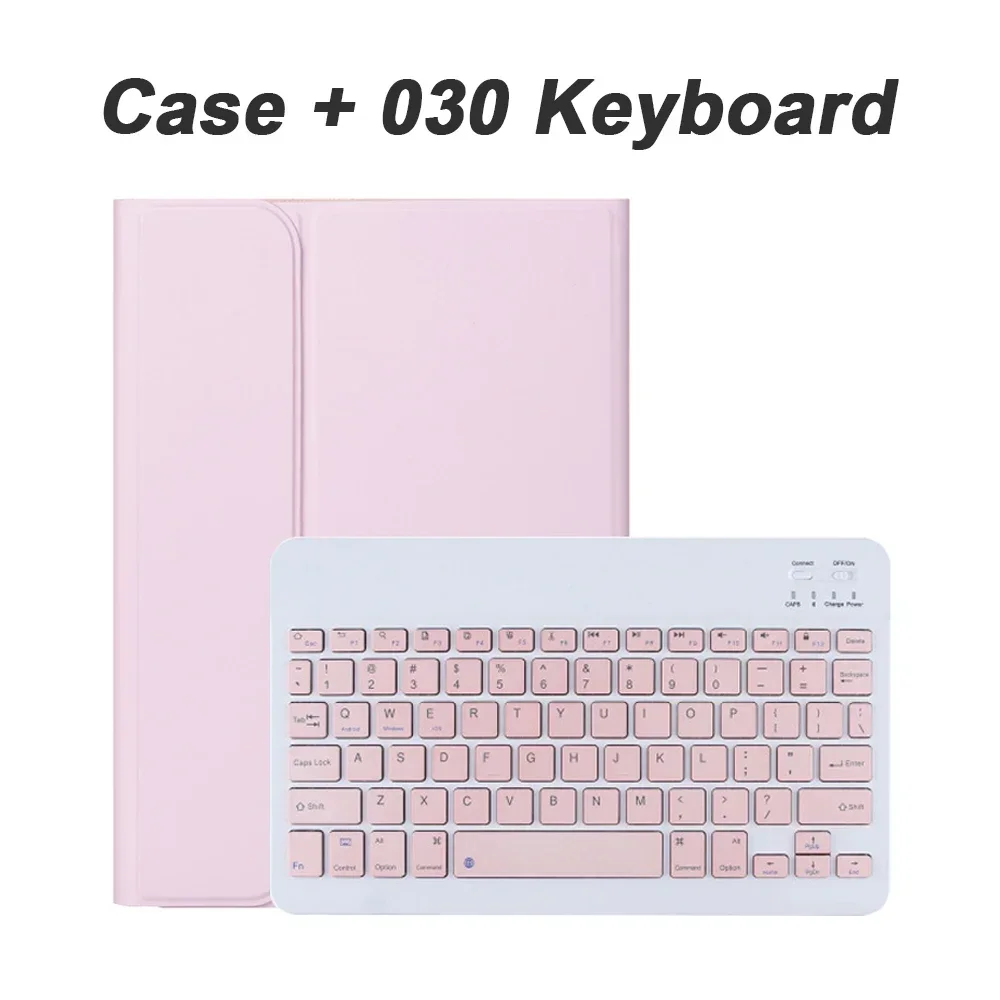
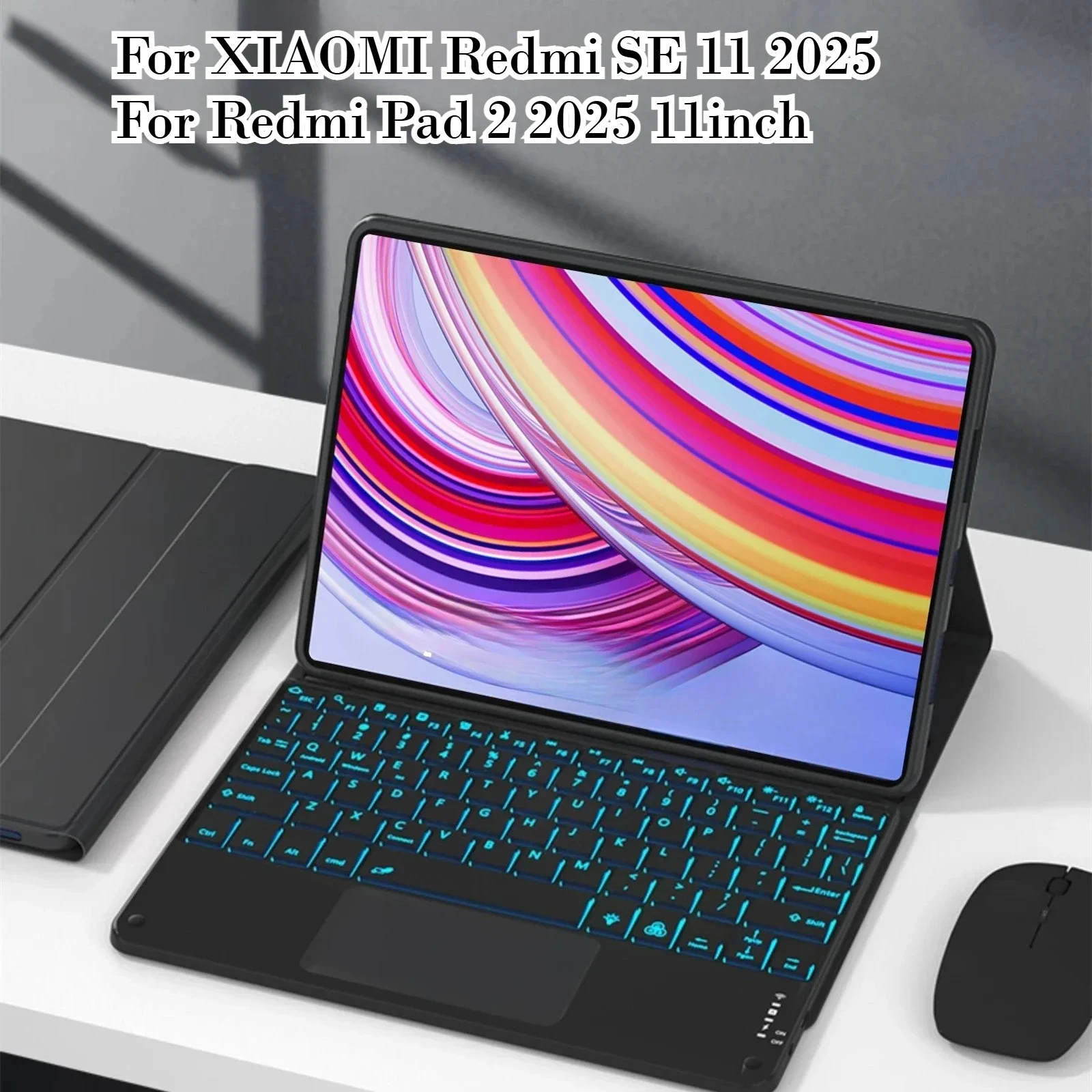
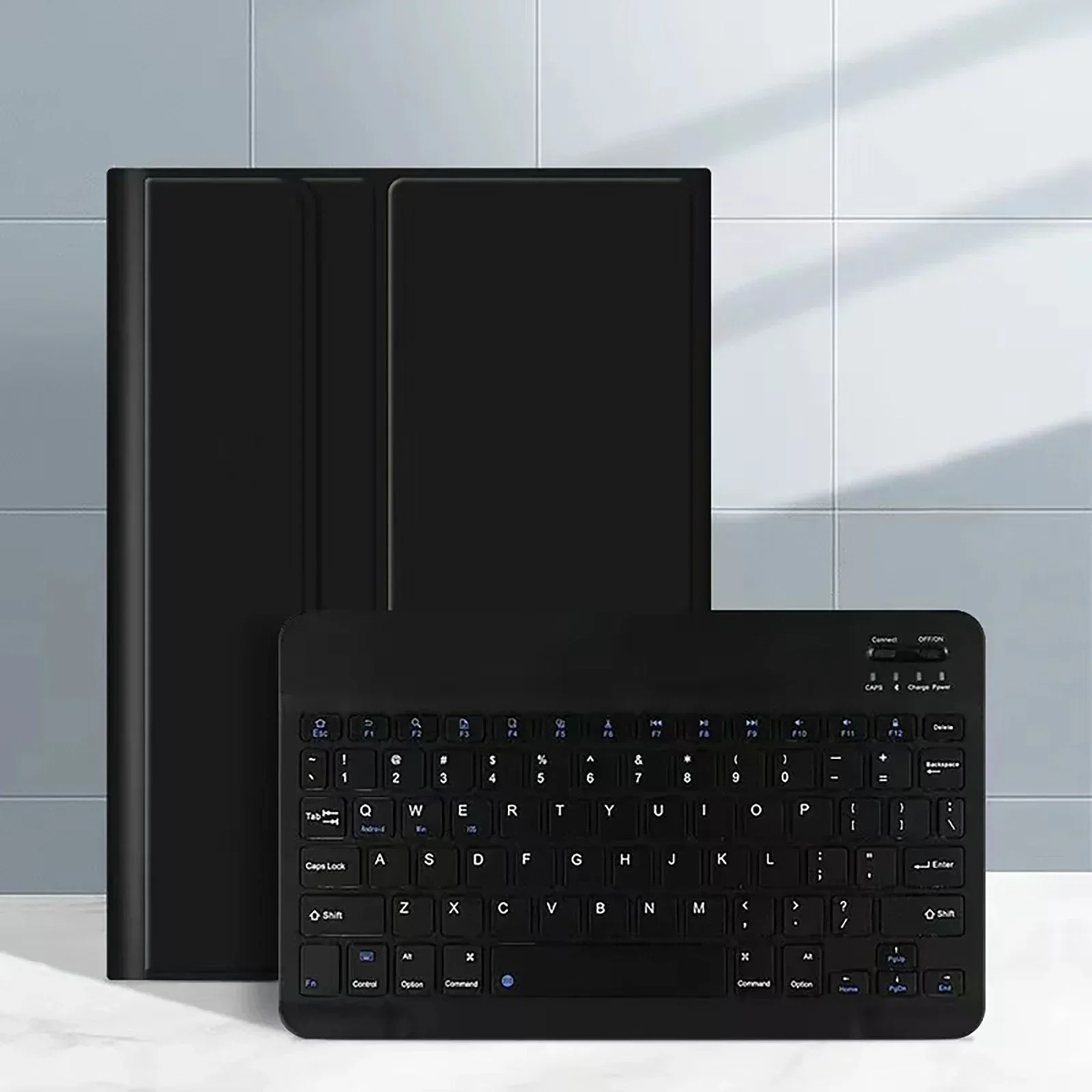

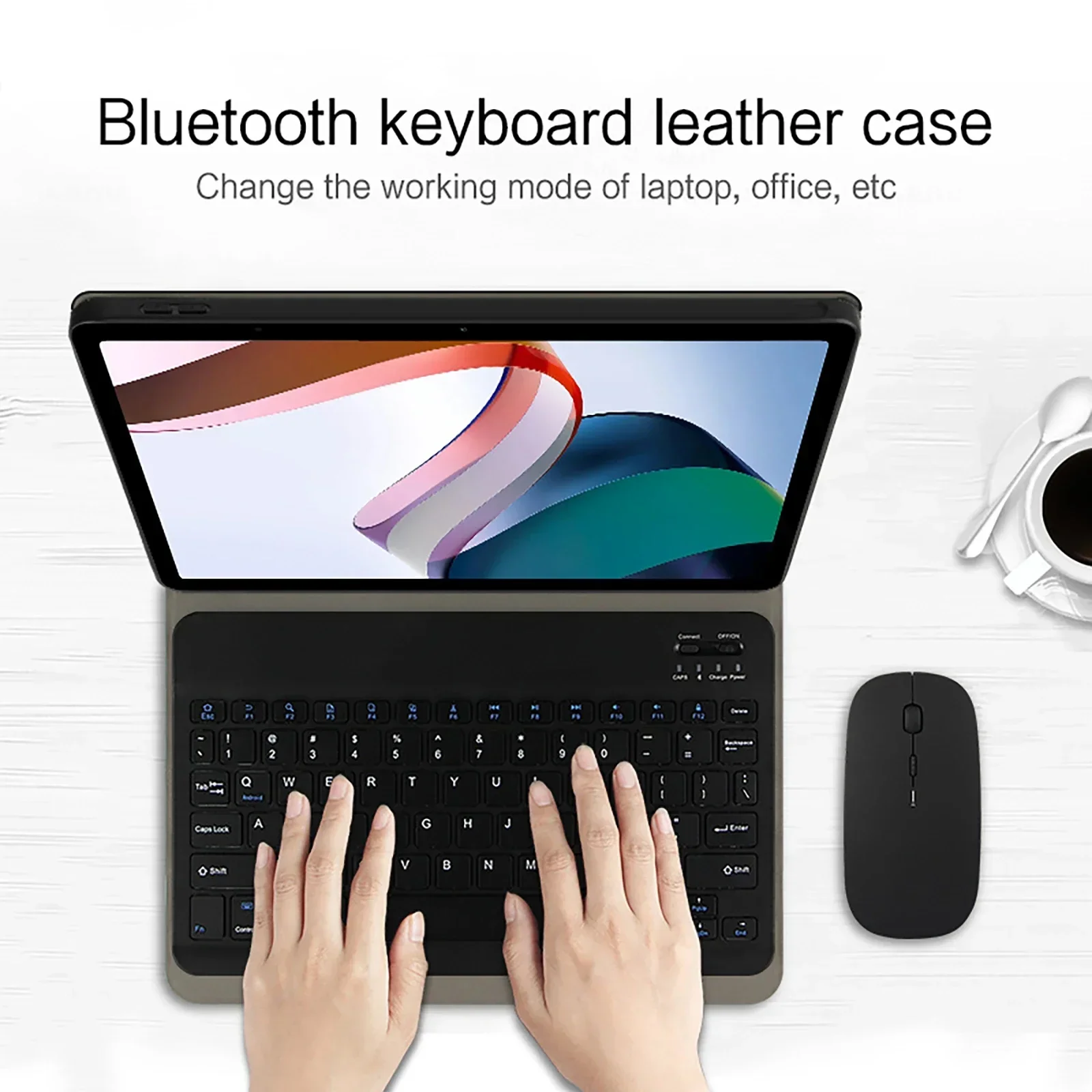
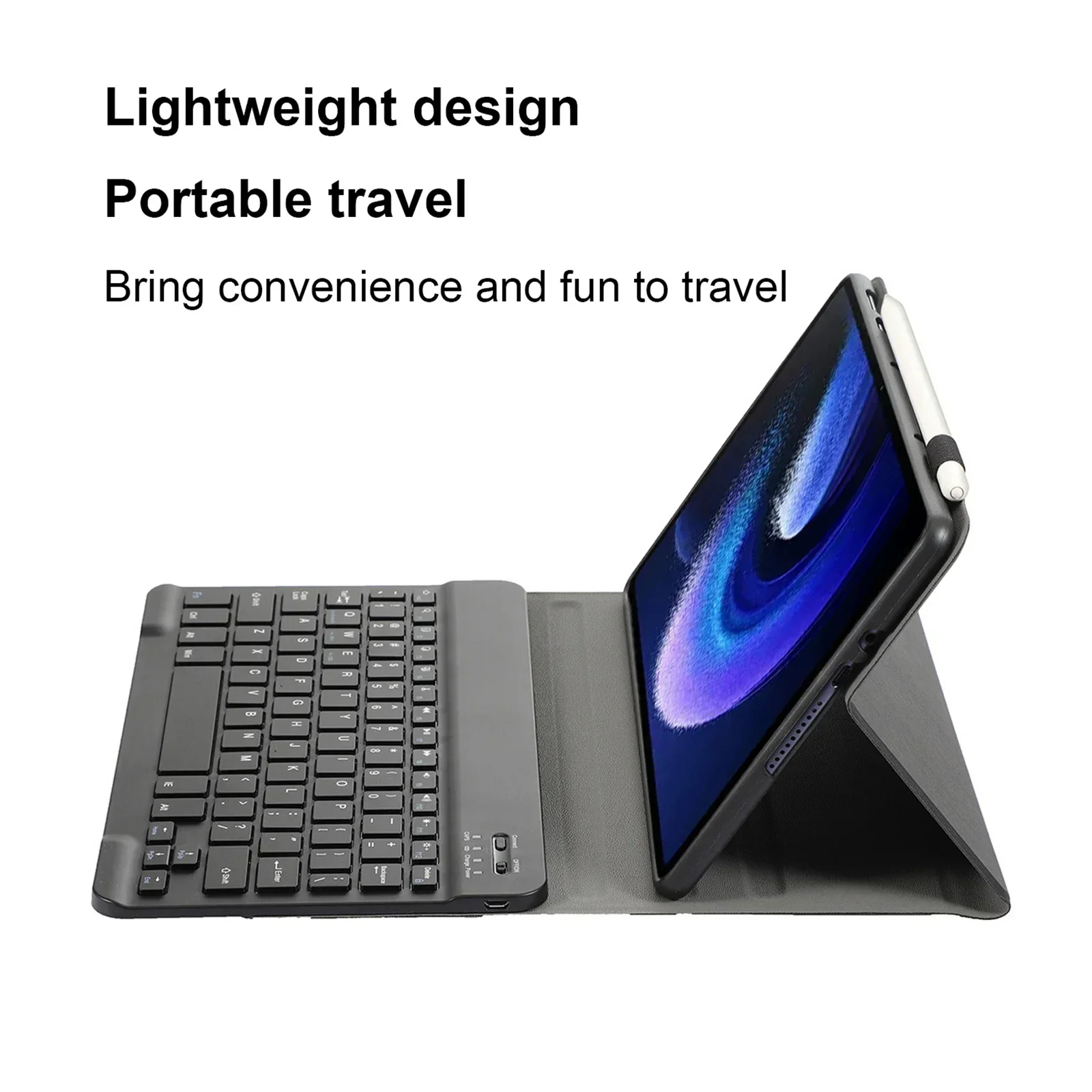
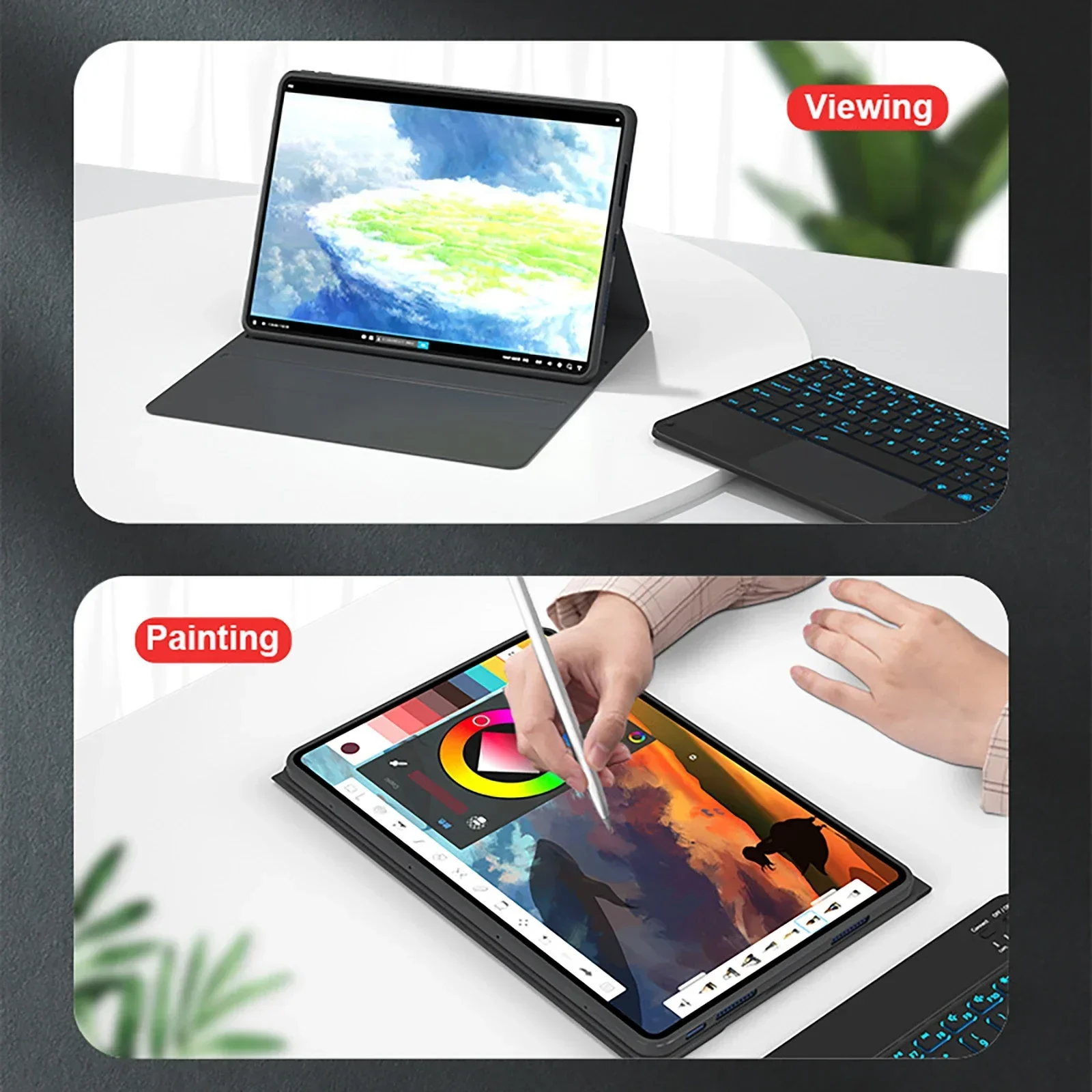
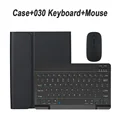
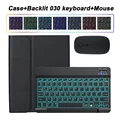
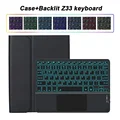
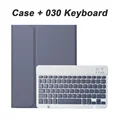
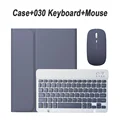
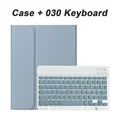
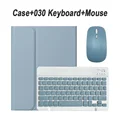
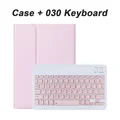
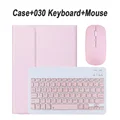
💥 Product Overview: Elevate your tablet experience with this premium case designed specifically for the Xiaomi Redmi SE 11-inch (2025) and the Redmi Pad 2 11-inch. This stylish and functional cover not only protects your device from shocks and accidental drops but also enhances its usability with an integrated magnetic Bluetooth keyboard. Experience the perfect blend of comfort and security as you navigate your digital world.
🔴 Compatibility: This case is tailored exclusively for the following models:
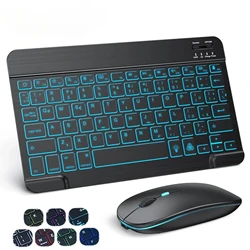
⚡ Keyboard Features: The Bluetooth keyboard included with this case features a user-friendly English letter layout, facilitating smooth typing. For those requiring additional language support, the keyboard is designed to accommodate multiple layouts, featuring English along with your chosen language’s characters. Please note that the tablet and stylus are not included with this product.
🧰 Connecting Your Devices: Setting up your keyboard and mouse is straightforward. To ensure a seamless connection:
🔵 FAQs:
🔘 Q: What precautions should I take when connecting the mouse for the first time?
A: When initially connecting the mouse, simultaneously press the left button, right button, and scroll wheel for about 3-5 seconds.
🔵 Q: Are the scroll directions for the USB and Bluetooth connections different?
A: Yes, they vary. With the USB connection, the scroll wheel moves in the same direction as a standard computer mouse, whereas the Bluetooth connection operates in the opposite direction.
Q: How do I switch between different operating systems on the keyboard?
A: You can switch by using the following combinations: Fn+Q for Android, Fn+W for Windows, and Fn+E for iOS. Remember to make the switch before connecting the tablet.
🔵 Q: What if the Bluetooth keyboard letters appear incorrect?
A: Ensure the keyboard language is set to English on your device. Disconnect the keyboard from Bluetooth, ignore the connected device, and reconnect while following the correct system steps as indicated.
🧰 Q: How do I configure the input method for different language keyboards?
A: For example, on a Samsung tablet, navigate to "Settings -> System -> Language & Input -> Add New Keyboard". Adjust settings based on your specific system needs as applicable.
Q: How can I change the scrolling direction of the mouse?
A: Once the mouse is connected, go to "General" -> "Trackpad & Mouse" and disable "Natural Scrolling" for adjustments.
🛡️ Take your tablet productivity to the next level with this durable and versatile case, designed for both protection and enhanced functionality.
If this item arrives after the delivery date given at checkout, you will be emailed a $7.00 credit voucher to use on your next order