






Phone Cases
Chargers and Cables
Gaming
Gadgets
Tablet and iPad Cases
Your Account
Language
Business
Phone Data
Contact Us
4.4 Google Shopping Rating Over 2 million customers since 2013 $3.99 Worldwide Delivery Free delivery order over $30+

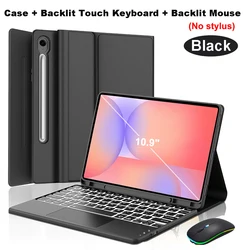
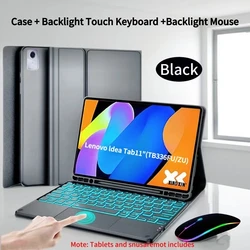
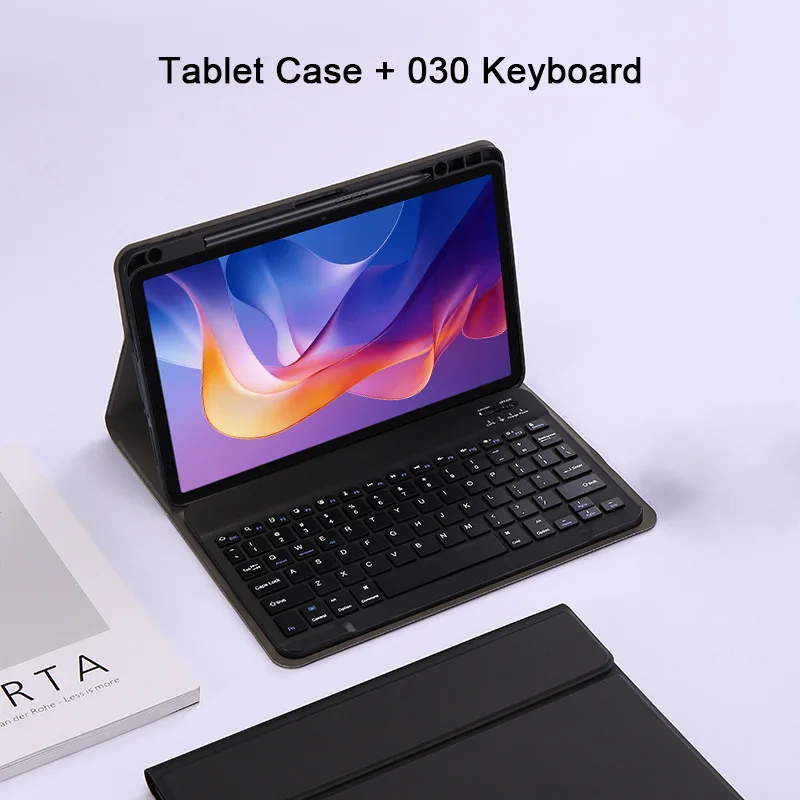
Enhanced Keyboard Case with Pencil Slot for Korean (Black 1)

Enhanced Keyboard Case with Pencil Slot

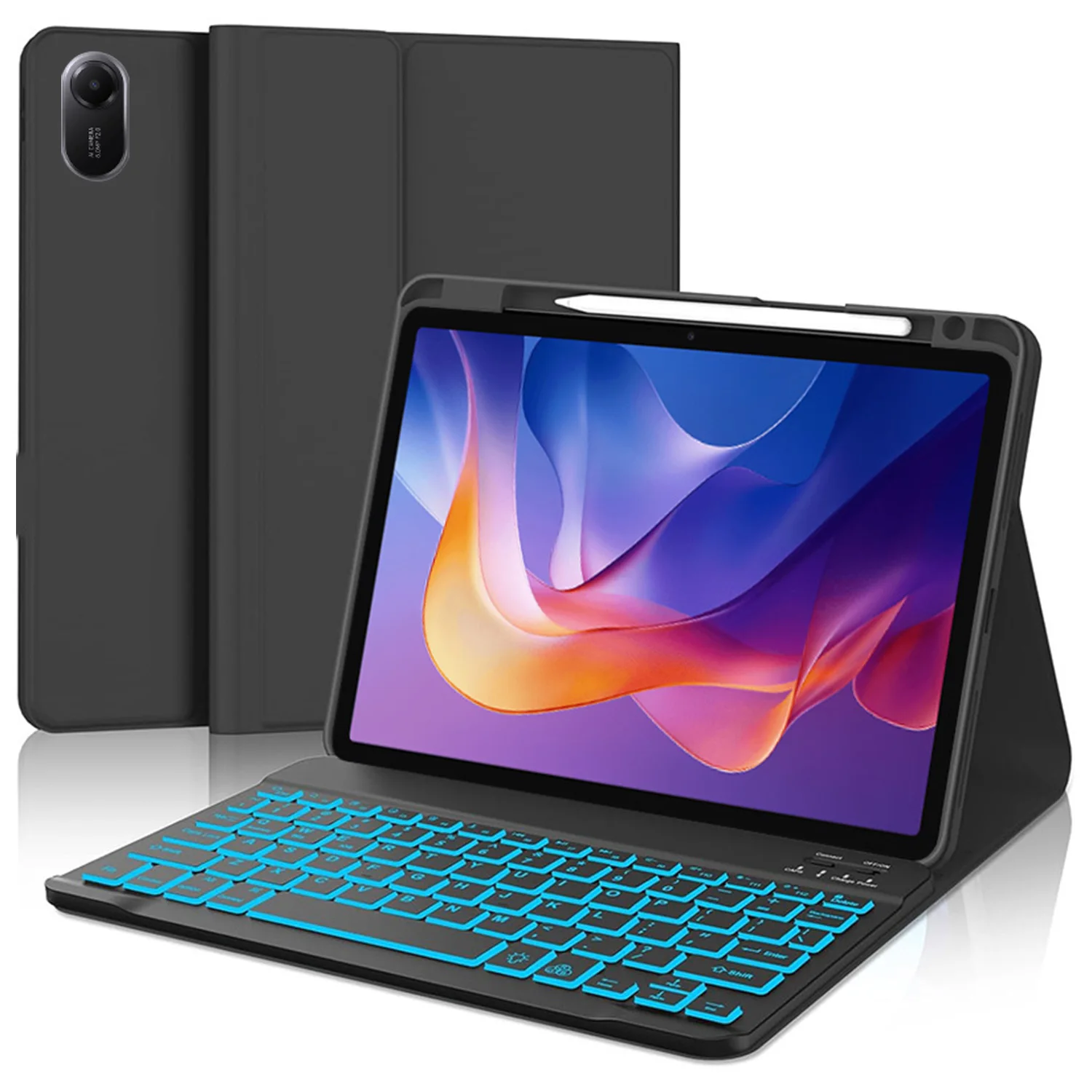
🔴 Keyboard Case for Xiaomi Redmi Pad 2

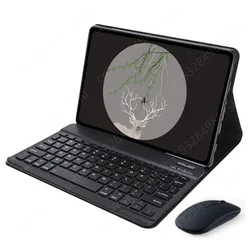
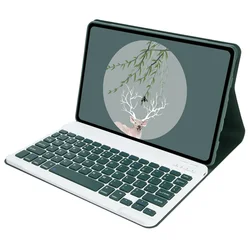
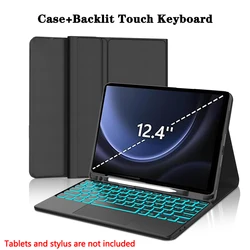
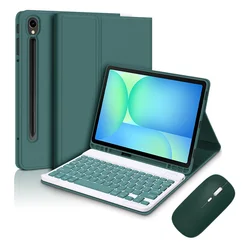
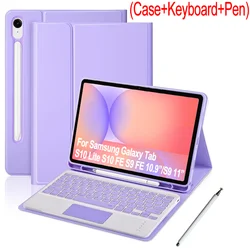
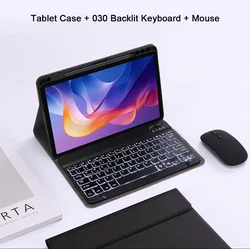
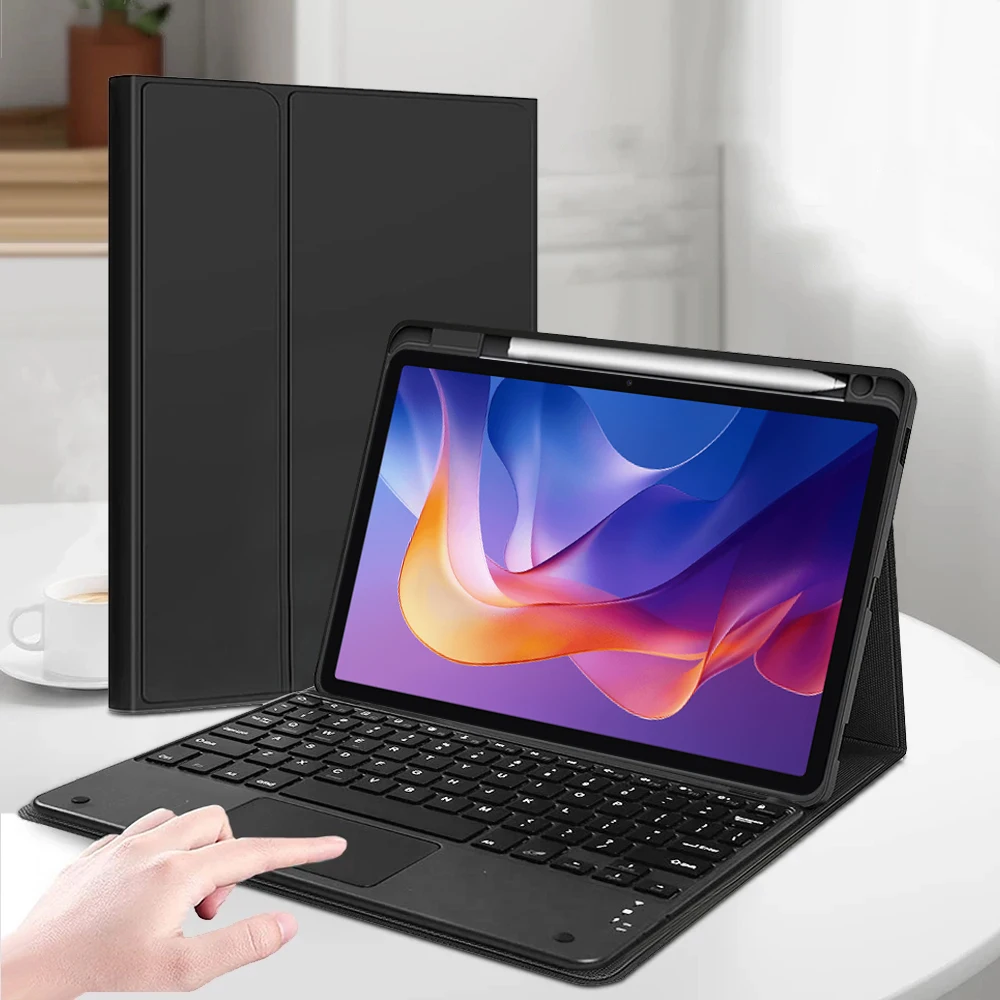
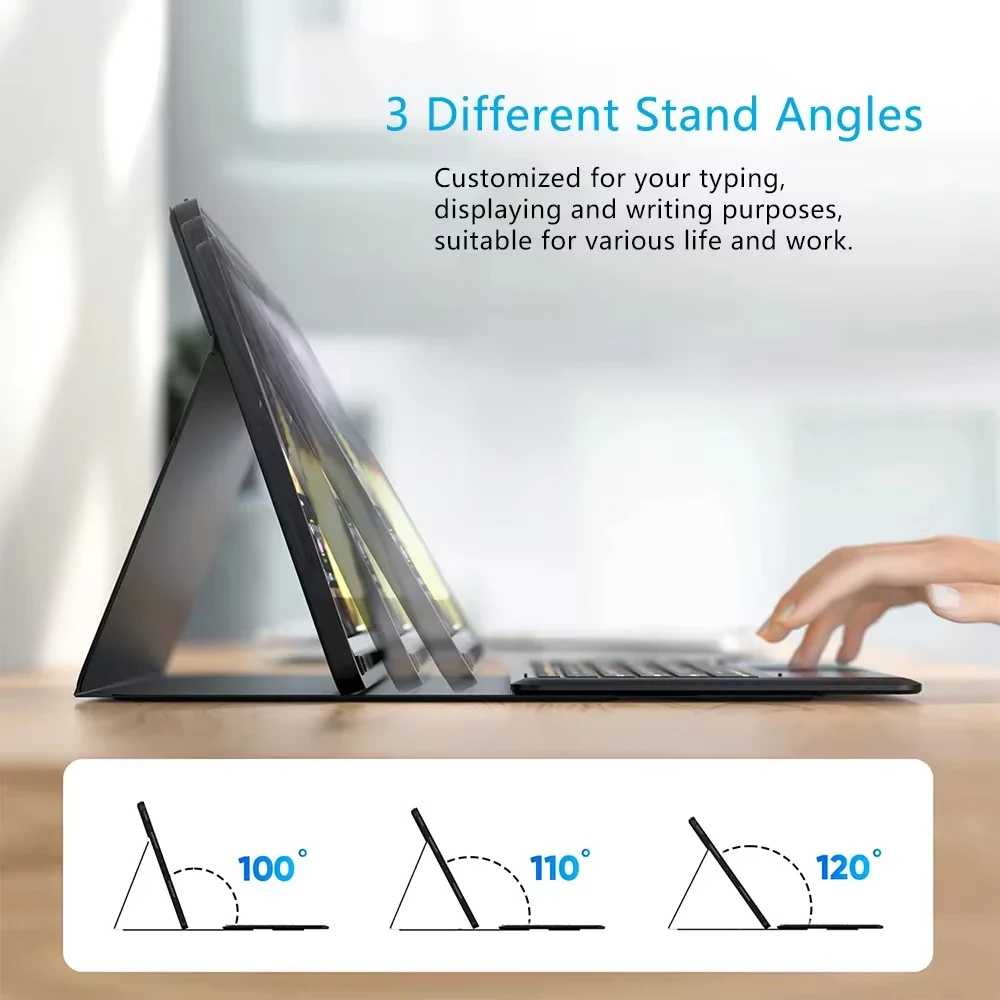
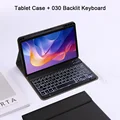
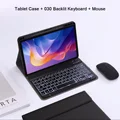
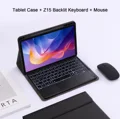
🔒 Introducing the ultimate Keyboard Case for the Xiaomi Redmi Pad 2, designed specifically for the 11-inch tablet model released in 2025. This high-quality keyboard cover combines functionality with a sleek design, offering a premium solution for tablet users who seek enhanced productivity and versatility. The case features a dedicated pencil slot, ensuring that your stylus is always within reach and securely stored when not in use.

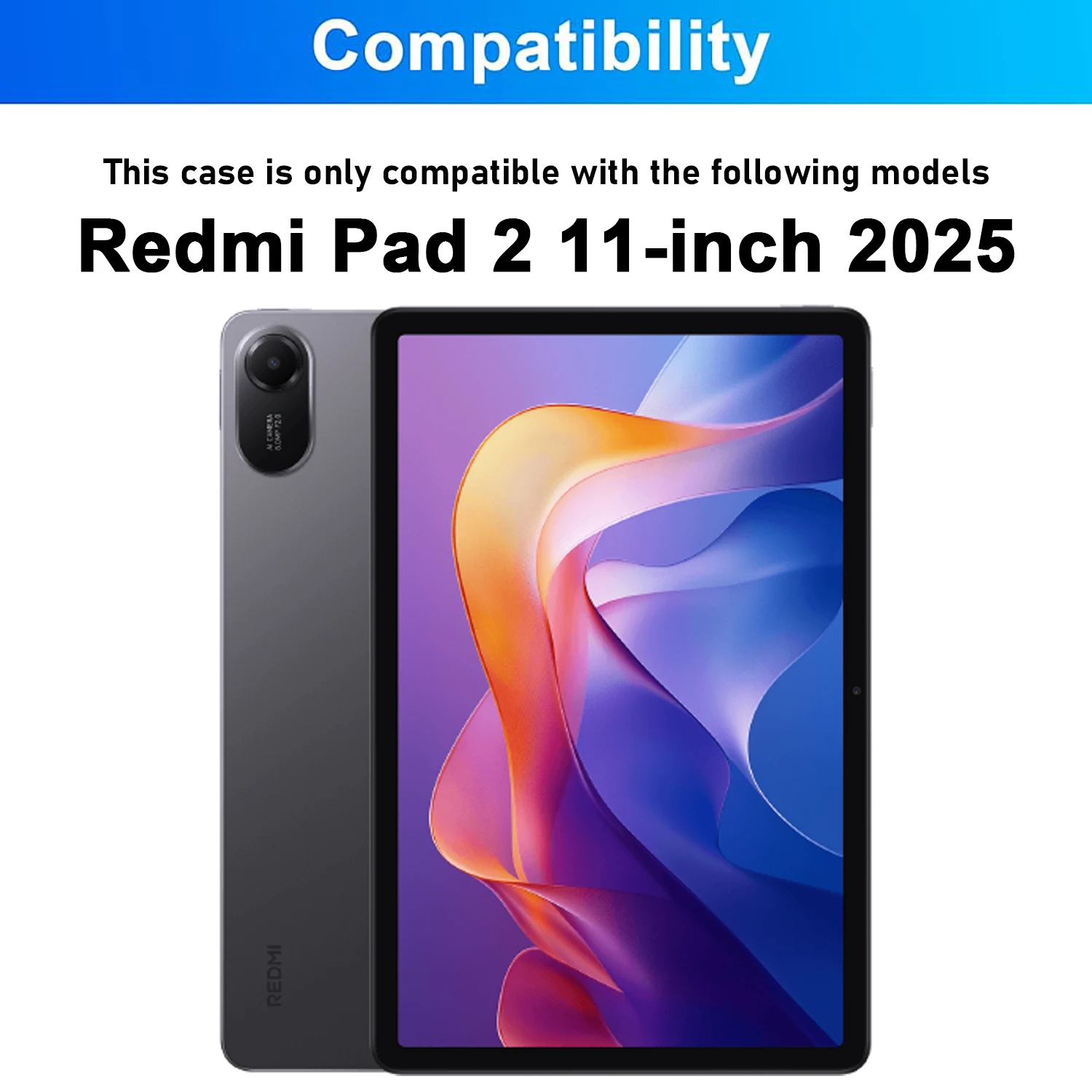
Compatibility

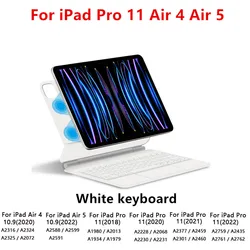
🔒 Before purchasing, please confirm that your tablet is indeed the Redmi Pad 2 11-inch (2025 model). You can verify the model by checking the back of the device or navigating to Settings > About > Model. This case is exclusively tailored to fit the specified model, ensuring a snug and secure fit.

Keyboard and Mouse Connectivity

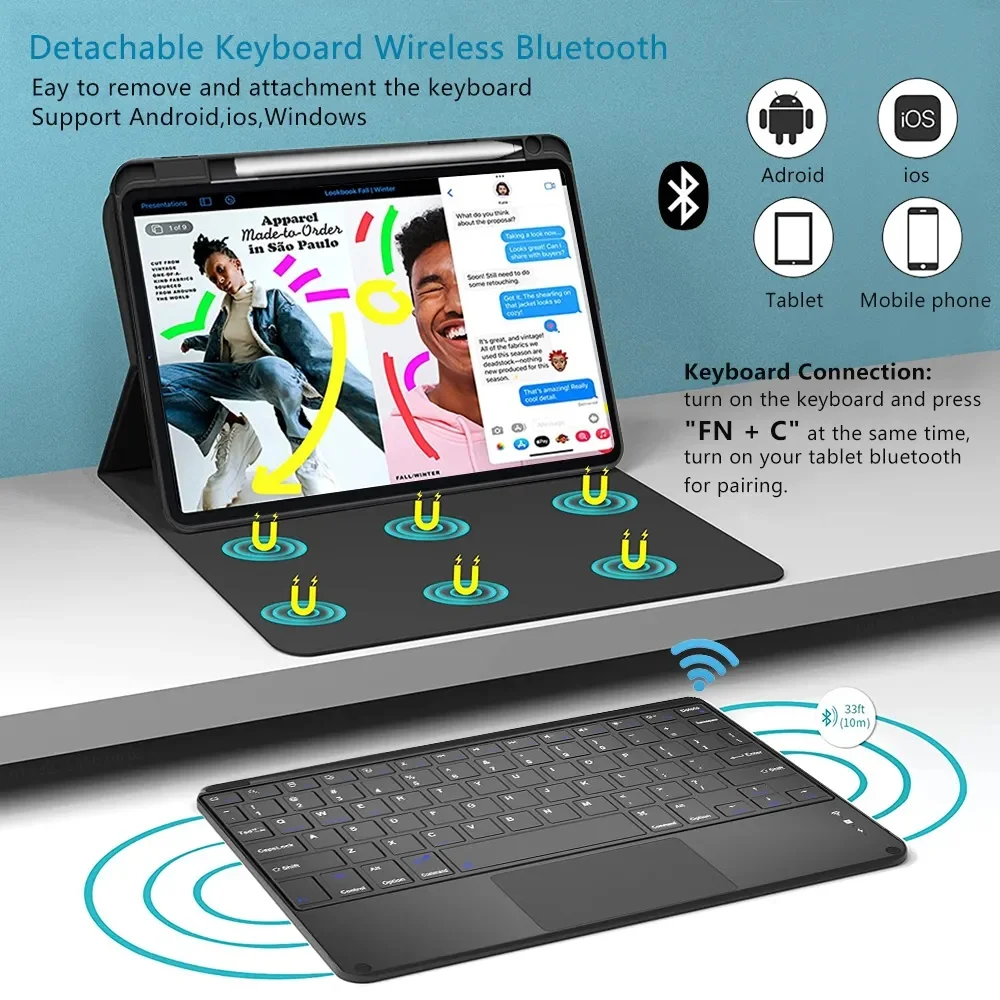
👌 The keyboard case seamlessly integrates with your tablet, making it easy to switch between devices. To connect a mouse and keyboard, simply follow these steps:

  1. Start by connecting your mouse: toggle the switch to the Bluetooth icon, then look for your mouse in the Bluetooth device list.
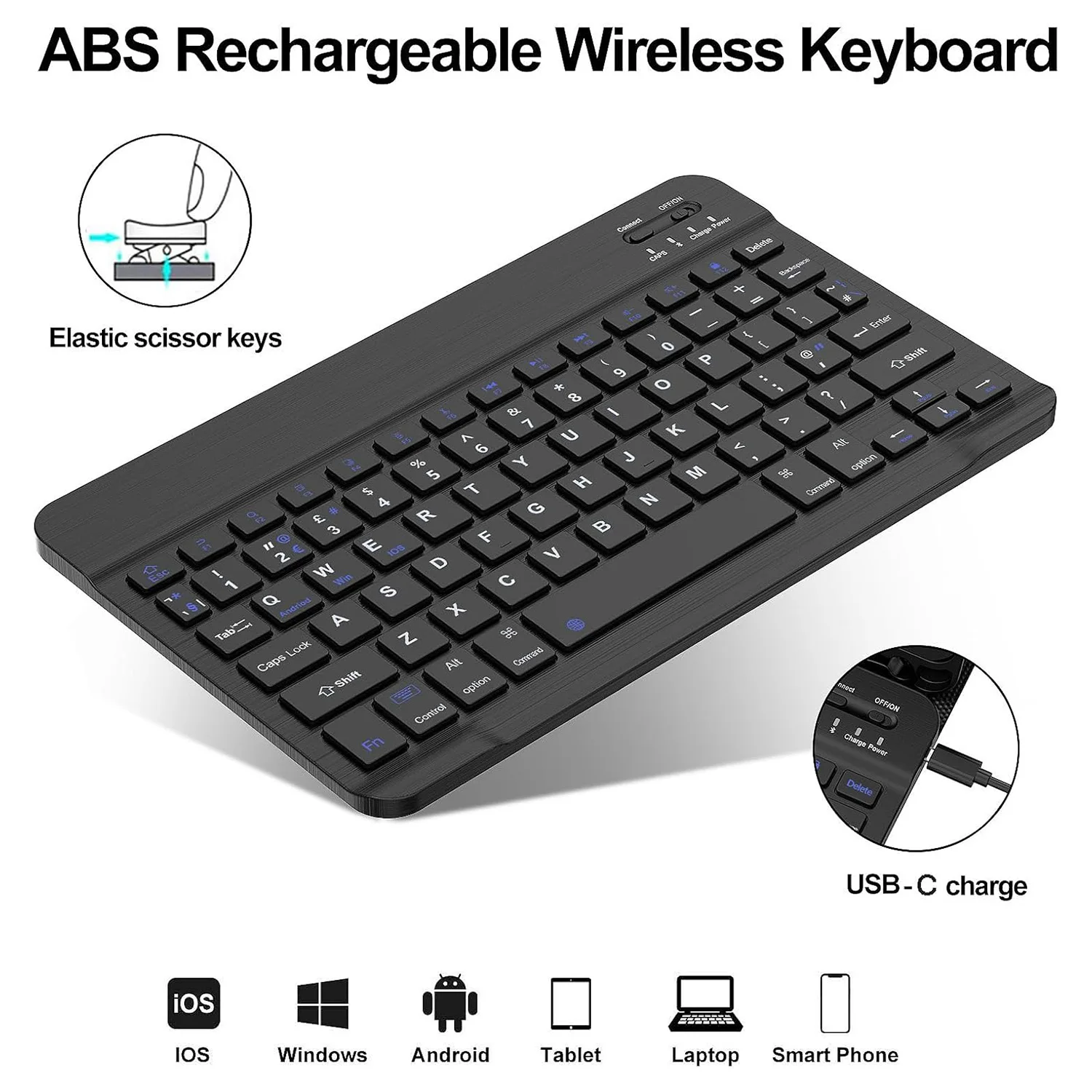
  2. Next, connect your keyboard: flip the switch located in the upper right corner to ON, press Connect, and find the keyboard on the Bluetooth list.
  3. If you're using a touchpad keyboard, open it, press Fn+C to activate it, and locate it in the Bluetooth settings of your tablet.

🔵 FAQs

🧈 For a smooth experience with your keyboard and mouse, here are some frequently asked questions:

  • Connecting the Mouse for the First Time: Ensure to press all three parts—the left button, right button, and scroll wheel—together for 3-5 seconds.
  • Scroll Direction: Note that the scrolling behavior varies between USB connector and Bluetooth connections; they operate differently.
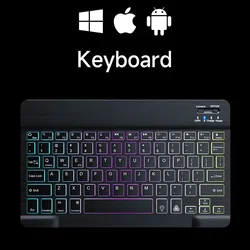
  • Switching Between Systems: Use Fn+Q for Android, Fn+W for Windows, and Fn+E for iOS, making sure to switch the setting before pairing your tablet.
  • Keyboard Layout Issues: If letters appear incorrect, ensure your device’s keyboard language is set to English and consider disconnecting and reconnecting your Bluetooth keyboard.
  • Input Method Configuration: On various devices, navigate to the input settings to add or adjust keyboard languages accordingly.

✨ This Keyboard Case for Xiaomi Redmi Pad 2 is designed to elevate your tablet experience by combining protection and functionality. With its stylish design, you can work or play on your tablet with ease and efficiency. Invest in this essential accessory to maximize the potential of your Xiaomi Redmi Pad 2!

$29.99 In Stock
Quantity:
Colour: Black 1 Model: Korean
Compatible with Korean

Delivery Sunday, 18th October - Tuesday, 20th October
$7.00 On time delivery guarantee

If this item arrives after the delivery date given at checkout, you will be emailed a $7.00 credit voucher to use on your next order

Why choose SDTEK?
Over 2 million customers since 2013
4.4 Google Shopping Rating
Great Trustpilot Rating
Fast delivery worldwide
14 Day, easy returns
24 Hour customer services
Buying for your business?
Bulk discounts available on this product
See our quantity discounts and business pricing

Other cases for Korean

View all Korean cases >>