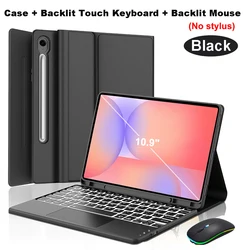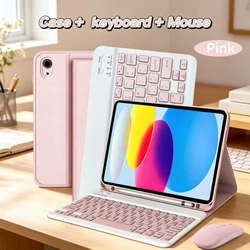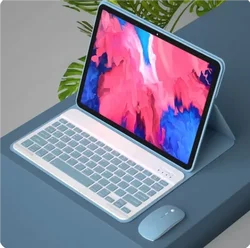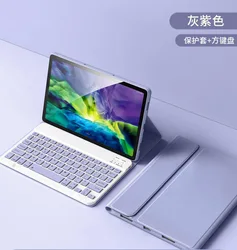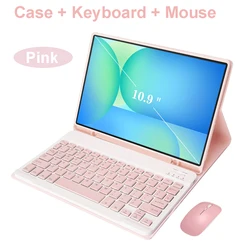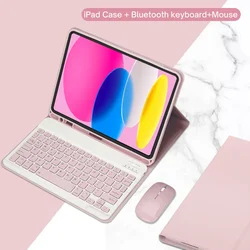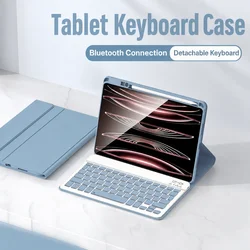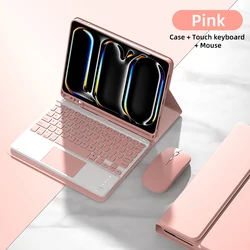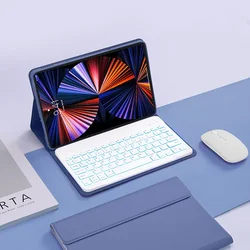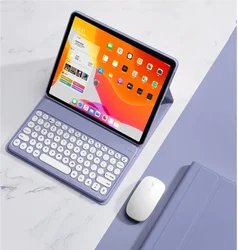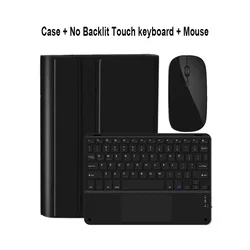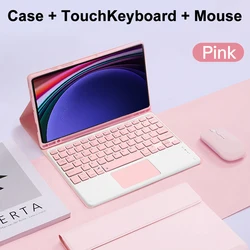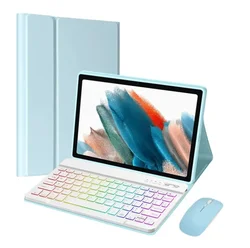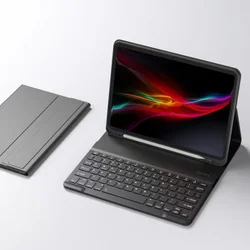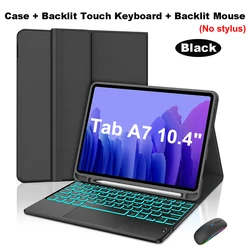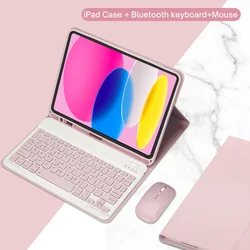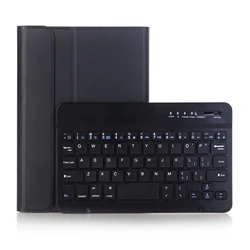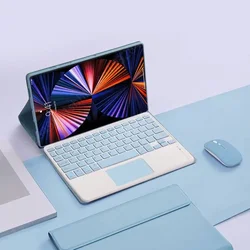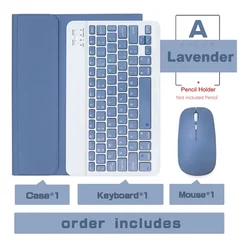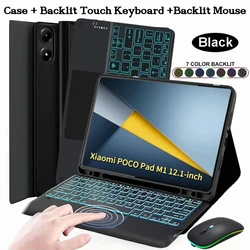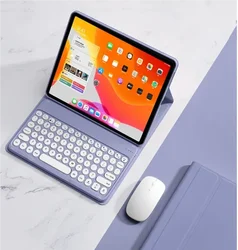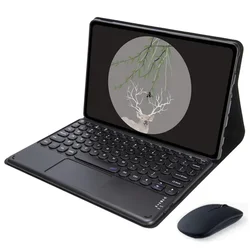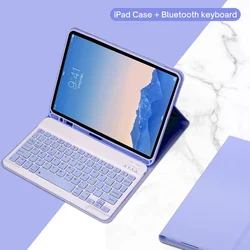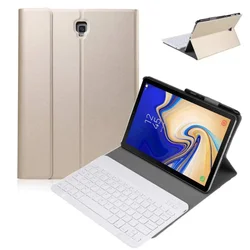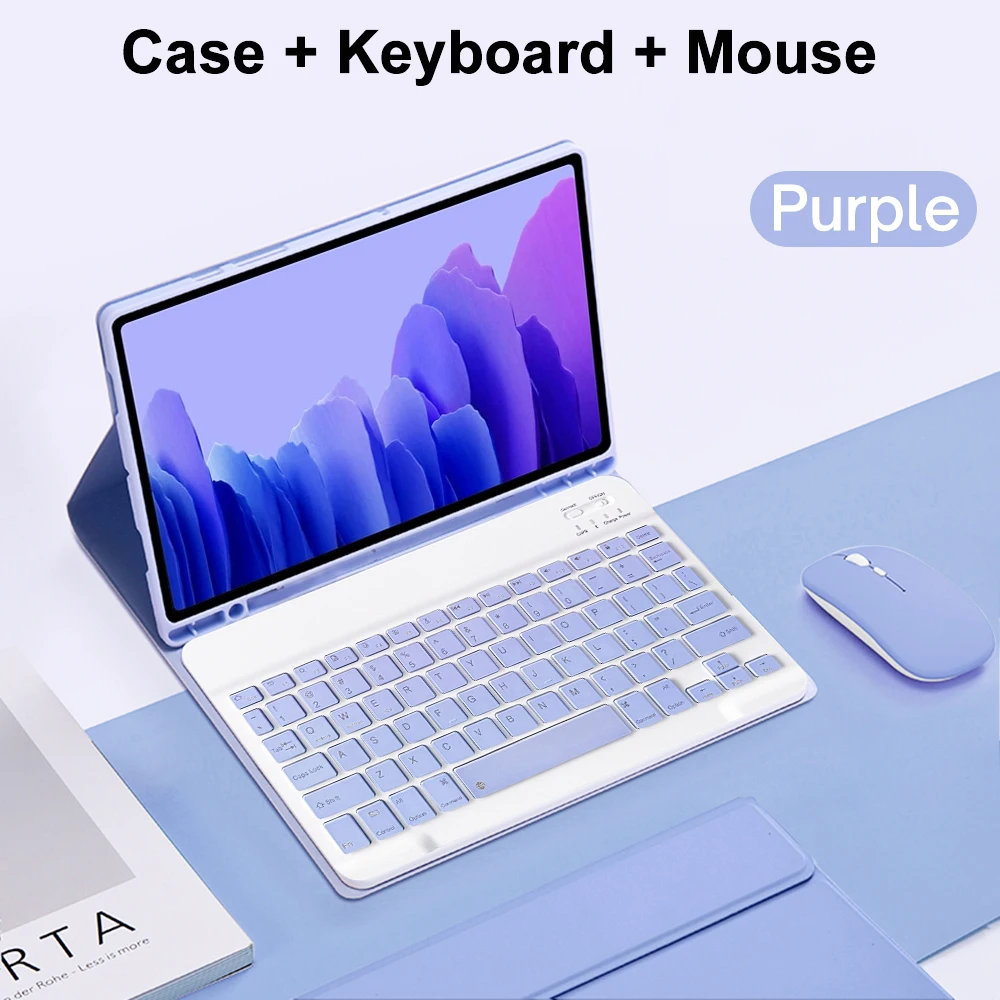
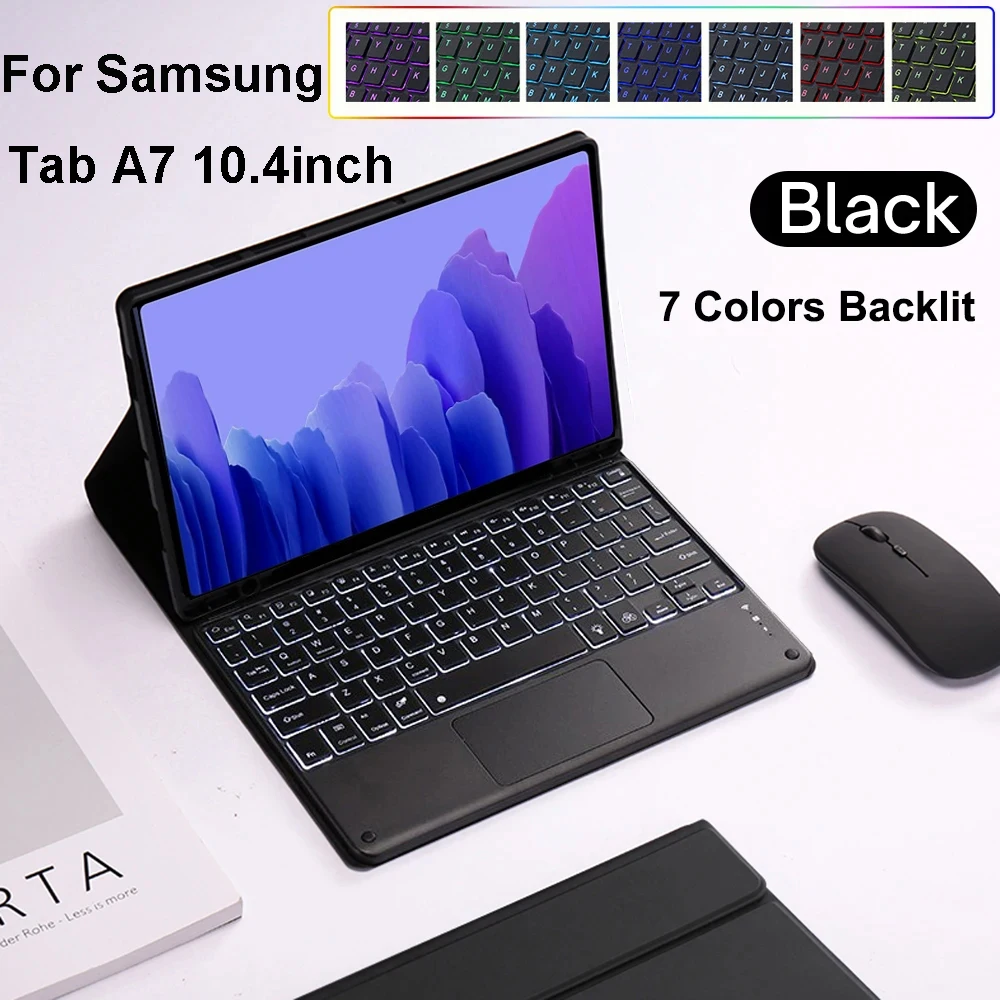

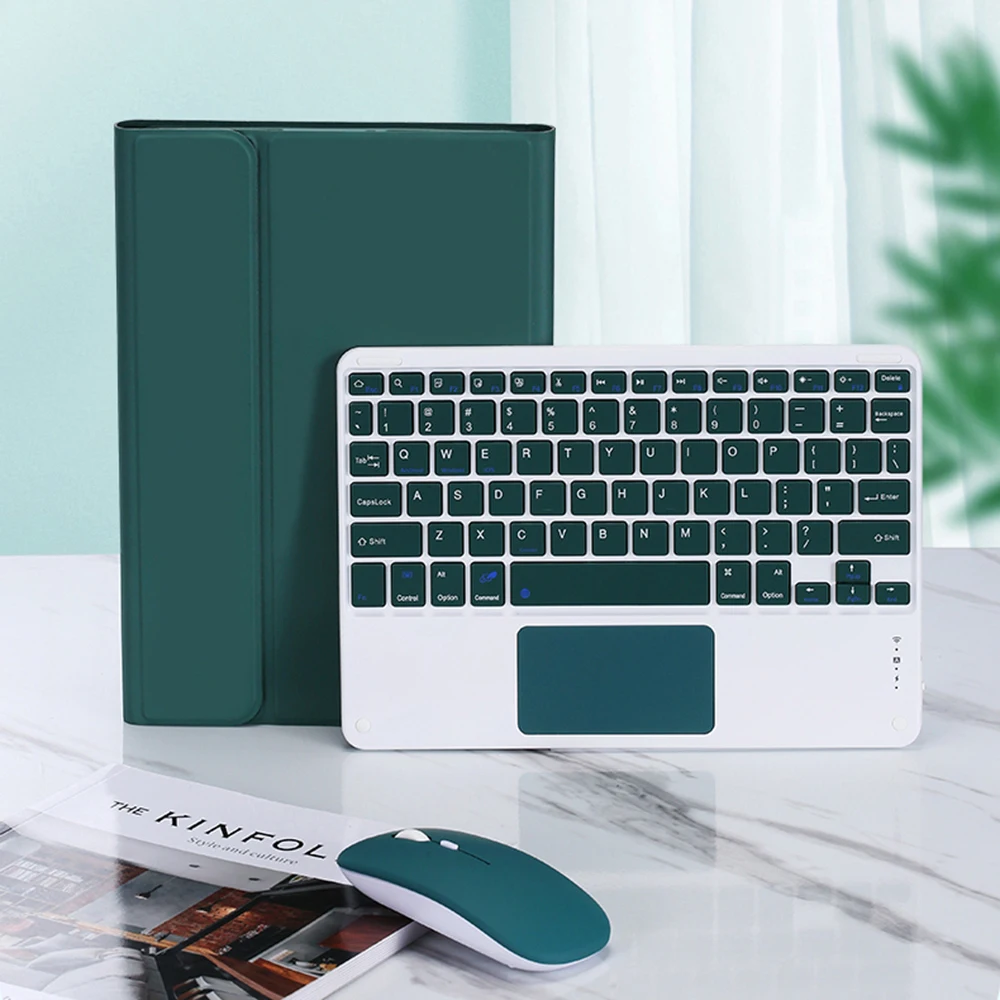
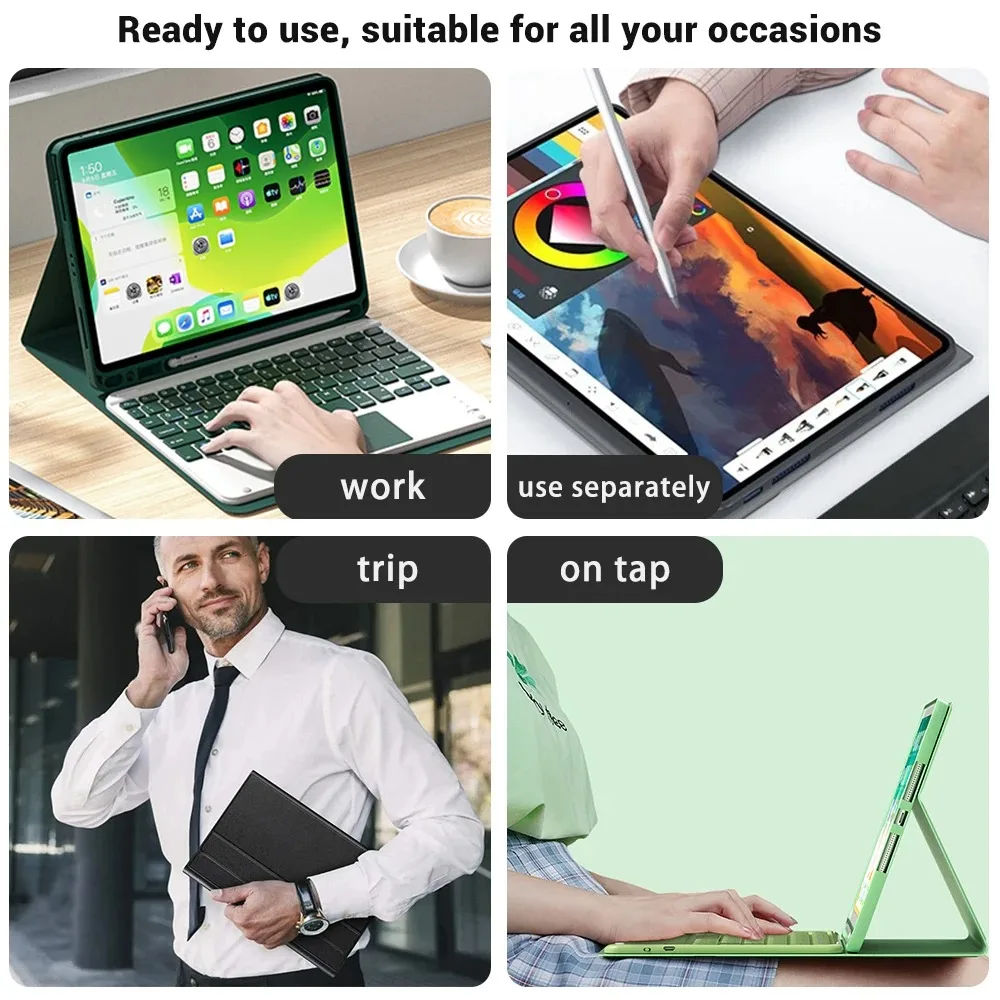

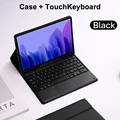
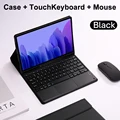
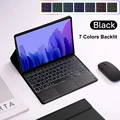
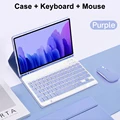
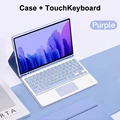
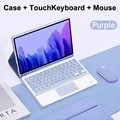
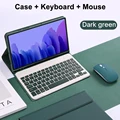
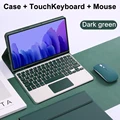
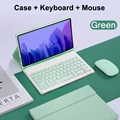
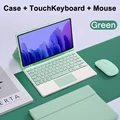
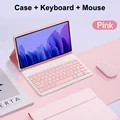
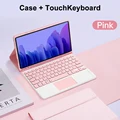
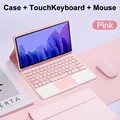

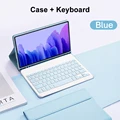
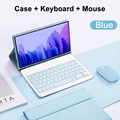
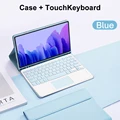
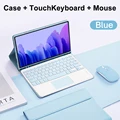
🔵 Case for Samsung Galaxy Tab A7 10.4-inch with Detachable Bluetooth Keyboard
Compatibility:
Exclusively designed for Samsung Galaxy Tab A7 10.4-inch models (SM-T500/T503/T505/T507/T509). Ensure to confirm your tablet model before purchasing.
🔧 Keyboard Options:
English Keyboard: Features only English letters.
Multilingual Keyboard: Comes with both English letters and additional language inscriptions.
😎 Product Features:
Notebook-like Typing Experience: The keyboard mimics a laptop's key structure, providing a quiet and comfortable typing feel.
Efficient Cooling: Honeycomb design helps in effective heat dissipation, maintaining a normal operating temperature for your tablet.
Versatile Viewing Angles: Adjustable to multiple angles for a highly customizable viewing experience.
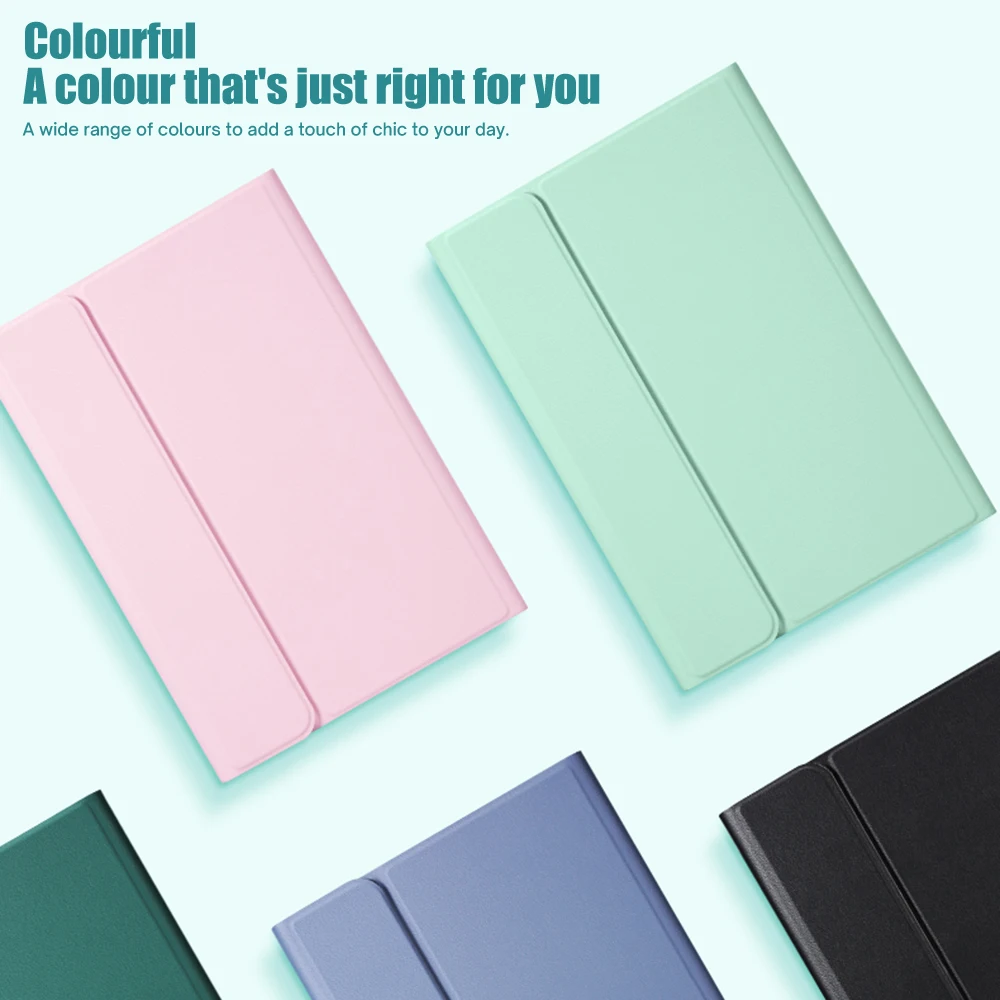
Color Options: Available in a variety of colors to complement your style and add a chic touch to your day.
Bluetooth Connectivity: Connects seamlessly to any Bluetooth-enabled device, enabling a delay-free typing experience. Your tablet transforms into a notebook instantly.
🧰 Setup Instructions:
🔘 Connecting the Mouse:
1. Switch mouse to "Bluetooth" mode.
2. Find and select "Mouse" from your device's Bluetooth list.
Note: During the first connection, press left, right buttons and scroll wheel together for 3-5 seconds.
🔵 Connecting the Keyboard:
Normal Keyboard: Turn on, press "Connect", and find "Keyboard" in the Bluetooth list.
Touchpad Keyboard: Turn on, press Fn+C, and find "Keyboard" in the Bluetooth list.
System Configuration:
Switch systems with:
Fn+Q = Android
Fn+W = Windows
Fn+E = iOS
(Note: Switch the system before connecting the tablet.)
Troubleshooting:
🔘 Messy Keyboard Letters:
a. Ensure the device's keyboard language is set to English.
b. Disconnect and reconnect the Bluetooth.
c. Reset keyboard with L, S, and Z buttons pressed together.
🧰 Language Input Configuration:
Open "Settings" > "System" > "Language & input", then add a new keyboard.
Scroll Direction Adjustment:
For changing mouse scroll direction, navigate to "General" > "Trackpad & Mouse" and disable "Natural Scrolling".
If this item arrives after the delivery date given at checkout, you will be emailed a $7.00 credit voucher to use on your next order