
Phone Cases
Chargers and Cables
Gaming
Gadgets
Tablet and iPad Cases
Your Account
Language
Business
Phone Data
Contact Us
4.4 Google Shopping Rating Over 2 million customers since 2013 $3.99 Worldwide Delivery Free delivery order over $30+

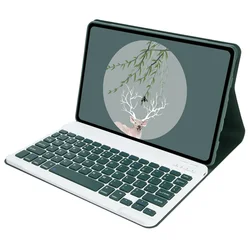
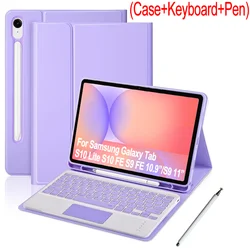
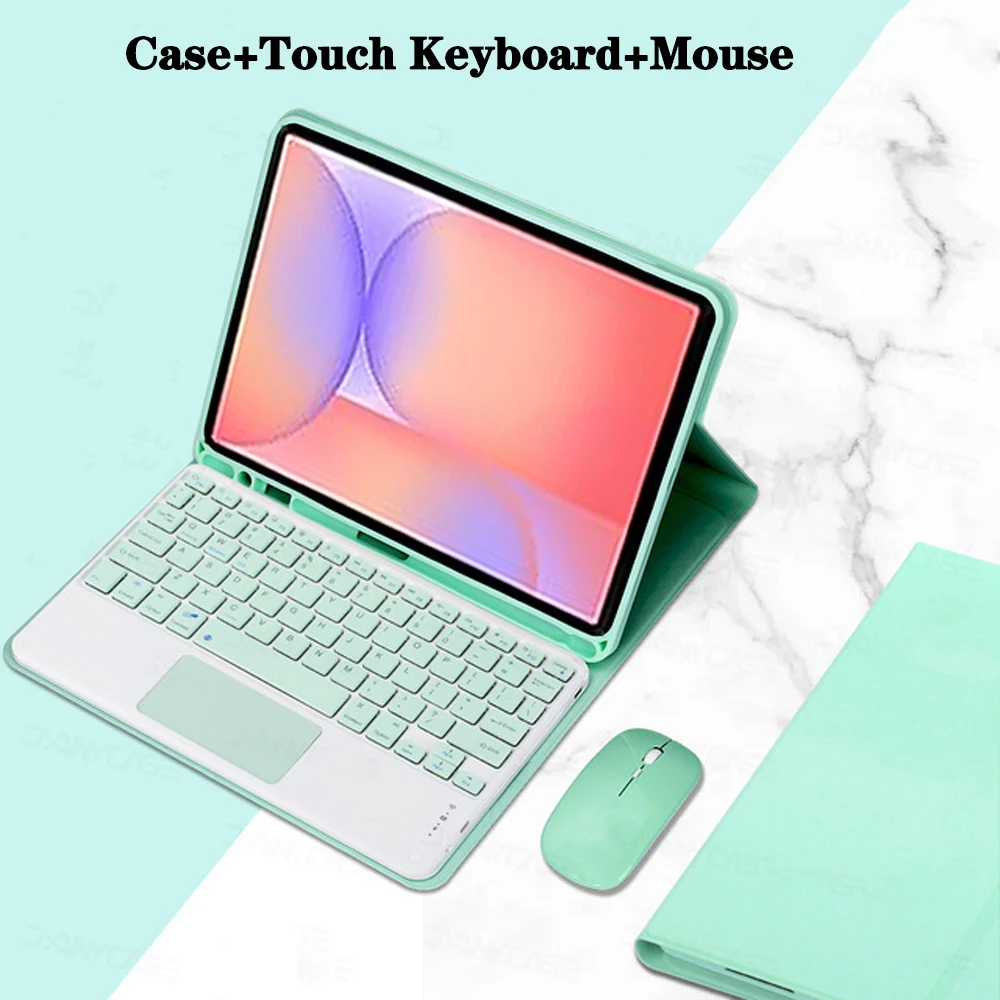
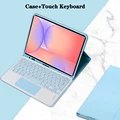
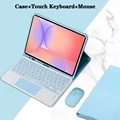
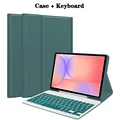
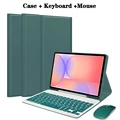
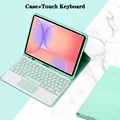
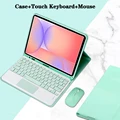
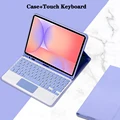
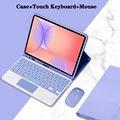
Elegant Keyboard Cover Case - English (Light Green 4)

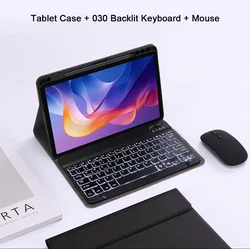
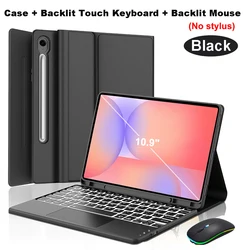
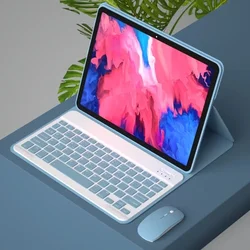
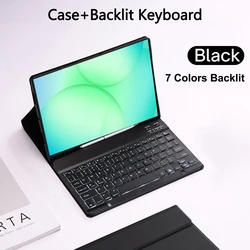
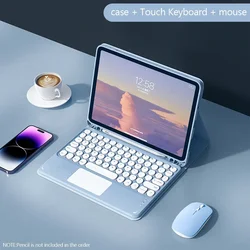
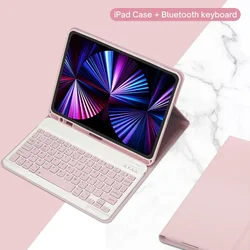
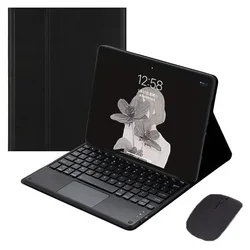
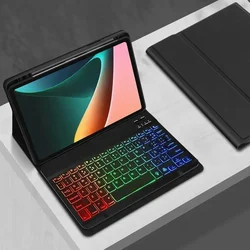
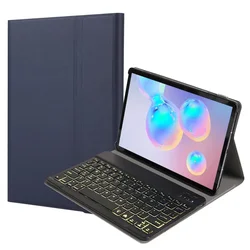
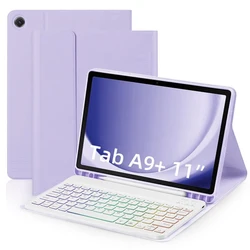
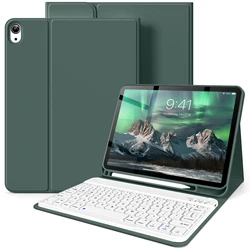
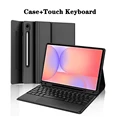
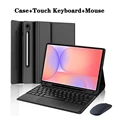
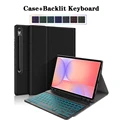
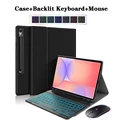
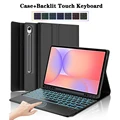
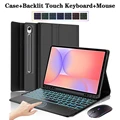
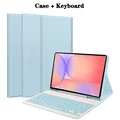
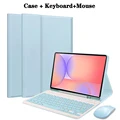
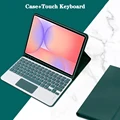
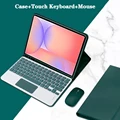
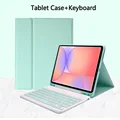
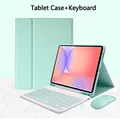
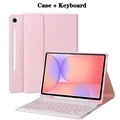
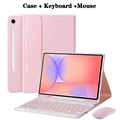
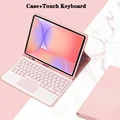
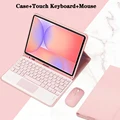
Elegant Keyboard Cover Case

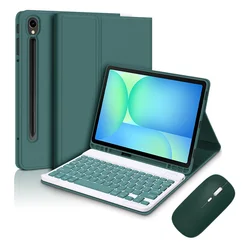
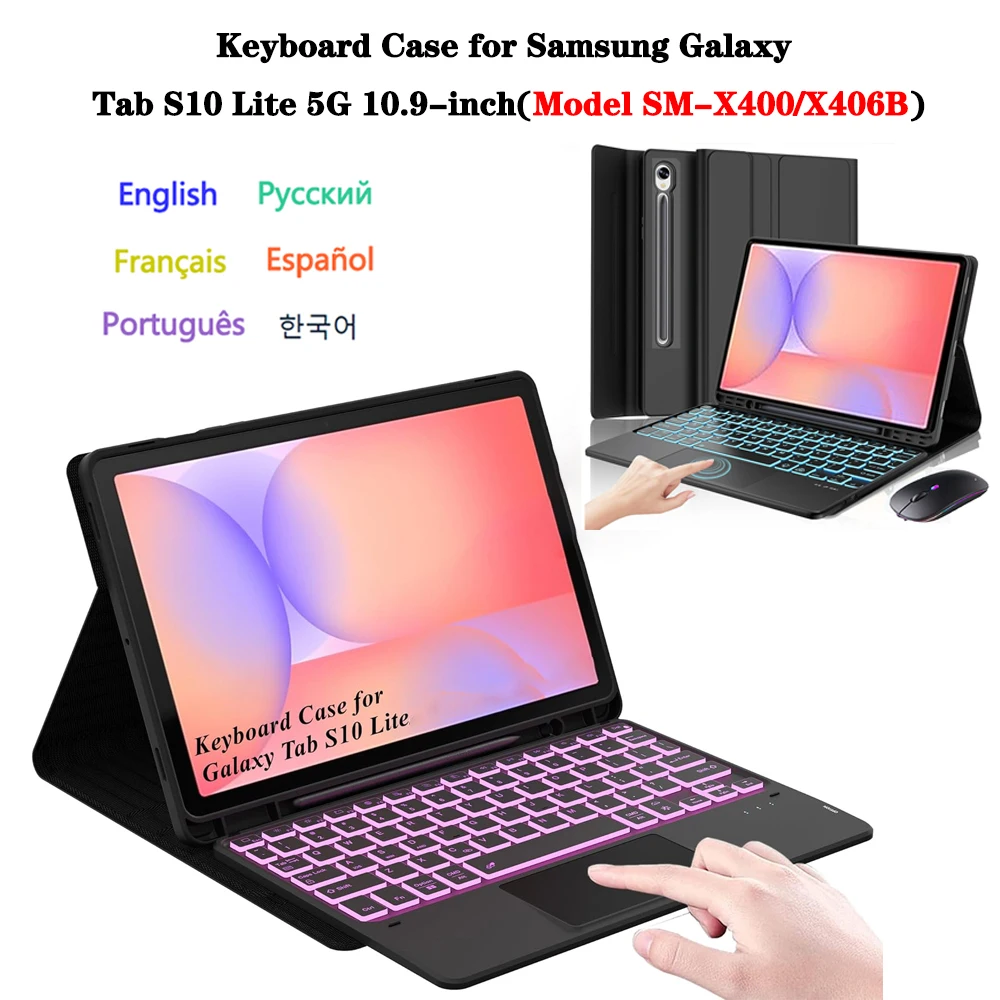
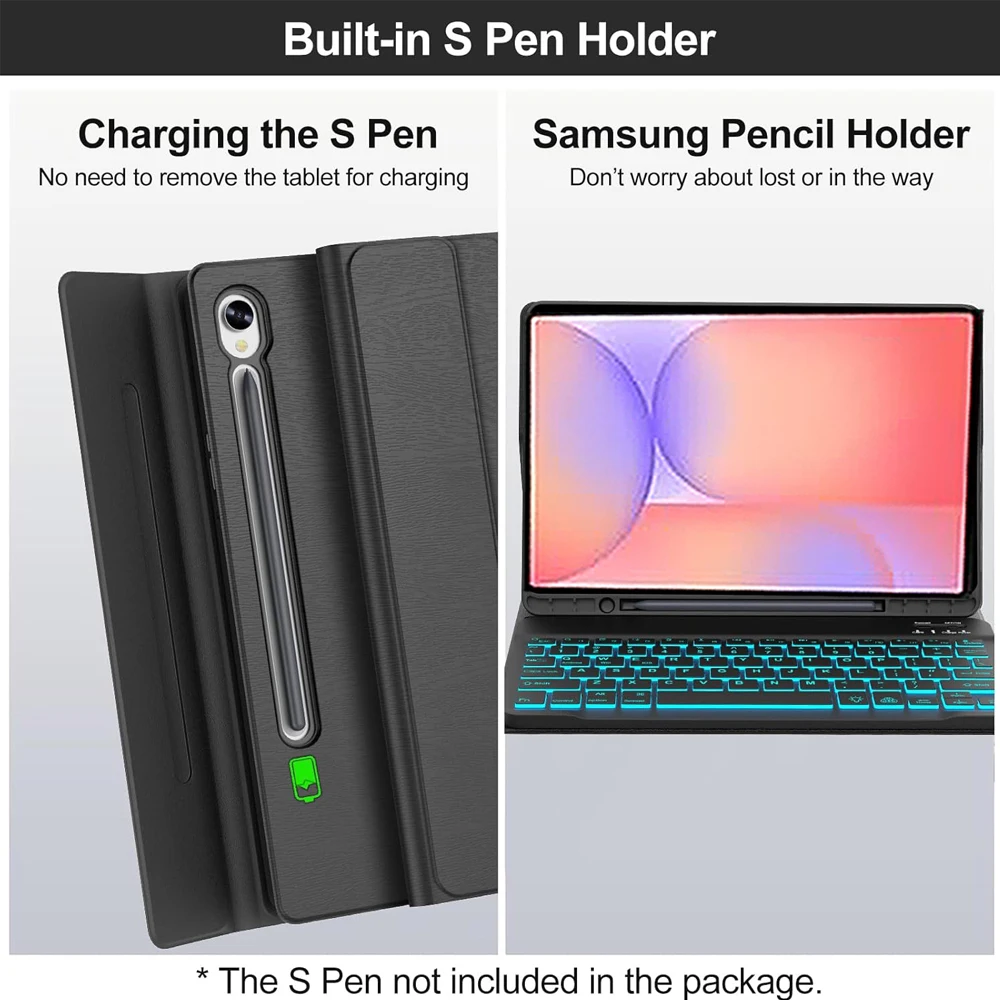
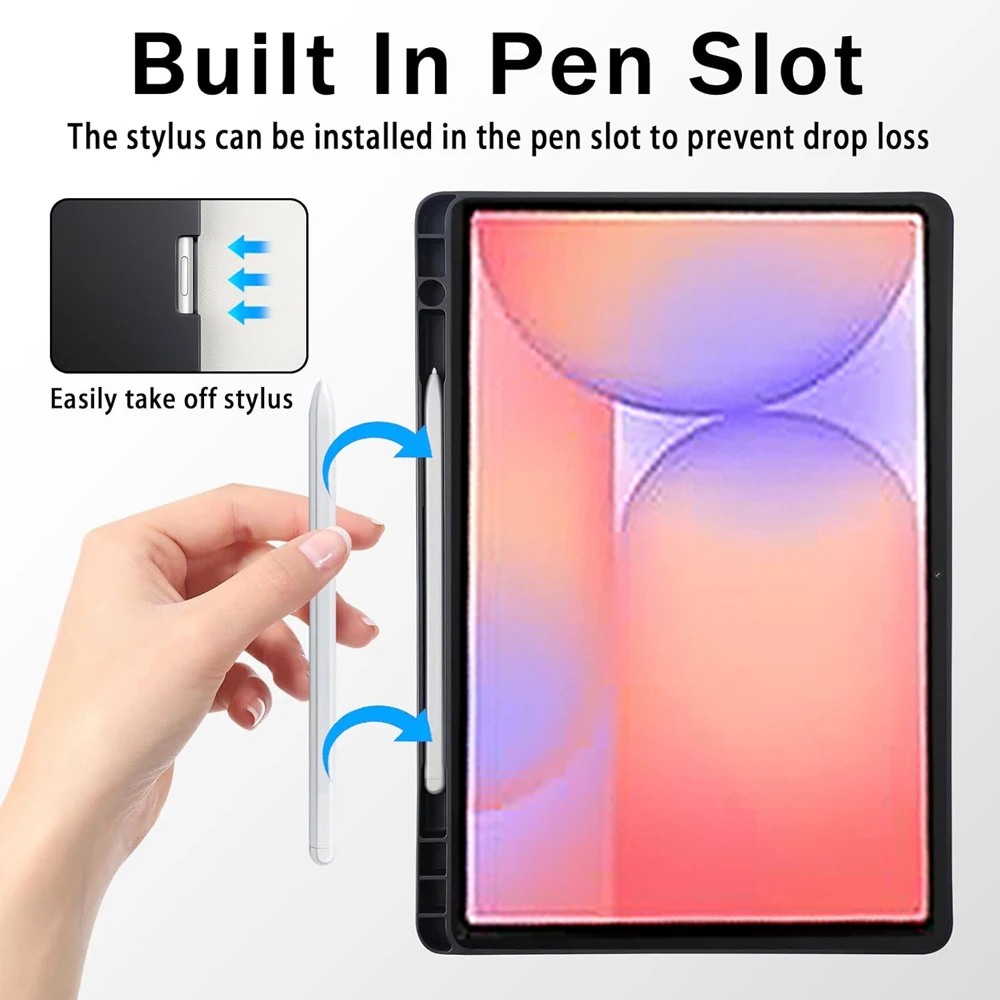
🧩 Product Overview: Elevate your productivity and protect your device with our specially designed case for the Samsung Galaxy Tab S10 Lite 10.9 inch (Model: SM-X400/X406B). This keyboard cover is not just a protective layer; it's an essential accessory that combines style with functionality to enhance your tablet experience.

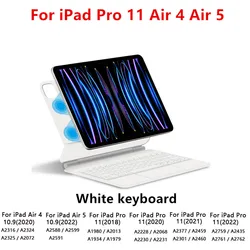
🎯 Compatibility: Please note that this case is specifically engineered for the Samsung Galaxy Tab S10 Lite 10.9 inch (Model: SM-X400/X406B). To ensure the perfect fit, kindly confirm your tablet's model by checking the back of your device or navigating to the "Settings" menu under "About".

🔧 Key Features:

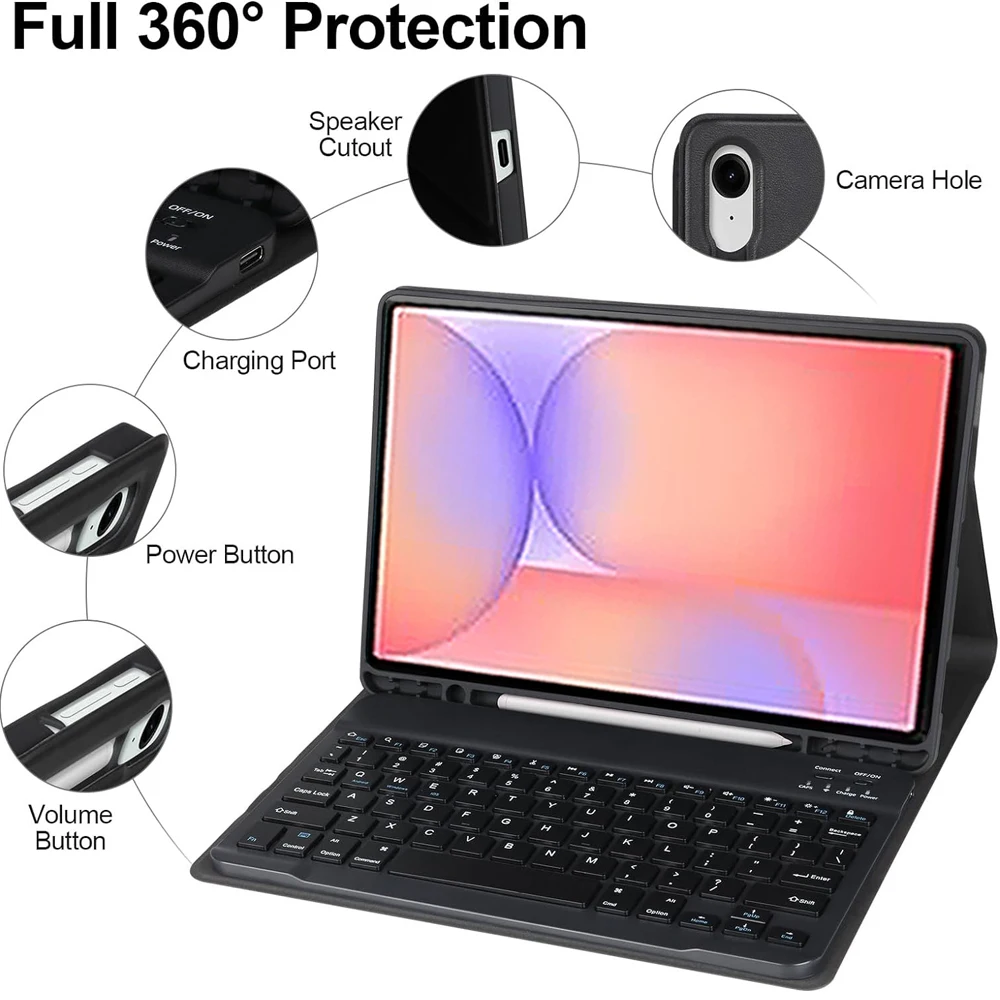
  • Robust Protection: Made from durable materials, this case offers comprehensive protection against scratches, bumps, and minor drops, keeping your tablet looking brand new.
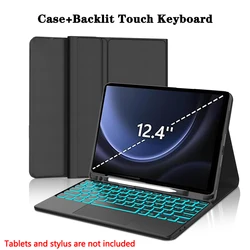
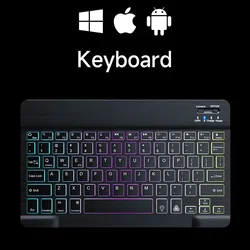
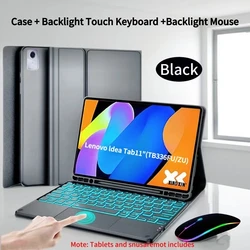
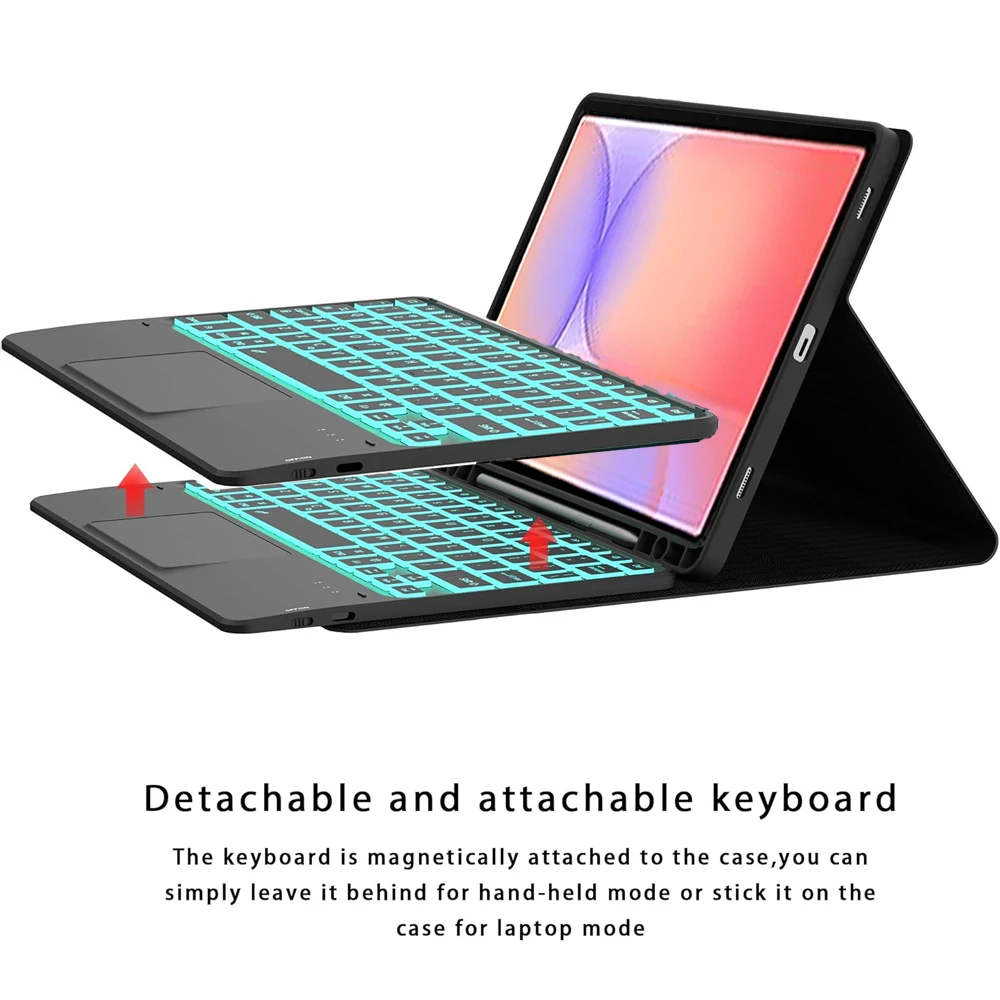
  • Integrated Keyboard: The built-in Bluetooth keyboard allows for seamless typing, making it ideal for note-taking, writing emails, or working on presentations.
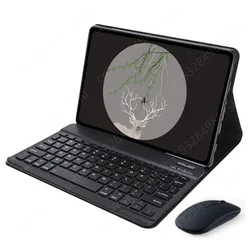
  • Easy Connectivity: Pair the keyboard and mouse effortlessly via Bluetooth, ensuring a smooth, wireless experience. Detailed instructions are provided for easy setup.
  • Sleek Design: With a premium finish, this case enhances the elegance of your tablet while maintaining a lightweight and portable form factor, perfect for on-the-go use.

💥 How to Connect Your Keyboard and Mouse:

🔵 Connecting your keyboard and mouse is simple. Begin with the mouse: Switch it to "Bluetooth" mode and locate it in your device's Bluetooth settings. Then, turn on the keyboard, press "Connect," and pair it with your tablet. For the touchpad keyboard, open it and press Fn+C before searching in Bluetooth settings.

🔵 Guidelines for Bluetooth Setup:

  • Initial Connections: When connecting your mouse for the first time, ensure you press and hold the left button, right button, and scroll wheel simultaneously for 3-5 seconds.
  • Switching Systems: Easily alternate between Android, Windows, and iOS by using the designated function key combinations: Fn+Q for Android, Fn+W for Windows, and Fn+E for iOS. Remember to switch systems before connecting your tablet.

🔘 Keyboard Input Configuration: For different language settings, you can configure the input method through your Samsung tablet by navigating to "Settings" -> "System" -> "Language & input" -> "Add New Keyboard." For other operating systems, please follow the respective guidelines.

🧩 Additional Notes: Each digital tablet and stylus are sold separately; this description is for informational purposes, and actual product colors may vary. For best usage, kindly follow the provided instructions for optimal device compatibility and functionality.

$48.99 In Stock
Quantity:
Colour: Light Green 4 Size: English
Compatible with English

FREE DELIVERY
Delivery Thursday, 1st October - Saturday, 3rd October

$7.00 On time delivery guarantee

If this item arrives after the delivery date given at checkout, you will be emailed a $7.00 credit voucher to use on your next order

Why choose SDTEK?
Over 2 million customers since 2013
4.4 Google Shopping Rating
Great Trustpilot Rating
Fast delivery worldwide
14 Day, easy returns
24 Hour customer services
Buying for your business?
Bulk discounts available on this product
See our quantity discounts and business pricing

Other cases for English

View all English cases >>