Phone Cases
Chargers and Cables
Gaming
Gadgets
Tablet and iPad Cases
Your Account
Language
Business
Phone Data
Contact Us
4.4 Google Shopping Rating Over 2 million customers since 2013 $3.99 Worldwide Delivery Free delivery order over $30+

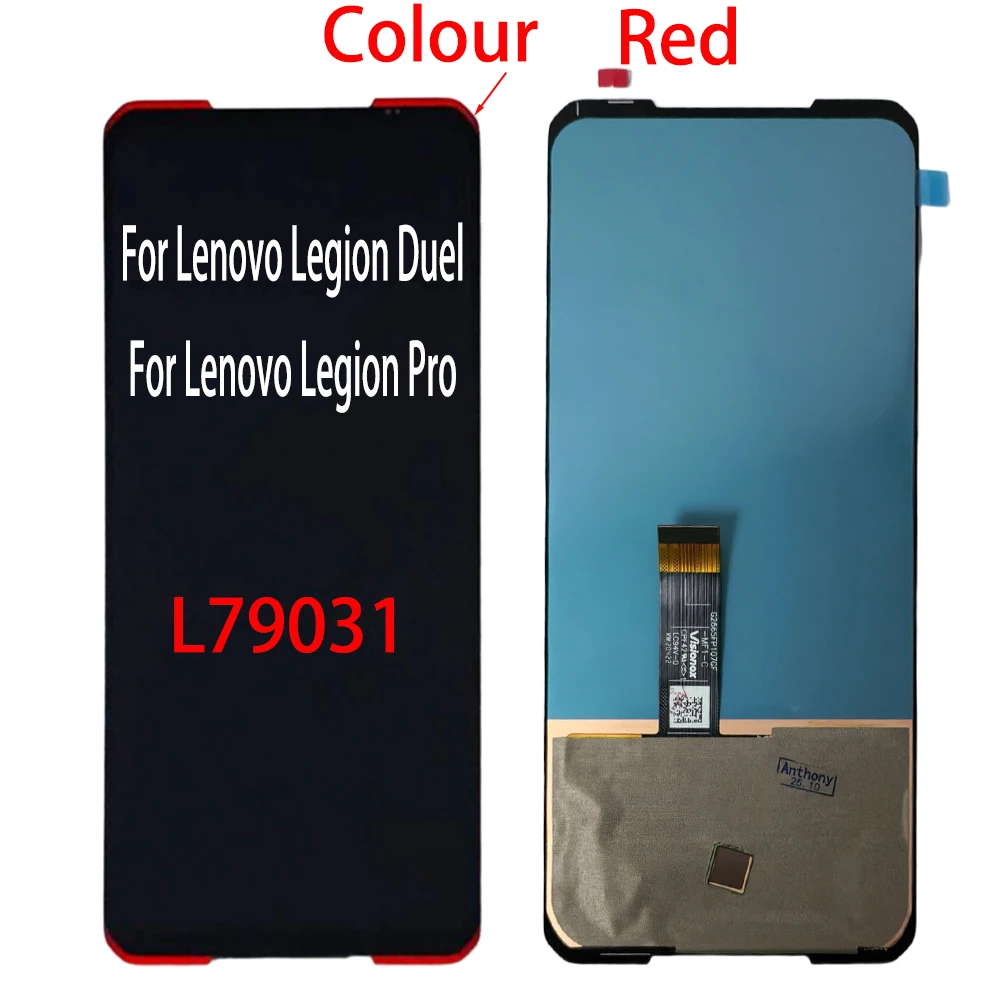
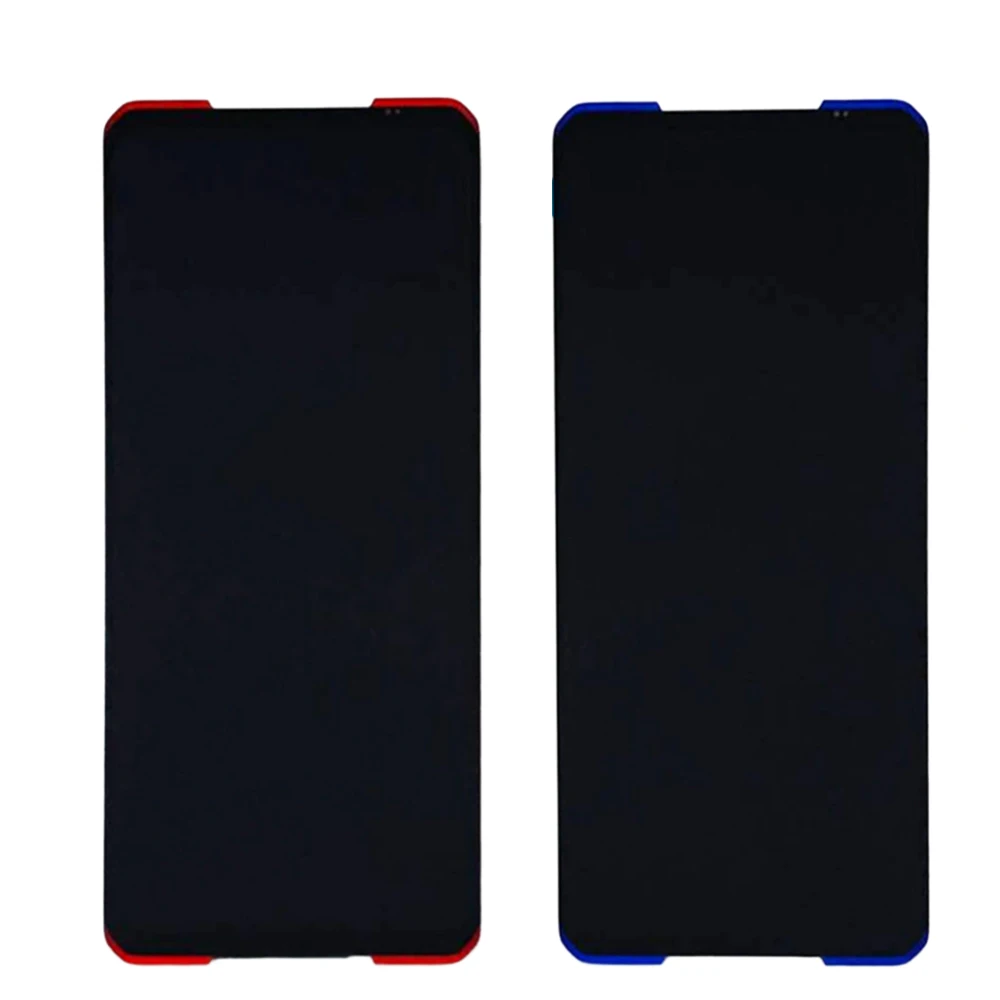
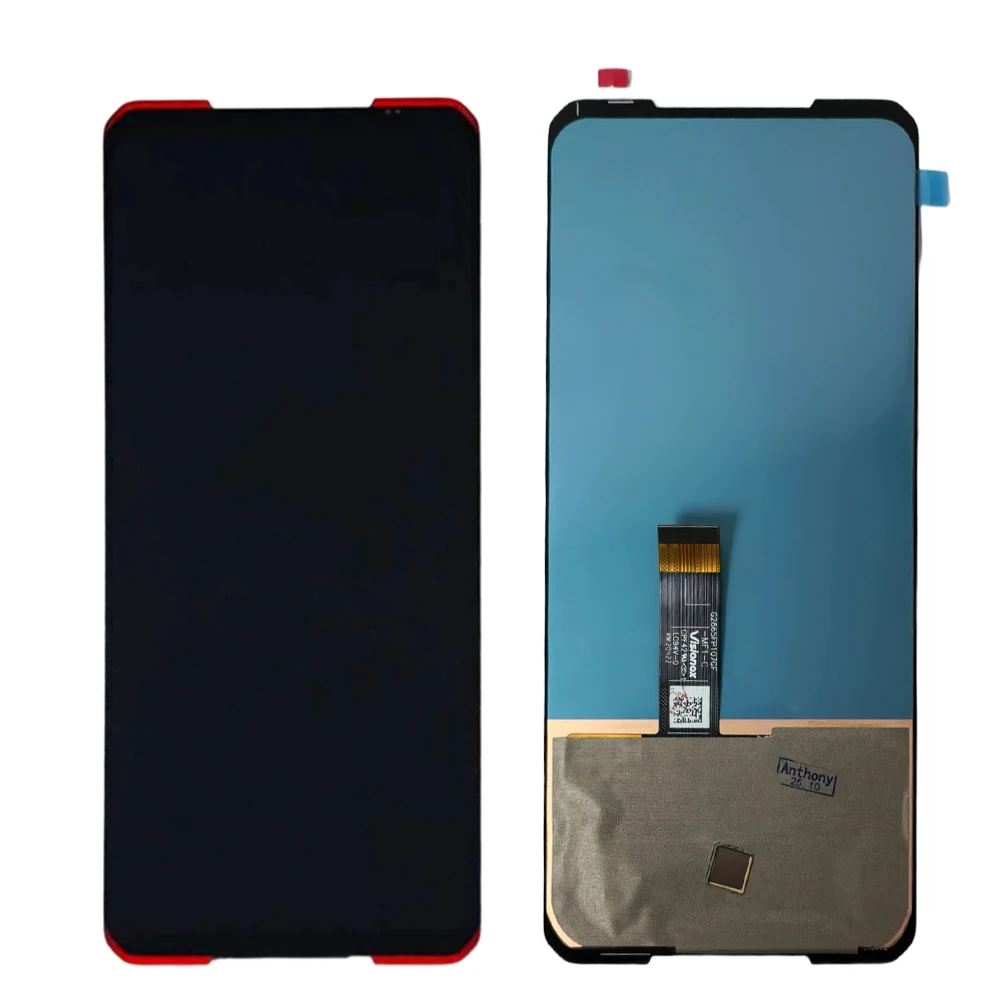
Original AMOLED LCD Touch Screen Digitizer Assembly for Lenovo Legion Pro Series (Dual L79031 Red)

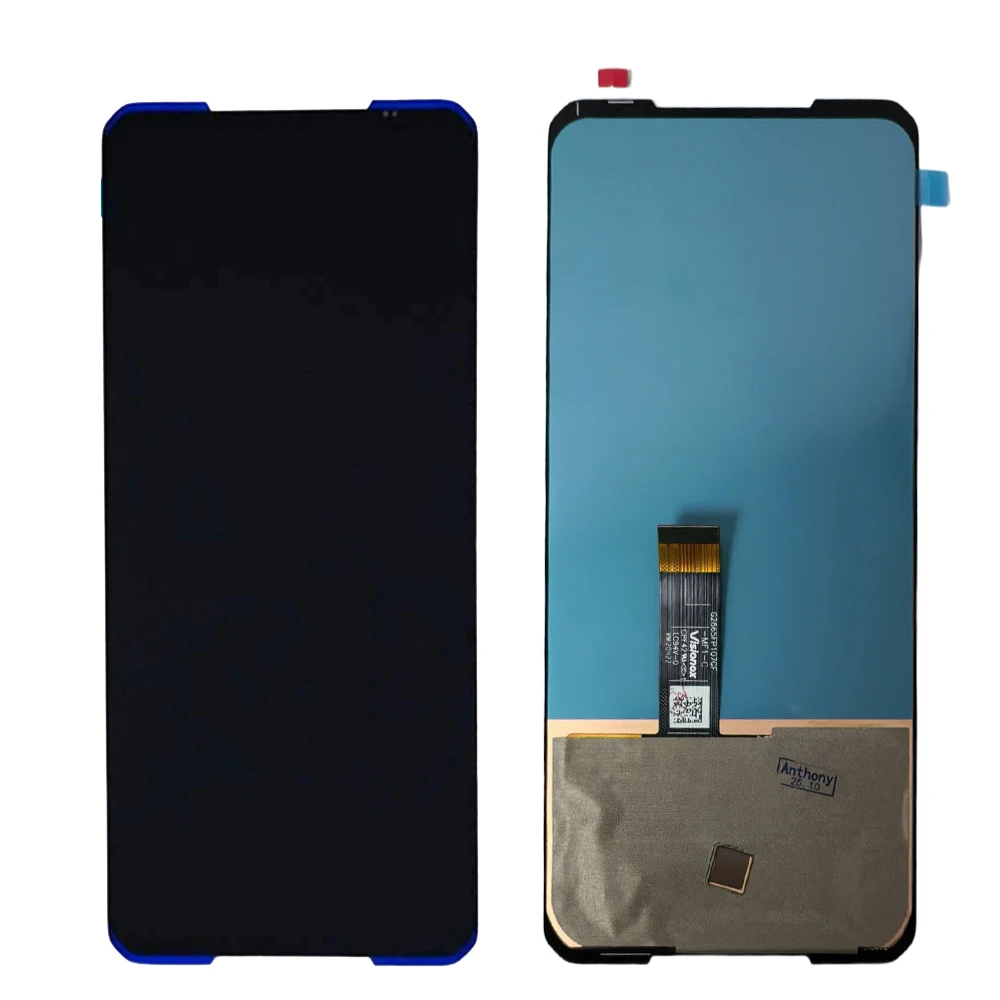
Original AMOLED LCD Touch Screen Digitizer Assembly for Lenovo Legion Pro Series
Colour: Dual L79031 Red
2Pro L70081 Black Dual 2 L70081 Black Dual L79031 Blue Dual L79031 Red Pro L79031 Blue Pro L79031 Red

💎 Premium AMOLED Display Replacement for Lenovo Legion Pro/Legion 2 Pro L70081

💍 Upgrade your gaming experience with our high-quality AMOLED Touch Screen Digitizer Assembly, designed specifically for the Lenovo Legion Series, including the Legion Duel and Duel2 (L79031). This display offers vibrant colors, deep contrasts, and responsive touch functionality, ensuring every gaming session is visually stunning.

🔧 Key Features:

  • Compatible with Lenovo Legion Pro, Legion 2 Pro, Legion Duel, and Duel2 models.
  • 100% thoroughly tested for quality assurance before shipping—guaranteeing it arrives in perfect condition.
  • Includes essential tools for installation, making it easier than ever to replace your screen.
  • Designed with a robust frame that is not only easy to install but also resistant to damage, providing peace of mind during replacement.

🧱 Installation Guidelines:

🧩 Upon receiving your new screen, please refrain from immediate installation. Conduct a test first to ensure the display is functioning correctly:

  1. Carefully open the back cover and detach the battery.
  2. Connect the screen to the motherboard, ensuring the connectors align properly.
  3. Reconnect the battery and power on the device to check for any display issues.

💍 Testing the screen before full installation is essential, as any damage that occurs during the installation process may not be covered by warranty. Whether you are a novice or an experienced technician, we highly recommend verifying the screen's performance before completing the installation. If the display does not light up or shows any abnormalities (e.g., flickering, lines), please refrain from forcing it and consult professional help.

Installation Expertise:

🌿 Ensure you have sufficient expertise before attempting installation. We recommend watching instructional videos online to familiarize yourself with the process. Proper handling techniques are critical to ensure that your new display maintains its top-notch quality for extended use.

This item is currently not available in your country
Delivery Thursday, 15th October - Saturday, 17th October
$7.00 On time delivery guarantee

If this item arrives after the delivery date given at checkout, you will be emailed a $7.00 credit voucher to use on your next order
Why choose SDTEK?
Over 2 million customers since 2013
4.4 Google Shopping Rating
Great Trustpilot Rating
Fast delivery worldwide
14 Day, easy returns
24 Hour customer services
Buying for your business?
Bulk discounts available on this product
See our quantity discounts and business pricing

Related items