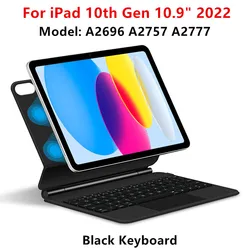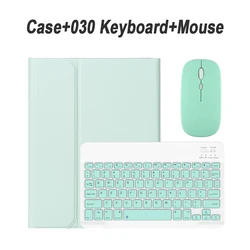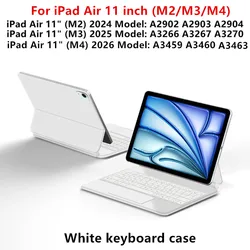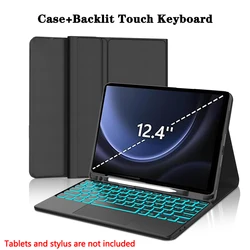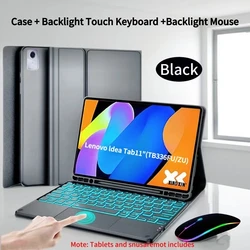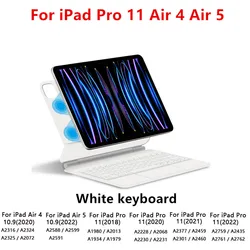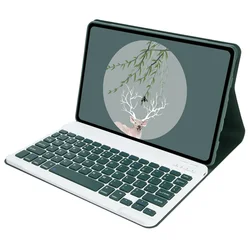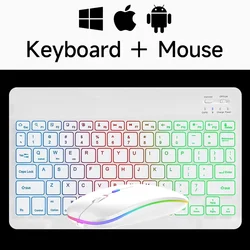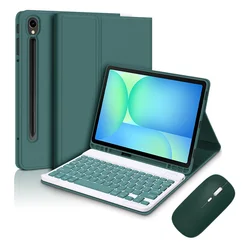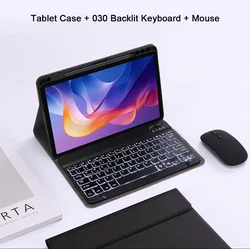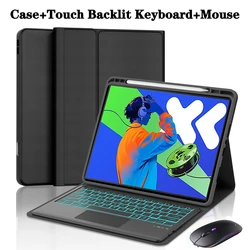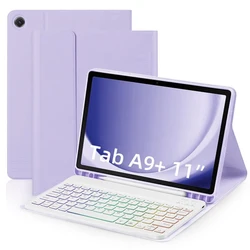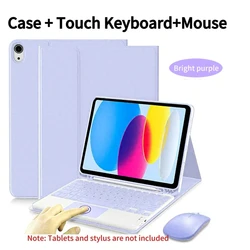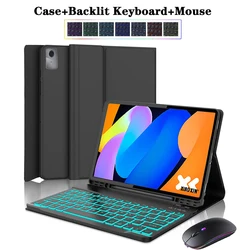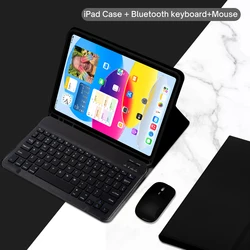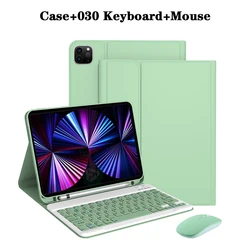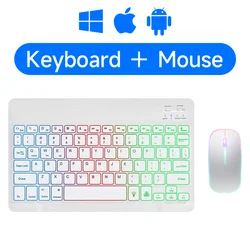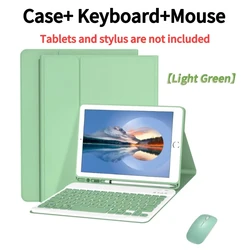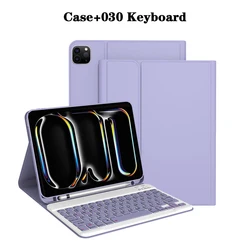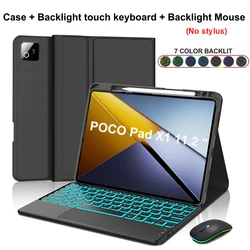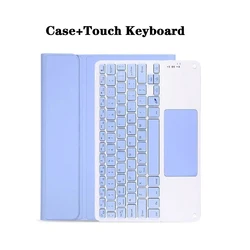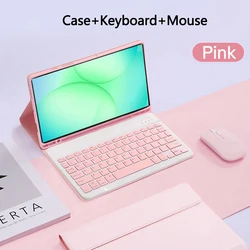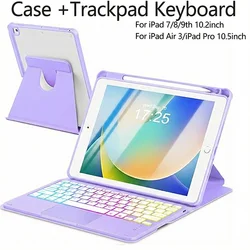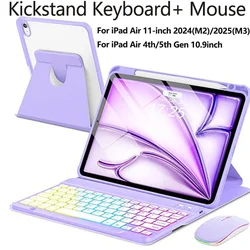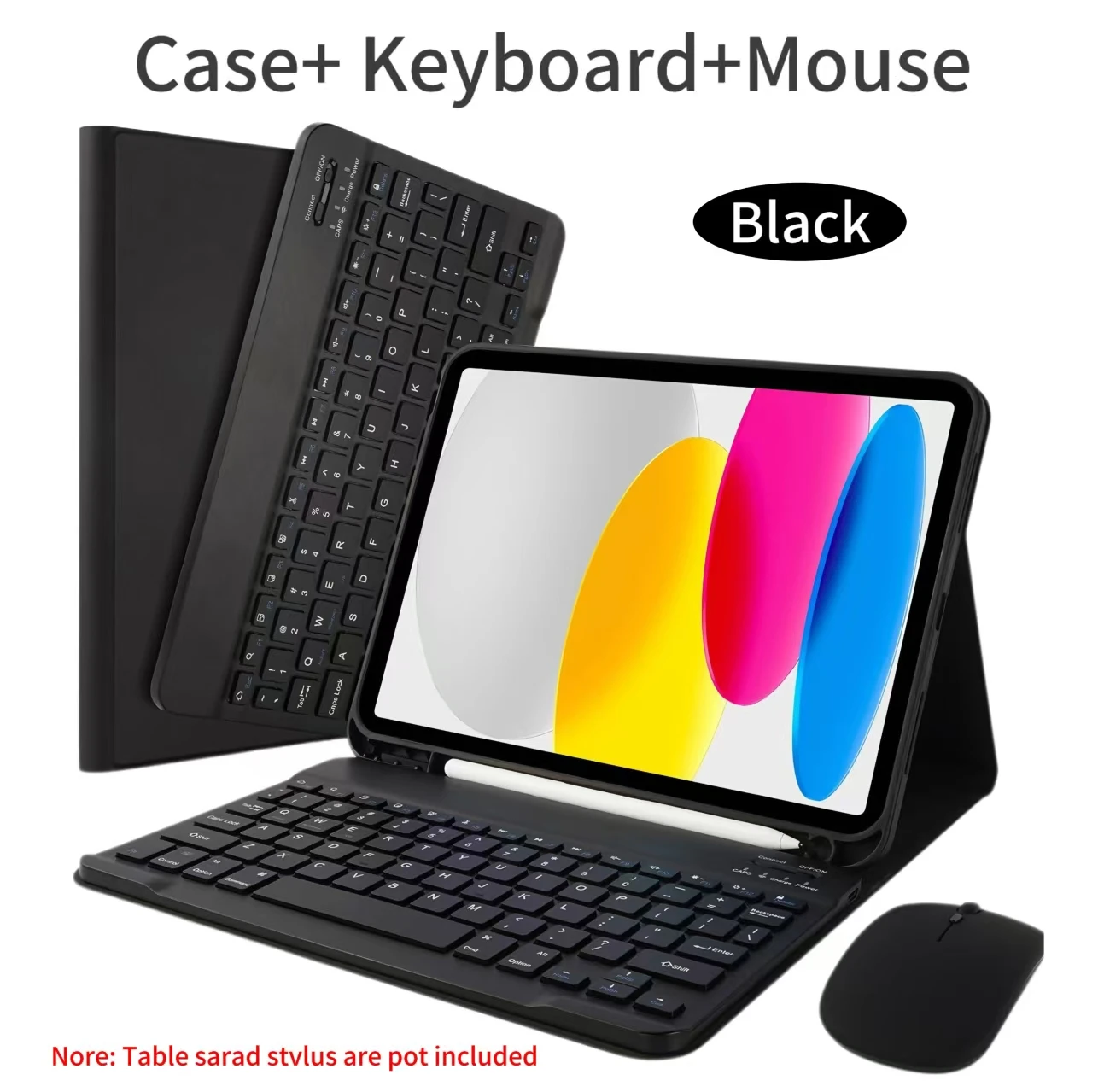
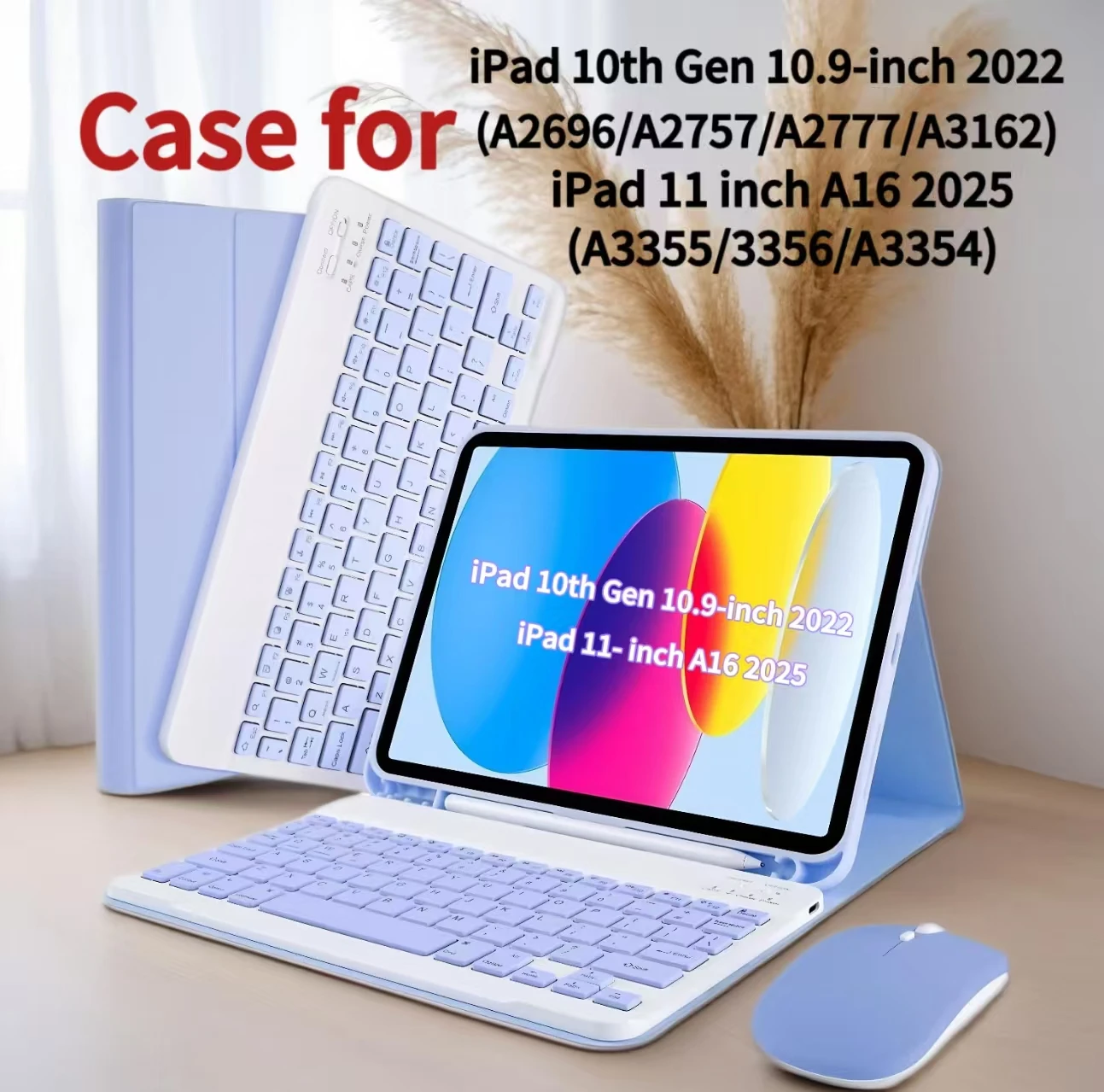
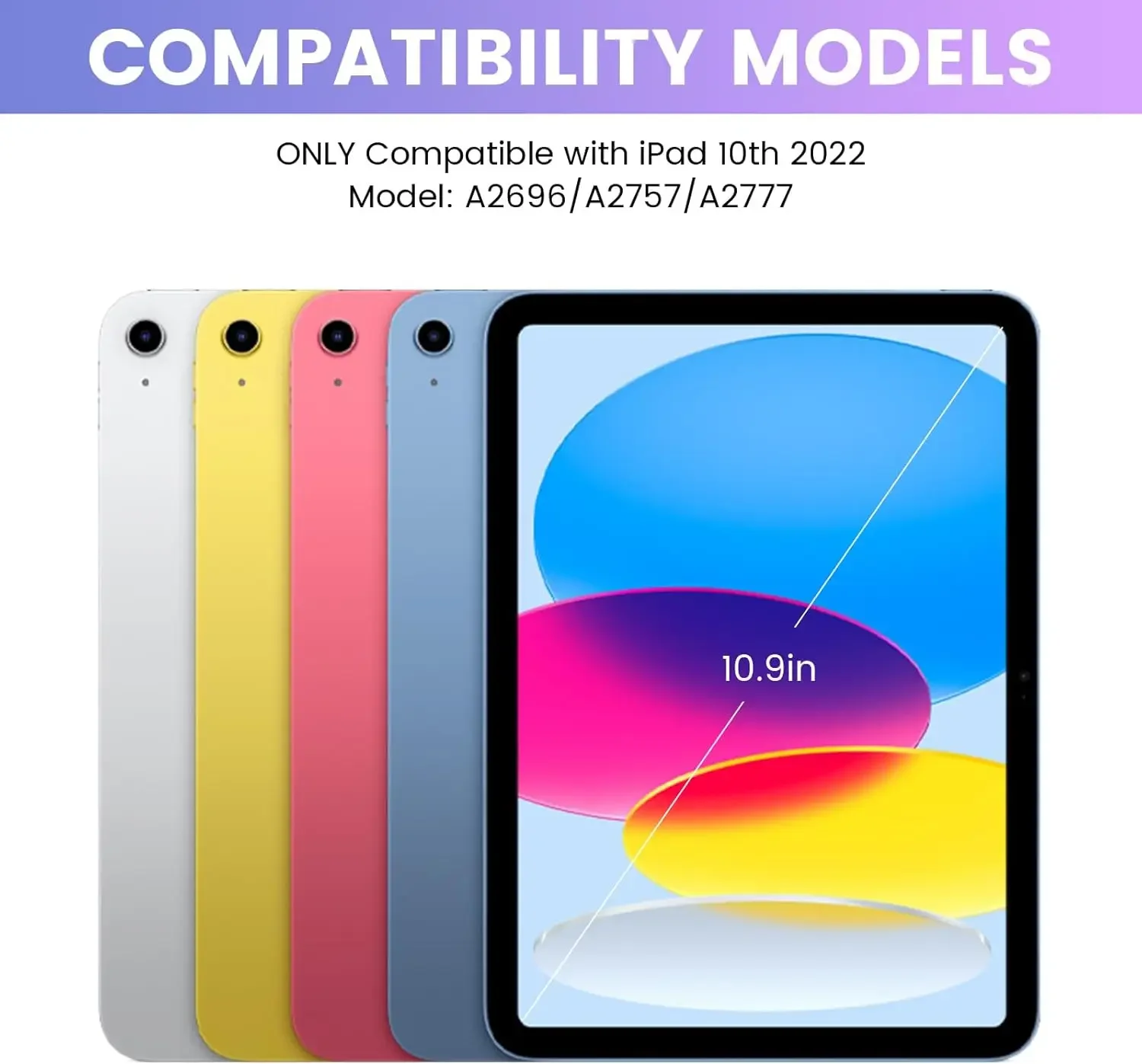
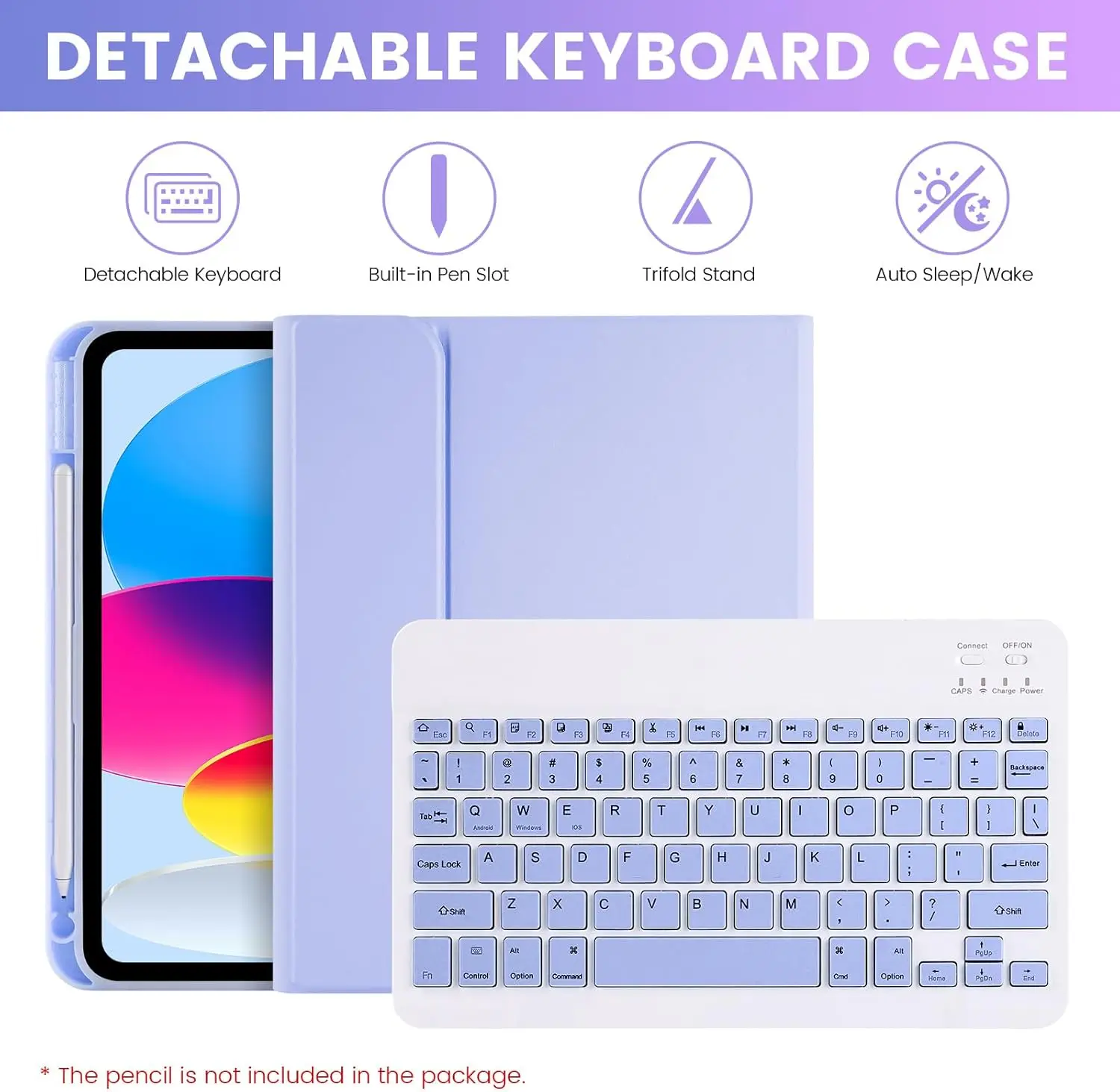
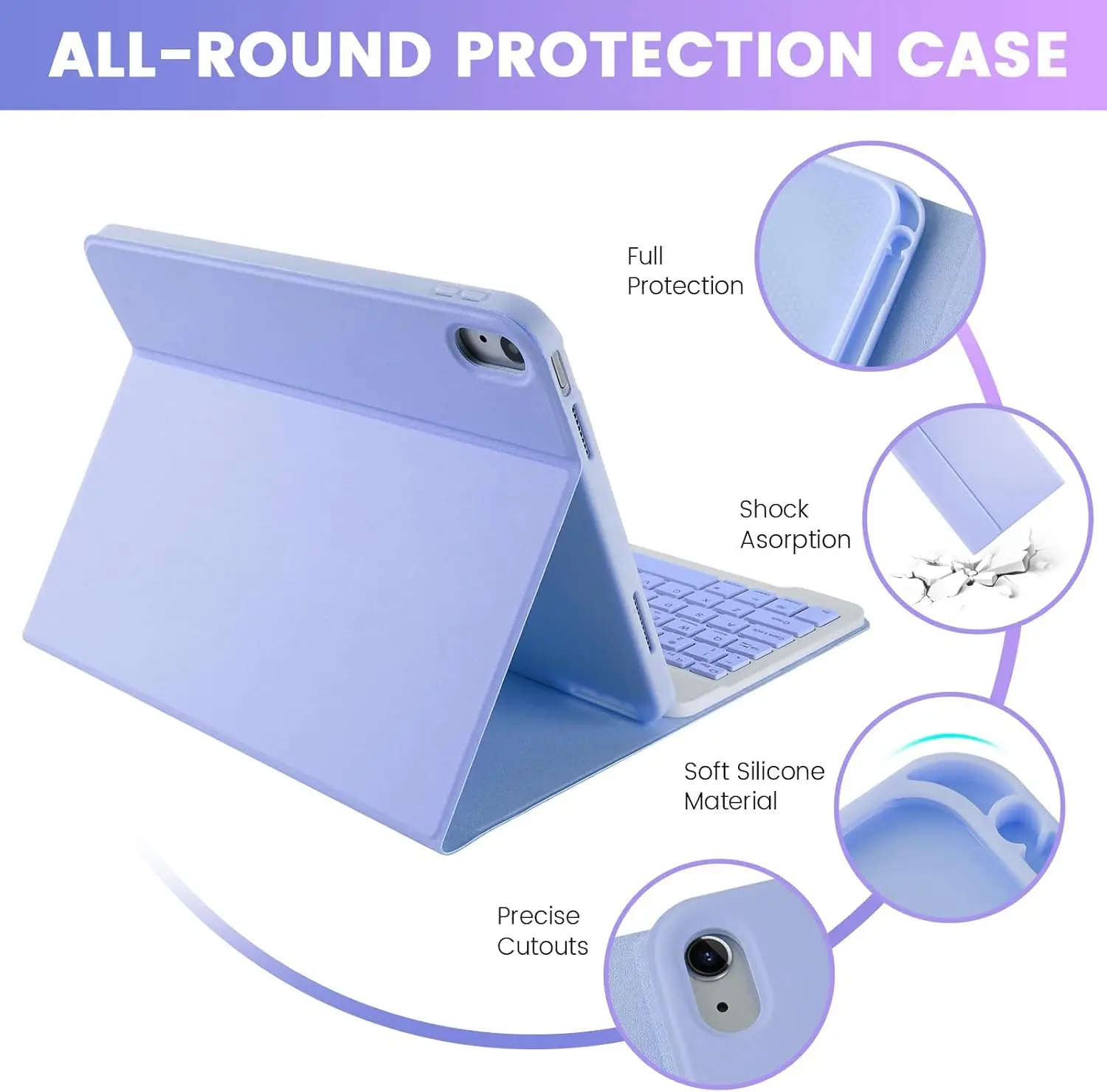
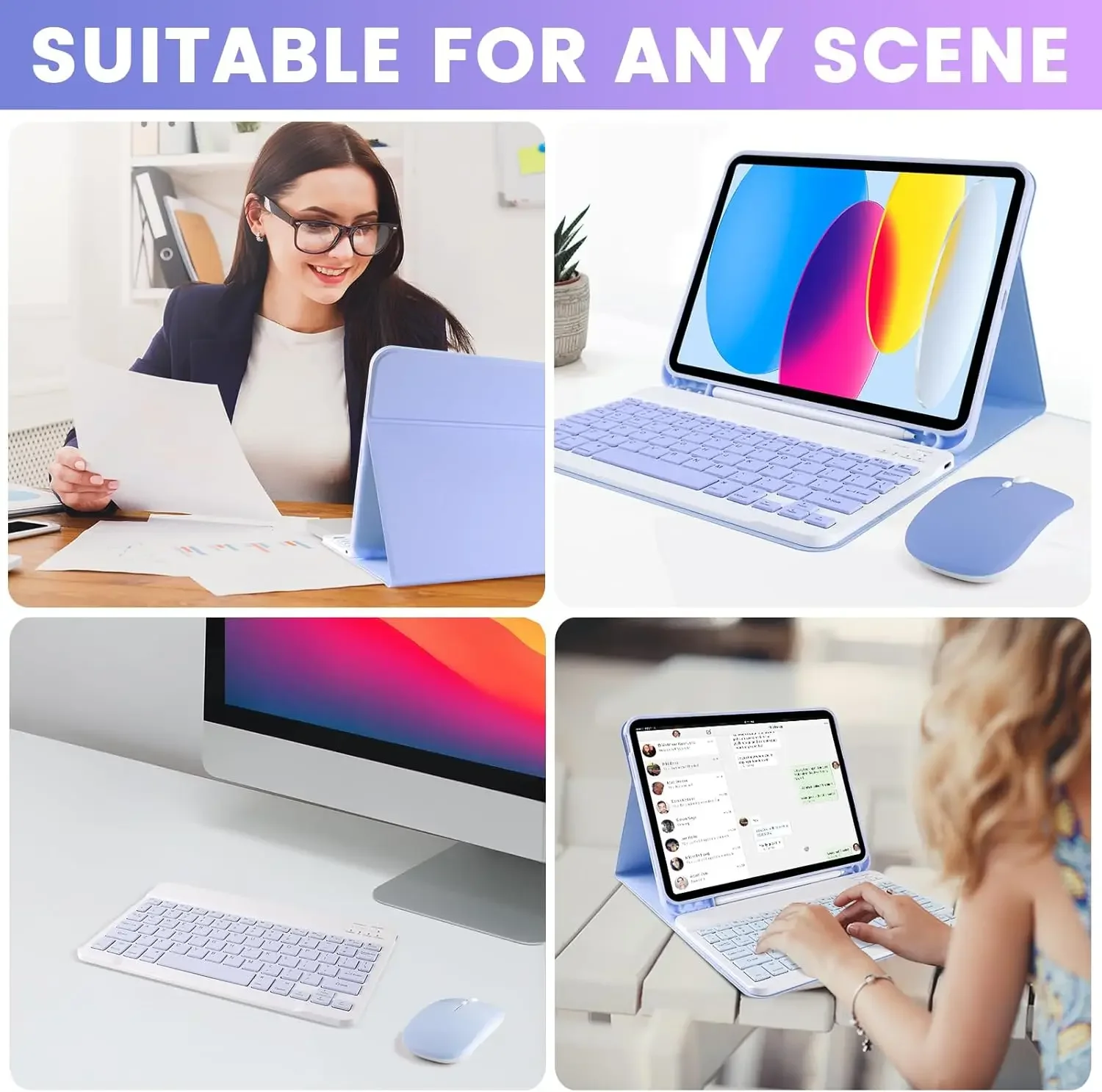
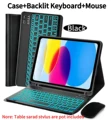
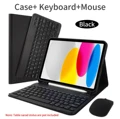
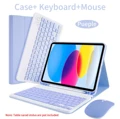
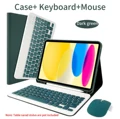
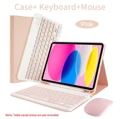
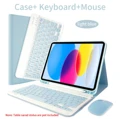
🧩 Introducing the Perfect Companion for Your iPad: Enhance your iPad experience with our versatile and stylish case, expertly designed for the iPad A16 11 Inch (2025 models A3355/A3356/A3354) and iPad 10th Generation 10.9 Inch (2022 models A2696/A2757/A2777/A3162). This thoughtfully crafted case merges functionality with protection, ensuring your device stays safe while providing seamless usability.
🧩 Custom Keyboard Cover: Our case features a removable keyboard cover, allowing you to switch from tablet mode to laptop mode effortlessly. Ideal for students, professionals, and anyone on-the-go, the keyboard comes with an option for customizable engraving of the keyboard language according to your preference—simply confirm your choice upon purchase.
Specifications: Before buying, please ensure you verify the model of your iPad to ensure compatibility and select the appropriate keyboard language. We encourage you to check the basic product image for an accurate representation of color options available, as each design is crafted to complement your style.
📦 Please Note: The package does not include the tablet or stylus; the detailed descriptions provided are for reference only. For the most accurate depiction of the product's color and design, always refer to the actual product upon receipt.
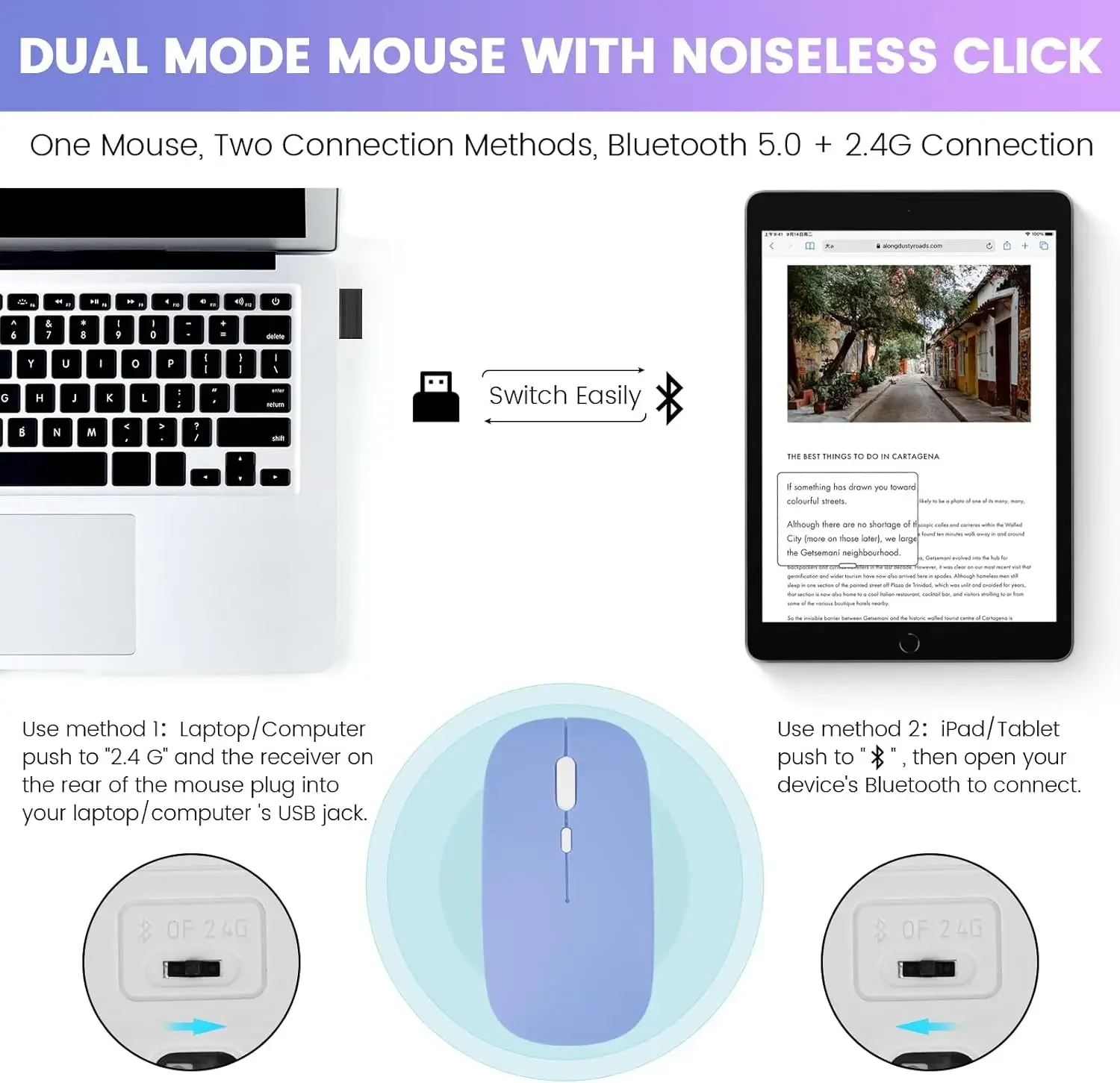
Connecting Your Keyboard and Mouse: A Simple Guide:
1. Start by connecting your mouse first, followed by the keyboard.
🔵 2. For a mouse connection, activate Bluetooth and locate "Mouse" from your device's Bluetooth list.
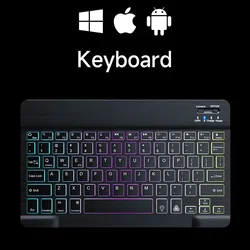
🔵 3. To connect a normal keyboard, switch it to "ON", press "Connect", and find "Keyboard" in your device’s Bluetooth options. For touchpad keyboards, turn on the keyboard and press Fn+C before connecting.
Frequently Asked Questions:
🔘 Q: How do I connect the mouse for the first time?
A: Press the left button, right button, and scroll wheel simultaneously for approximately 3-5 seconds to establish the connection.
🔵 Q: Is the scroll direction different between USB and Bluetooth connections?
A: Yes, when using USB, the scroll direction is standard; Bluetooth connections may have the opposite scroll experience.
🧰 Q: How can I switch between operating systems?
A: Use Fn+Q for Android, Fn+W for Windows, and Fn+E for iOS, making sure to adjust settings before connecting.
🔵 Q: What if the keyboard letters appear incorrectly?
A: Verify that your device's keyboard language is set correctly, disconnect and reconnect the Bluetooth, and reset the keyboard if necessary.
🧩 Elevate your iPad usage with our custom case and keyboard cover—where style meets functionality!
If this item arrives after the delivery date given at checkout, you will be emailed a $7.00 credit voucher to use on your next order