
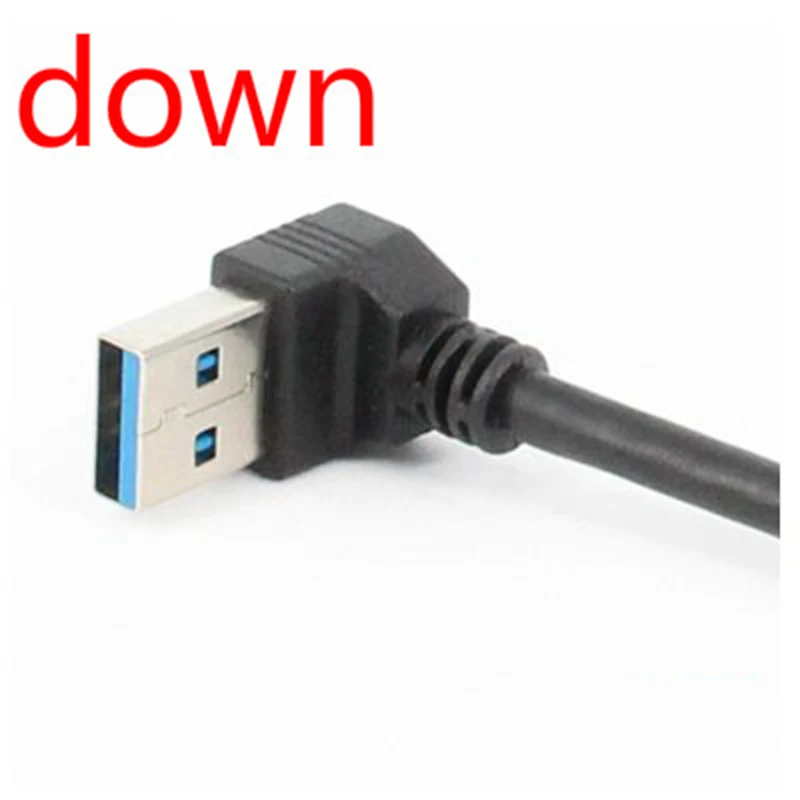
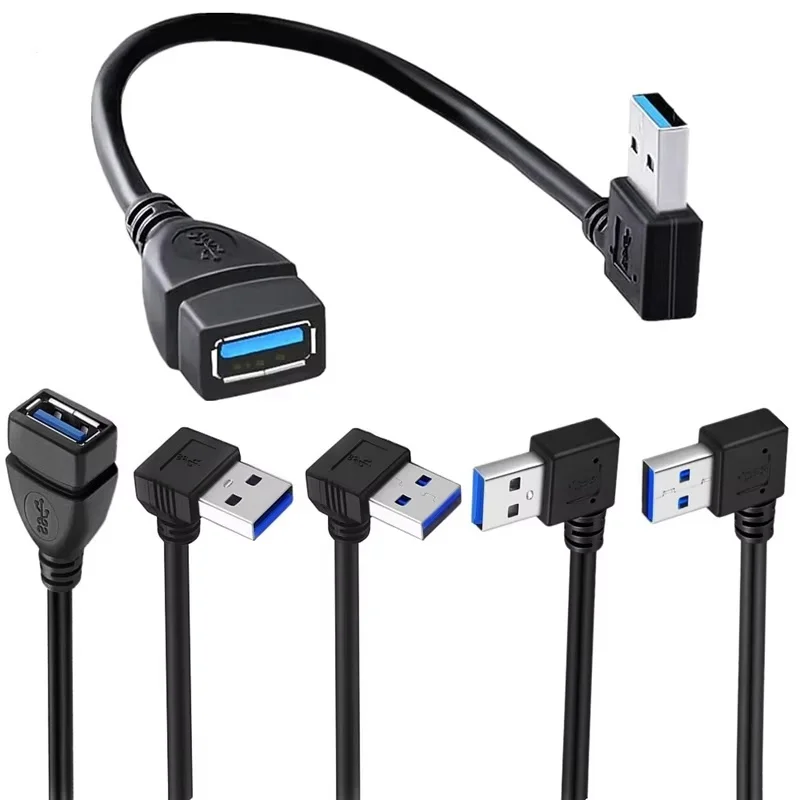
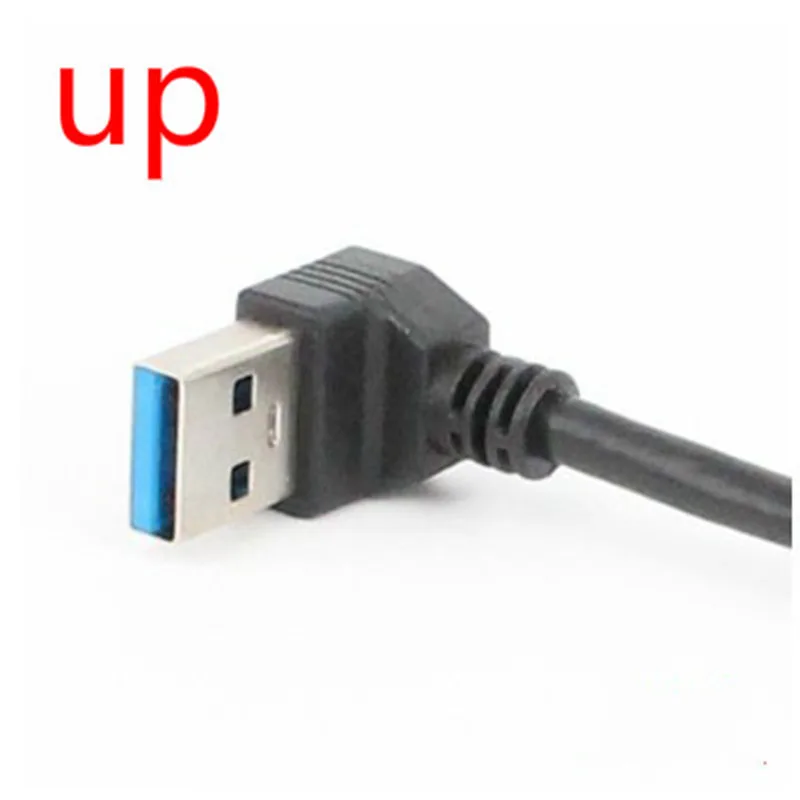
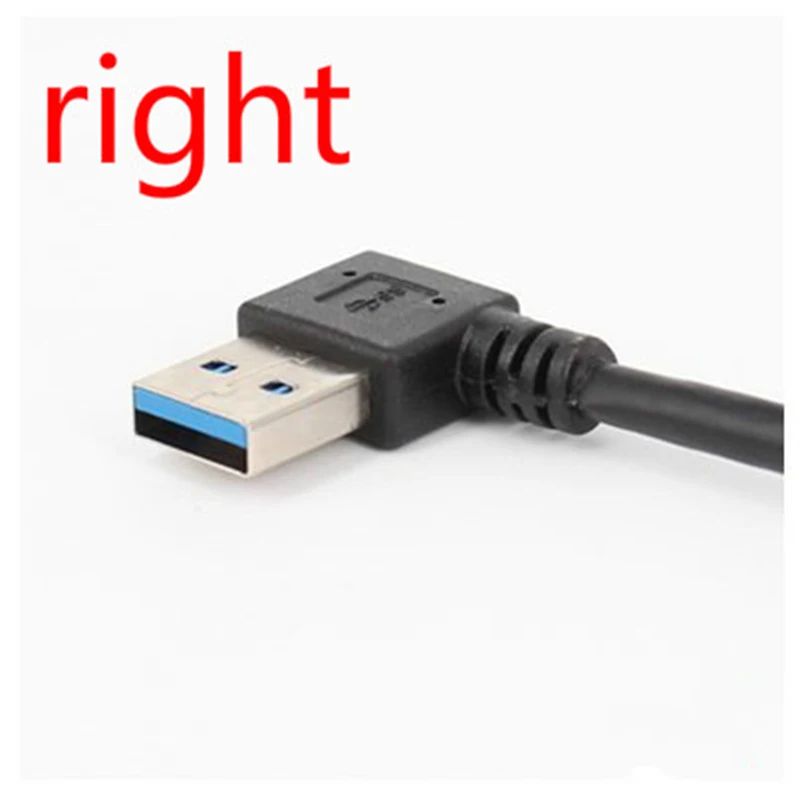
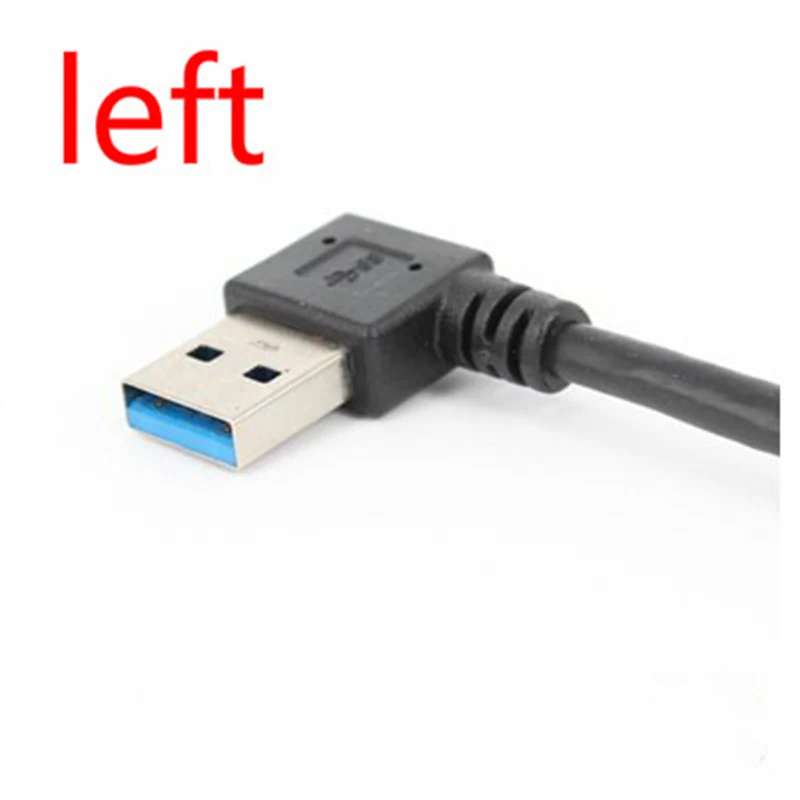
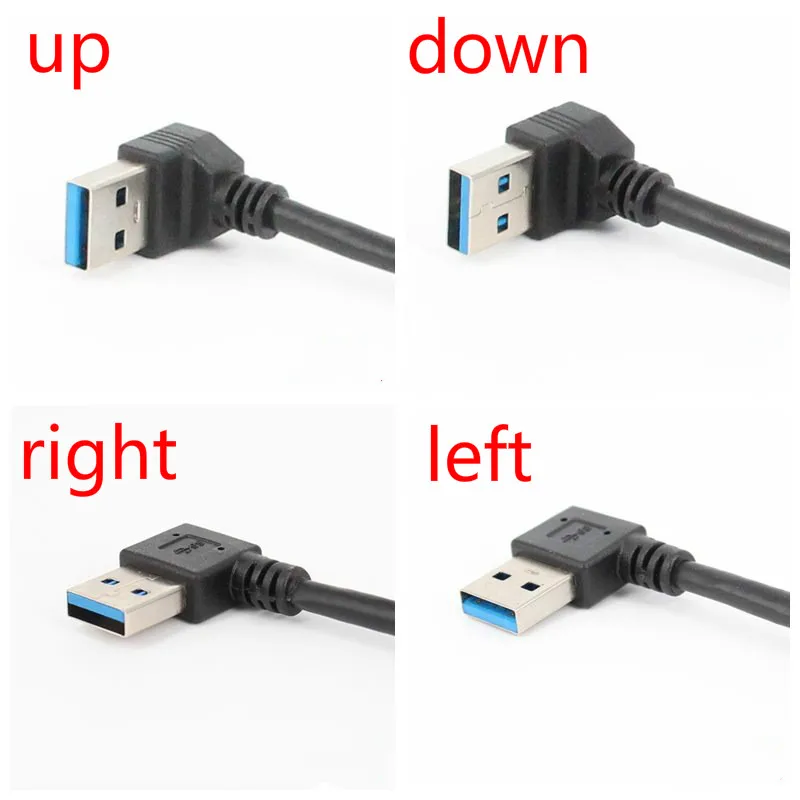
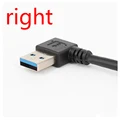
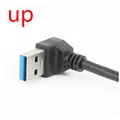
Introducing the USB 3.0 A Male to A Female Extension Cable with 90-Degree Angled Connectors
💍 This versatile and high-performance extension cable is designed to enhance your connectivity experience, featuring a USB 3.0 A Male to A Female configuration. It leverages the advanced USB 3.0 SuperSpeed technology, boasting impressive transfer rates of up to 5Gbps—ten times faster than traditional USB 2.0 options. This makes it an ideal choice for high-speed data transfer between your devices.
🏆 High-Quality Construction for Reliable Performance
💎 The cable is constructed with premium quality shielded materials that ensure durability and reliable transmission. The special connectors are engineered to deliver optimal performance, making this cable a genuine USB 3.0 extension suitable for high-speed equipment.
🌟 With polyethylene PVC internal insulation, this cable exhibits high fidelity during data transmission, while effectively minimizing signal interference. Its unique twisted pair construction significantly reduces cross talk, ensuring an error-free connection.
Enhanced Signal Integrity
💍 Featuring a conductor made from 28AWG bare copper wire, aluminum foil attachment, and a robust 48B aluminum magnesium braiding, this cable effectively reduces signal attenuation, delivering superior quality performance to your devices.
⚡ Design and Portability
🕊️ The outer cover is crafted from soft yet tensile black PVC, making the cable both lightweight and aesthetically pleasing, perfect for travel and everyday use. Its flexibility allows for easy management and organization, whether at home or on the go.
⚡ This extension cable is designed with convenience in mind, supporting hot-plug functionality and plug-and-play compatibility with a wide range of digital products and computer peripherals.
Specifications
⚡ Package Includes:
🔋 1 x Angled USB 3.0 Extension Sync Charging Data Transmission Cable
🧰 Note: Please allow for slight variations in measurements due to manual handling. The actual color of the item may differ from what appears on your display, depending on lighting and screen settings.